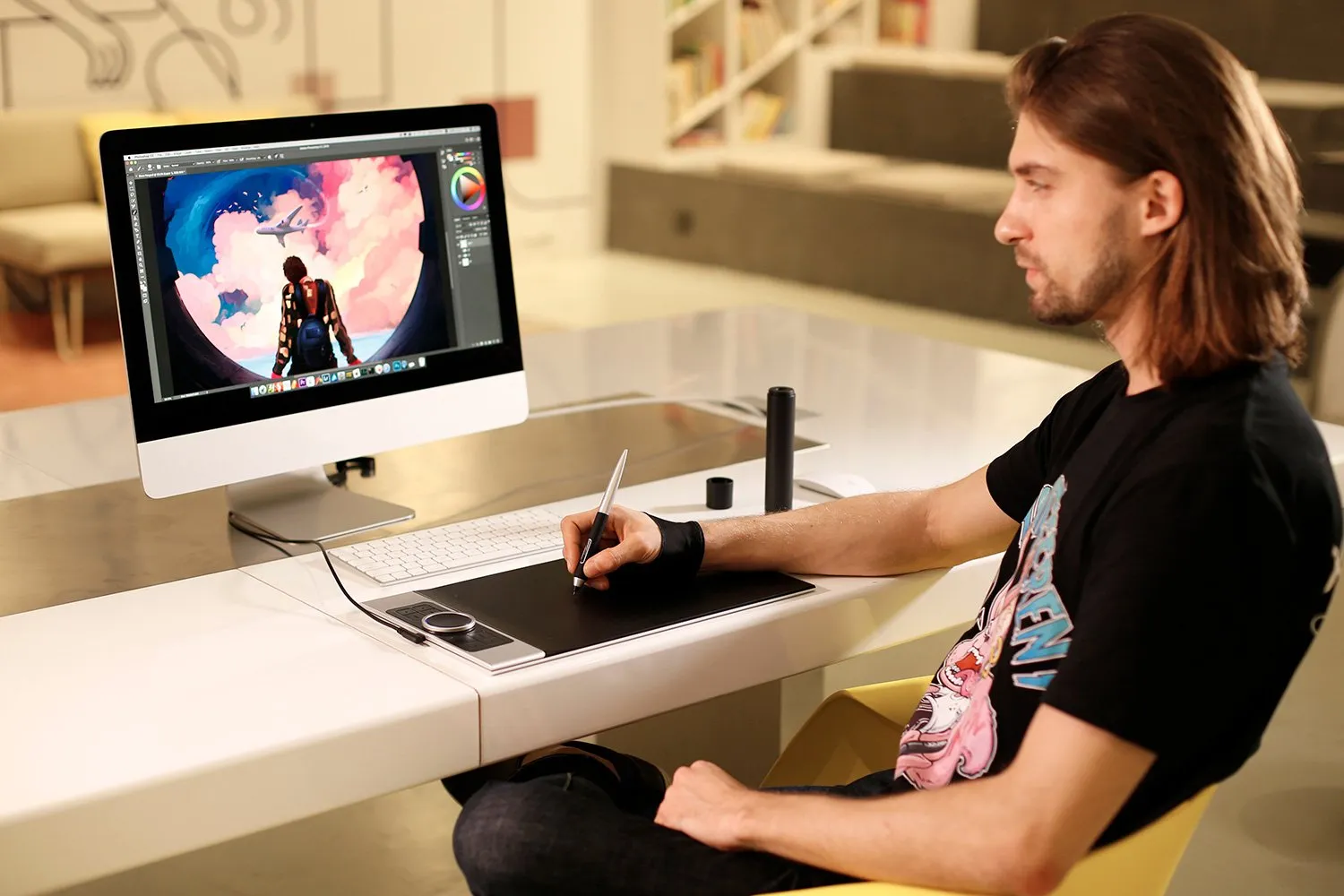

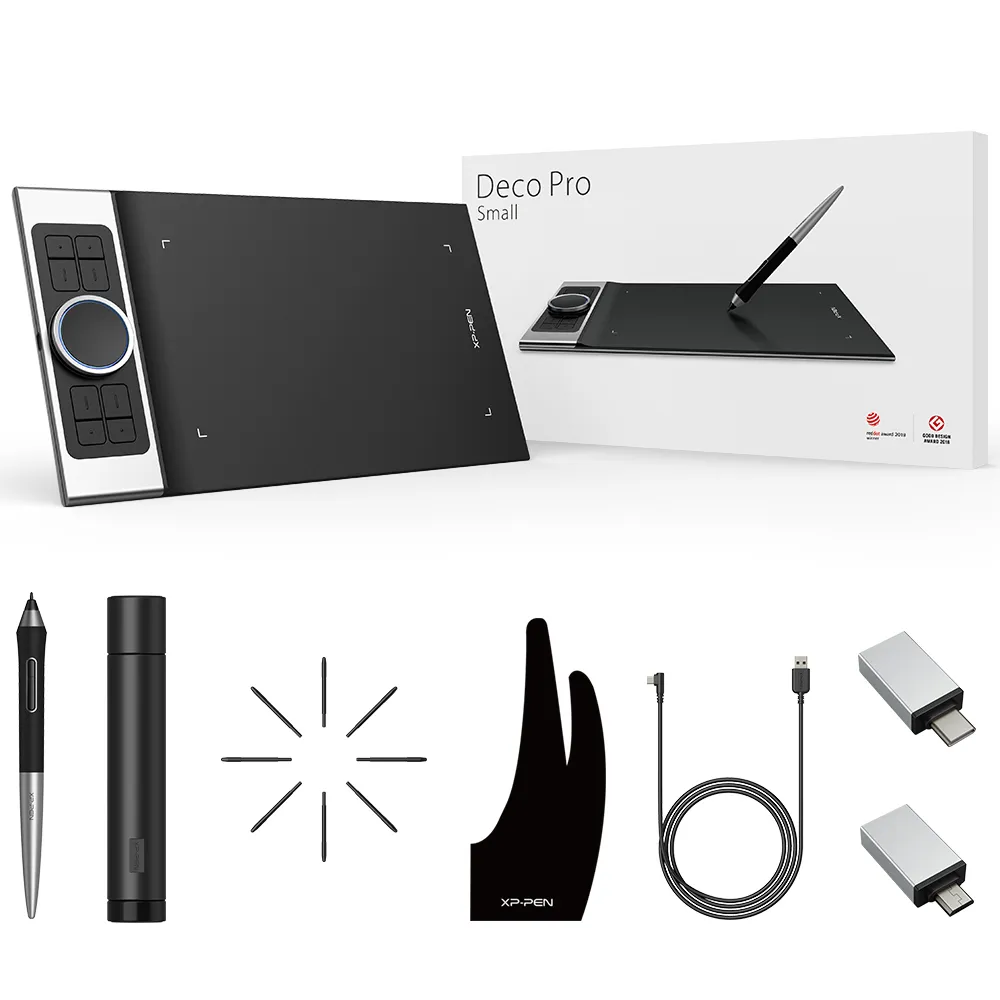
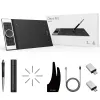
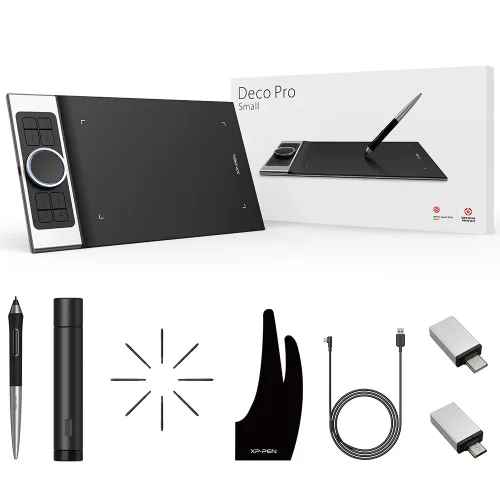
Deco Pro S / M

9x6 inch & 11x6 inch, 8 shortcut keys, Double Wheel

3,400,000₫

FREE DELIVERY

We offer free shipping

SECURE PAYMENT

Your payment information is processed securely

TECH SUPPORT

service@xp-pen.com

18-MONTH WARRANTY

18-month warranty only for official E-store

Size:
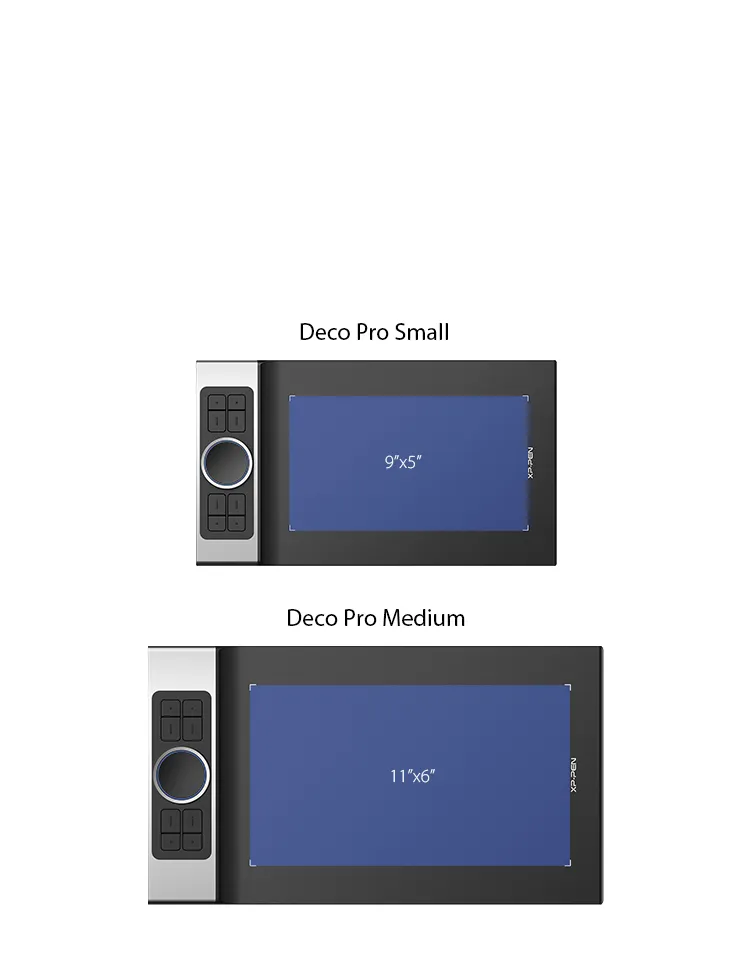
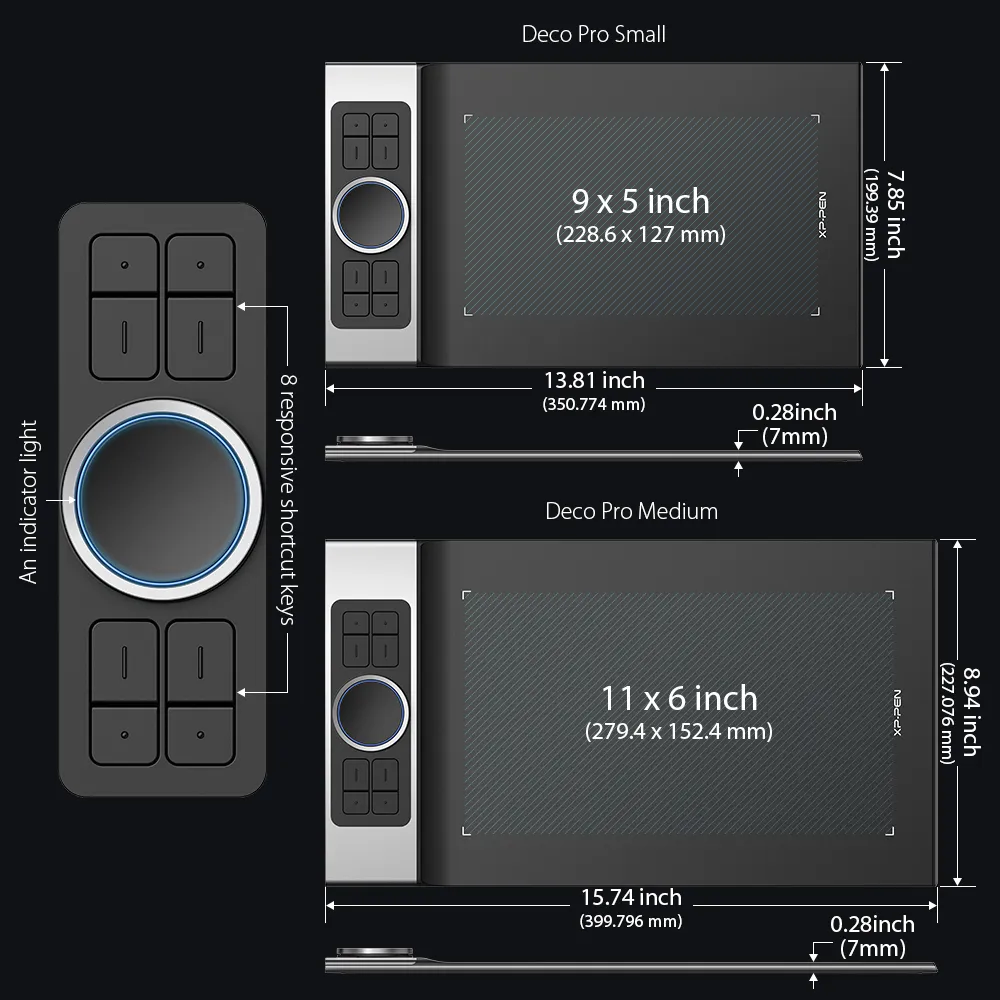
S: 9x5 inch
M: 11x6 inch

Phụ kiện tùy chọn

https://resource.xp-pen.com/Uploads/vn/goods/20220610/6e9c3848fc92cf6c8b2947d984462325_200_200.webp

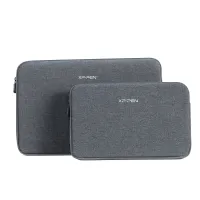
ACJ08/ACJ09 Sleeve Case

+350,000₫399,000₫

12% Off
https://resource.xp-pen.com/Uploads/vn/goods/20220610/fb269912032ca02d26562ad11baf40d8_200_200.webp

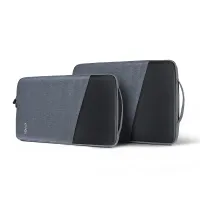
ACJ02/ACJ03 Sleeve Case

+400,000₫499,000₫

20% Off
https://resource.xp-pen.com/Uploads/vn/goods/20220107/c2f33d4e25f740a53f6256fb9220e49d_200_200.webp

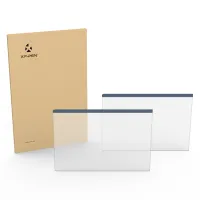
Protective Film for Drawing Tablet (2PCS)

+280,000₫339,000₫

17% Off
https://resource.xp-pen.com/Uploads/goods/20240329/nzpvWd24GpHdDV3KK7OP_200_200.webp

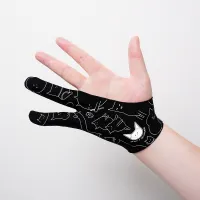
Drawing Glove

+50,000₫199,000₫

75% Off

Số lượng:

Payment icon 0Payment icon 1Payment icon 2Payment icon 3Payment icon 4
Ước tính:

Discover New Creative Worlds by use XP-Pen Deco Pro Android drawing tablet professional

Deco Pro Professional Series

Discover New Creative Worlds

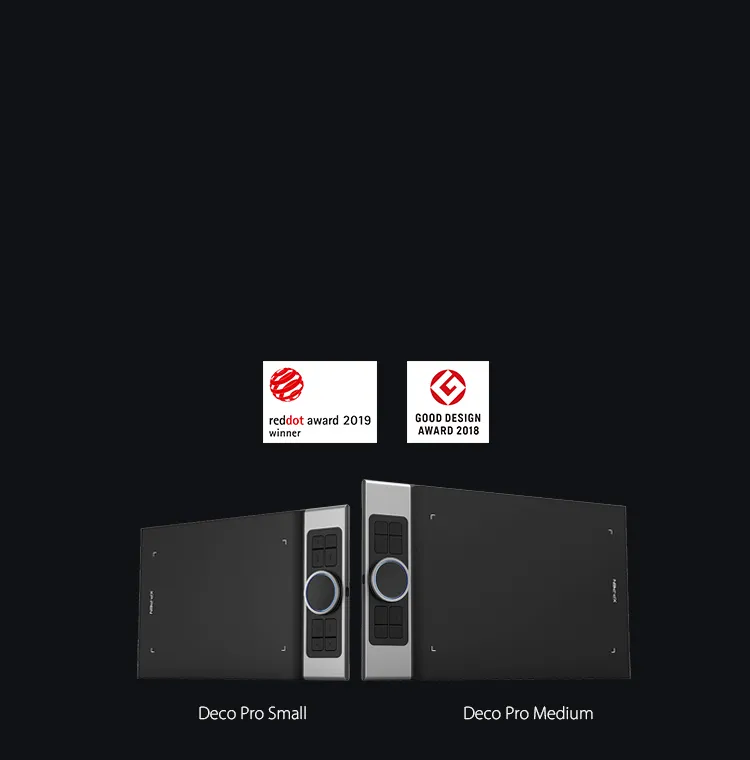
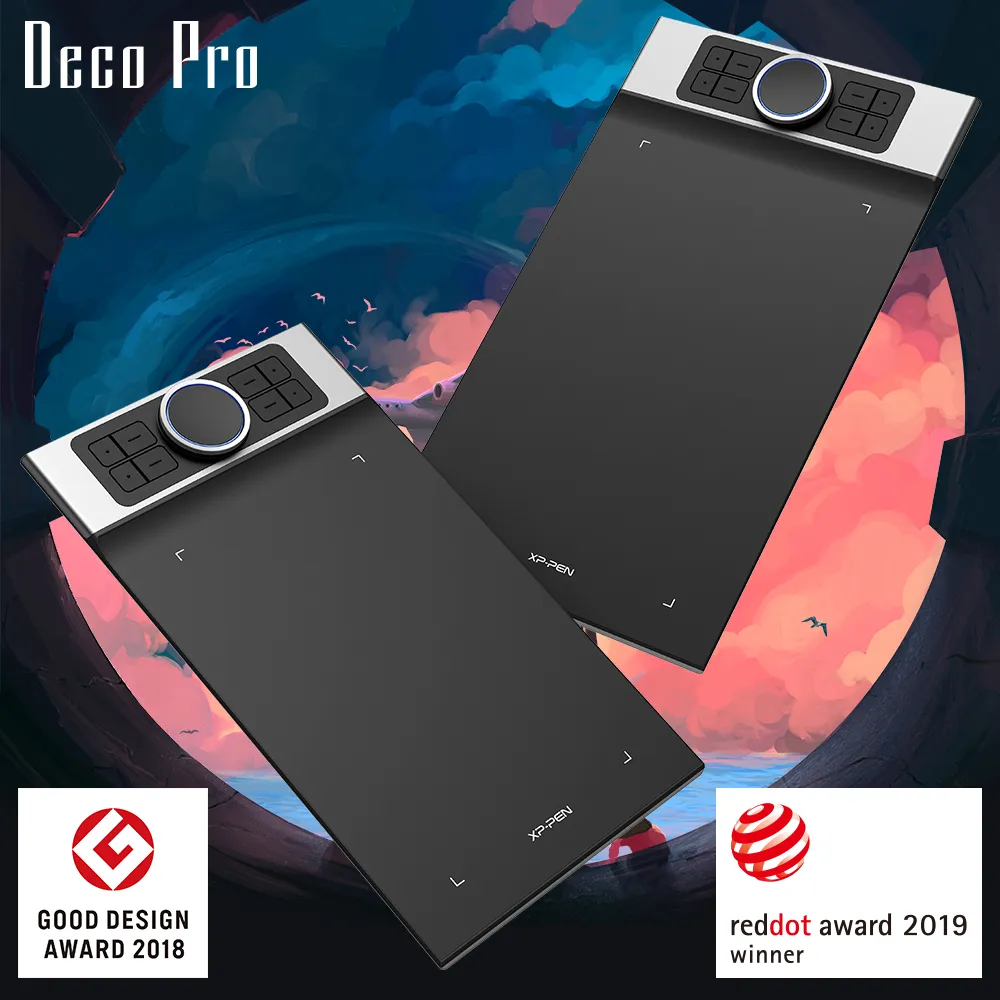
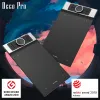
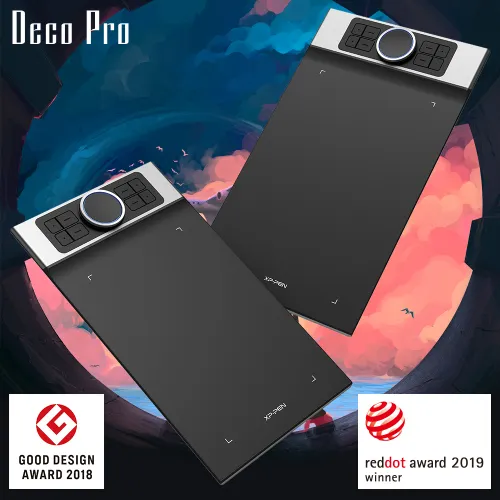
XP-Pen Deco Pro Android Drawing Tablet is the Winner of 2019 Red Dot Design Award and the 2018 Good Design Award

Professional Tablet, Professional Design Award Winner.

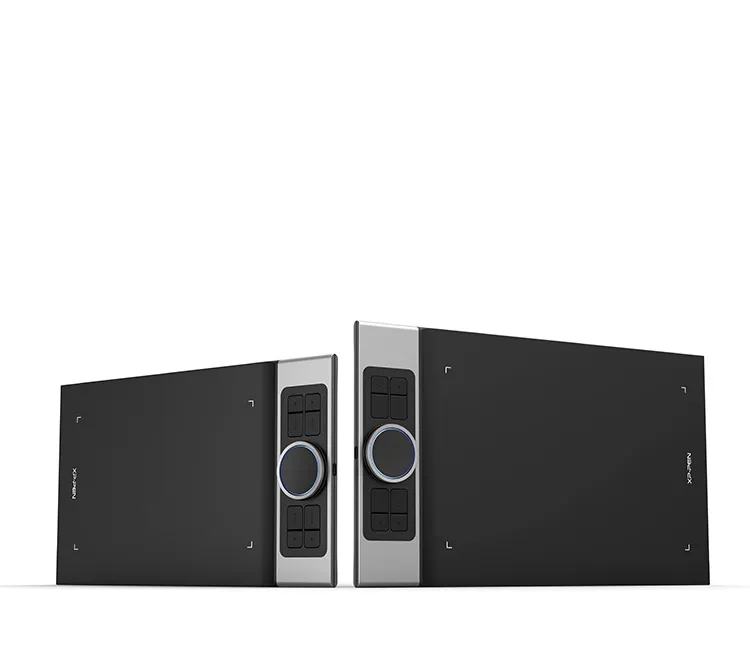
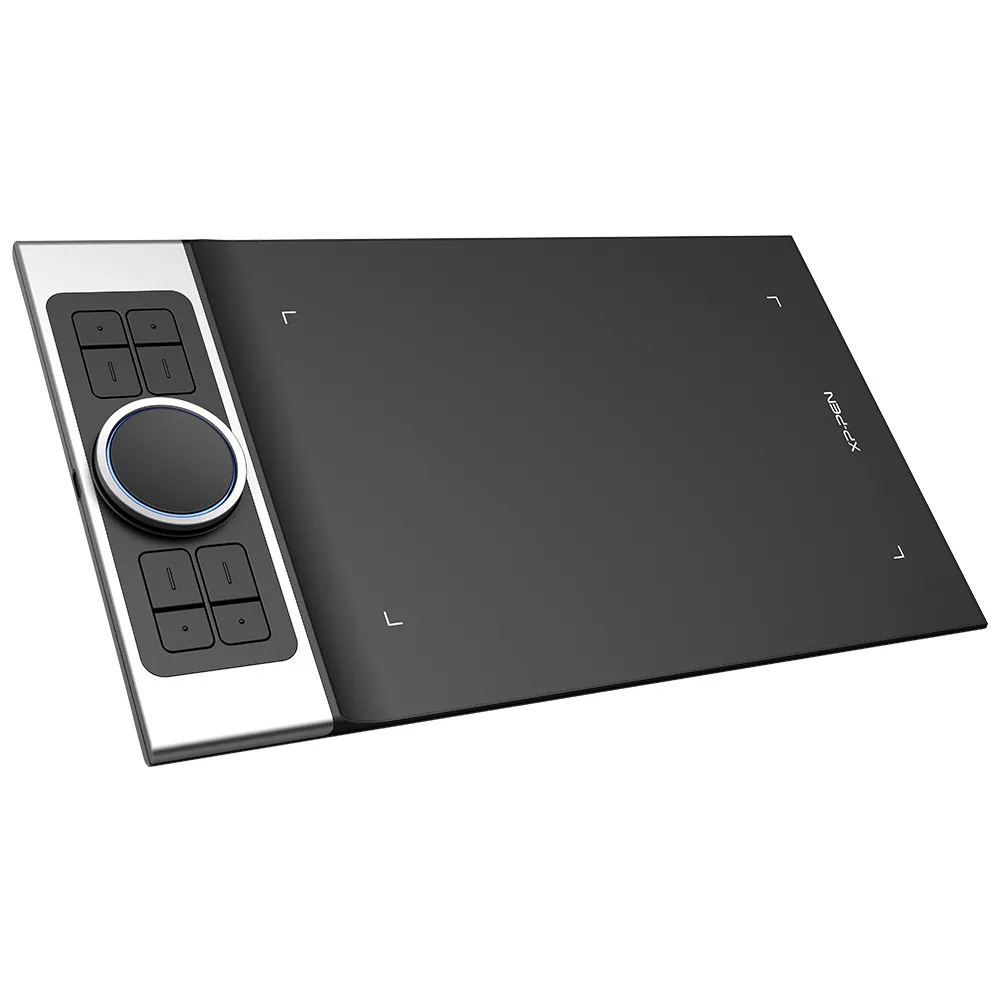
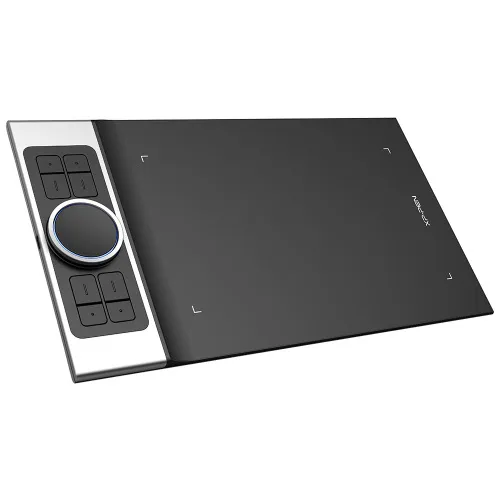
The XP-Pen Deco Pro Series is crafted with an aluminum casing and features a 7mm thin curved casing. The black and silver color scheme blends well into its streamlined design, making it both smooth to use and sleek in appearance. As such a professional designed tablet, Deco Pro has been awarded as the 2019 Red Dot Design Award Winner and the 2018 Good Design Award Winner!

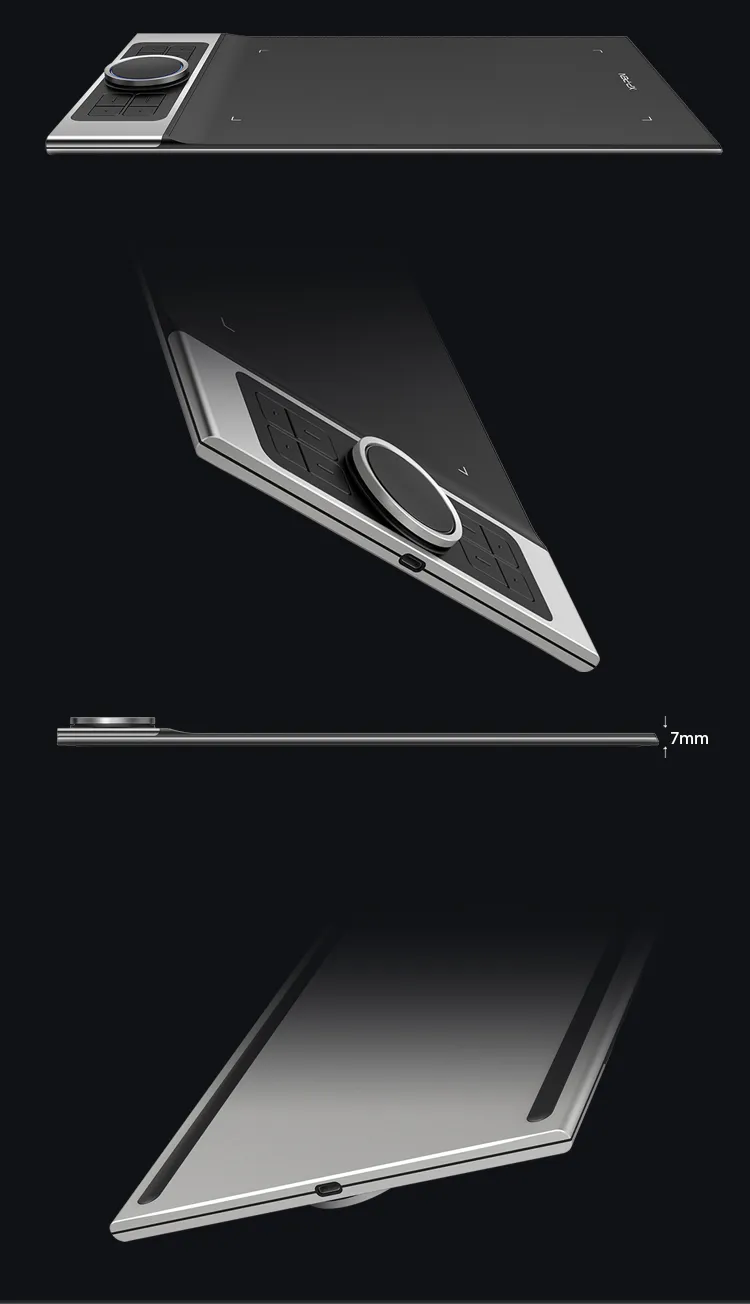
XP-Pen Deco Pro Series Android Drawing Tablet is crafted with an aluminum casing and features a 7mm thin curved casing
XP-Pen Deco Pro Android graphic tablet Meet the groundbreaking double wheel design paired with trackpad functionality

Improved for Unparalleled efficiency.

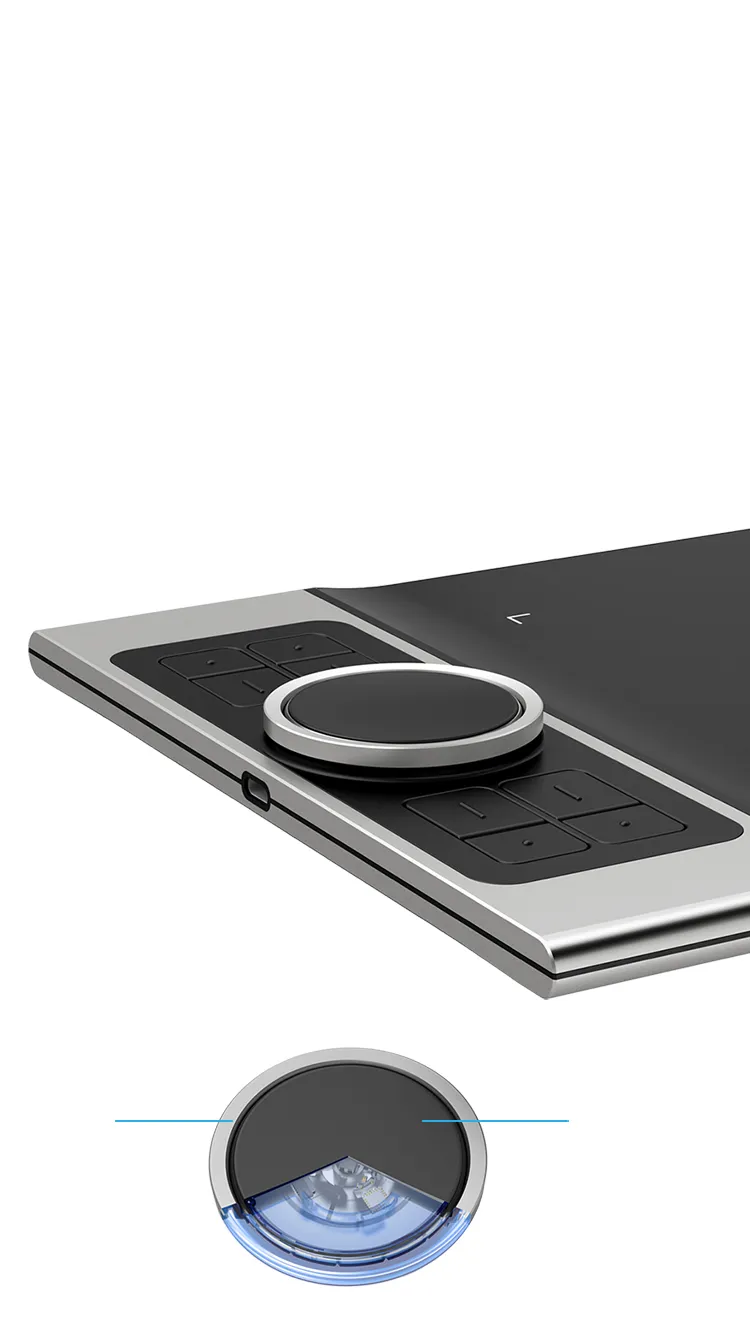
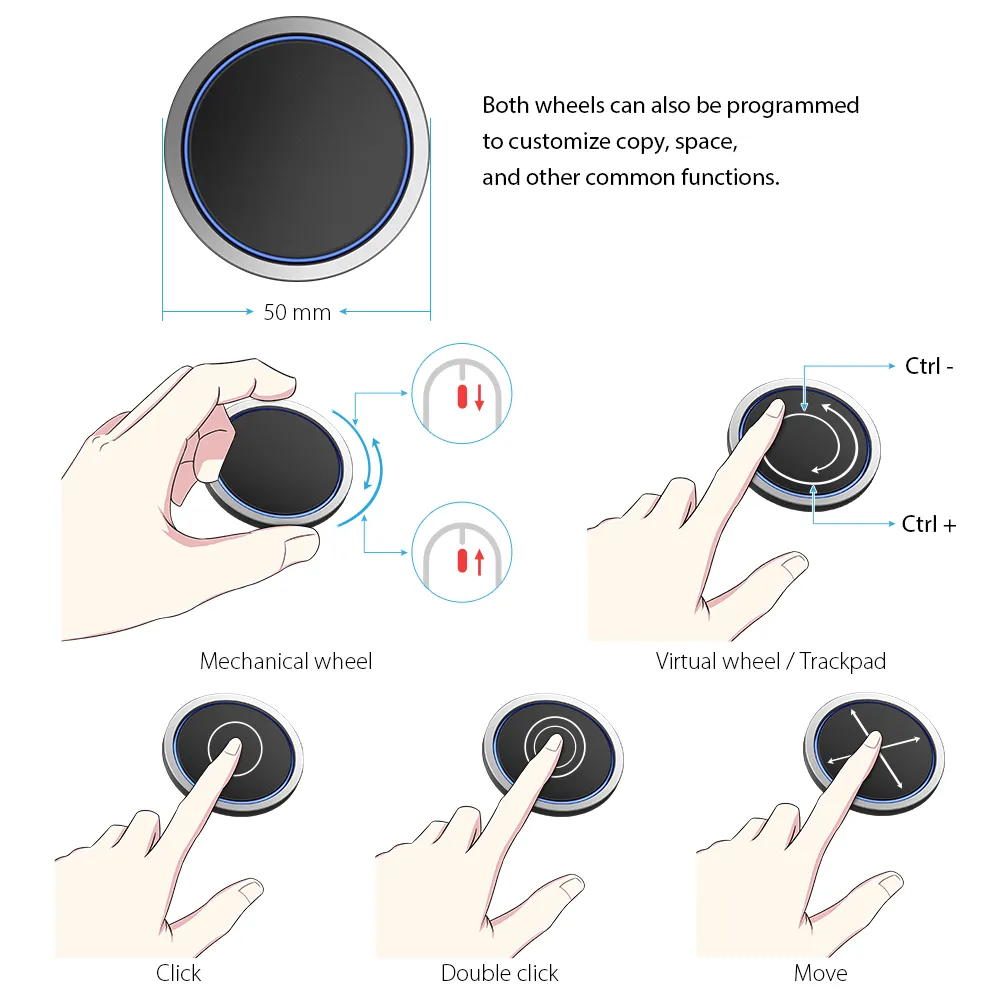
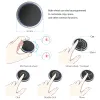
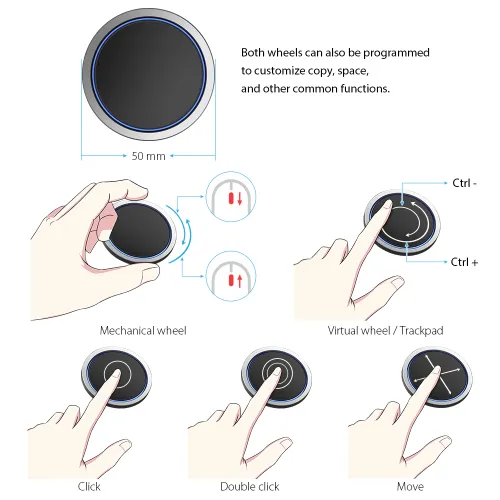
Meet the groundbreaking double wheel design paired with trackpad functionality! With a bigger wheel, it is easier to control and operate more accurately. Use the outer mechanic wheel to zoom in /out of your canvas, adjust brush size, etc, while the inner virtual wheel can be used as a trackpad/mouse mode, scroll up and down, and more. Both wheels can also be programmed to customize copy, space, and other common functions. Fully utilize the two wheel together and use 4 shortcuts at the same time without switching back and forth to guarantee a complete focus on your creation  and unparalleled efficiency.

Dual Control Dials

Physical Dial

Virtualized Dial/Trackpad

double wheel design deatils for XP-Pen Deco Pro Android digital art tablet

Physical Dial

Virtualized Dial/Trackpad

Move

Click

Double click

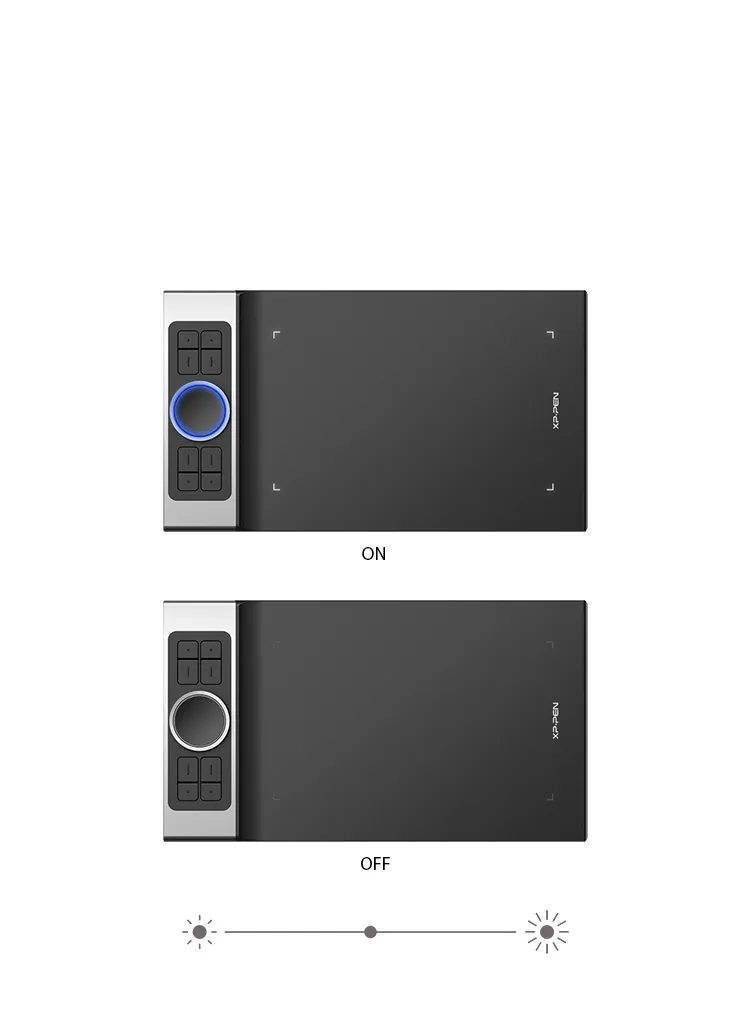
XP-Pen Deco Pro art tablet roller wheel comes equipped with an indicator light and adjustable brightness level

Illuminate your Workflow.

The roller wheel comes equipped with an indicator light and adjustable brightness level, letting you work and create in your preferred lighting environment, so you can stay immersed in your creation even in dim light.

XP-Pen Deco Pro large drawing tablet supports connection with Android tablets and mobile phones

An all new creative experience.

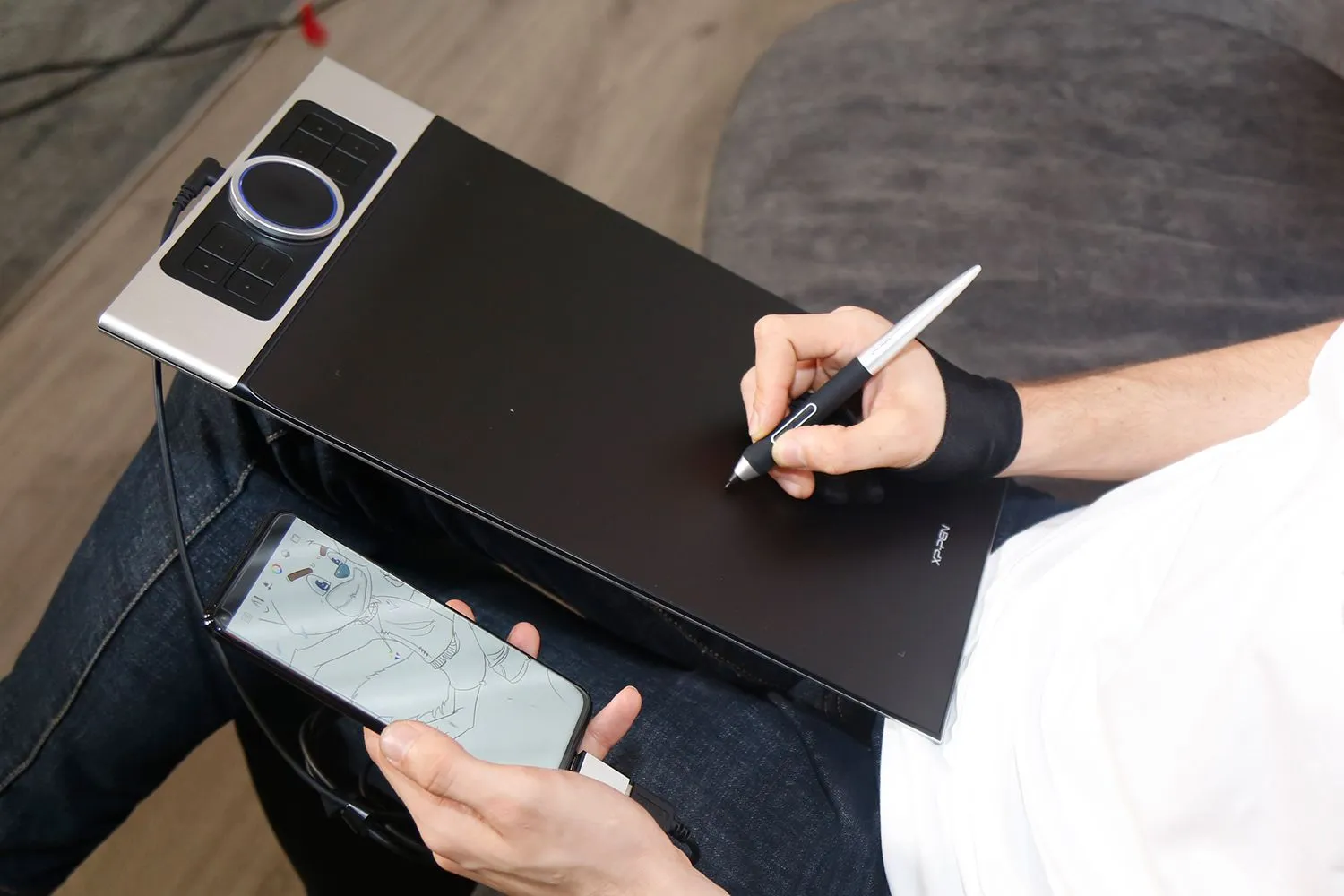
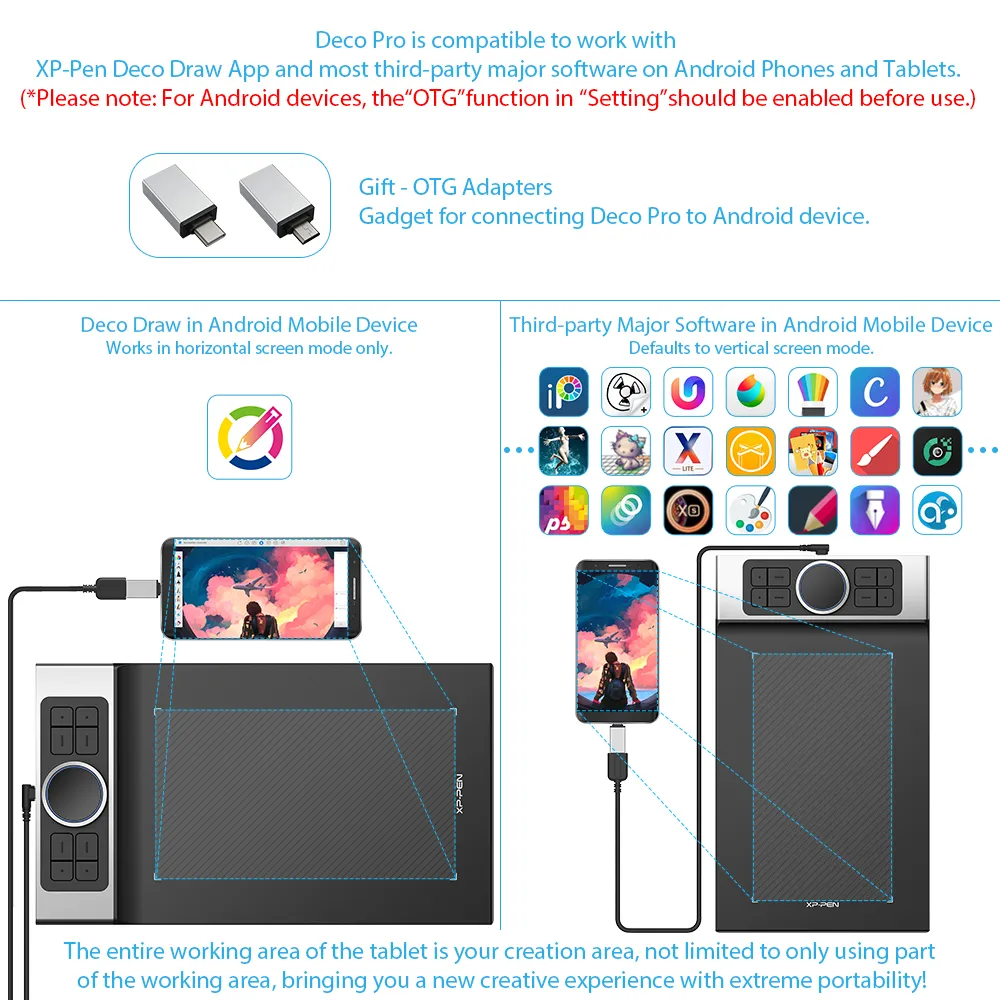
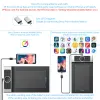
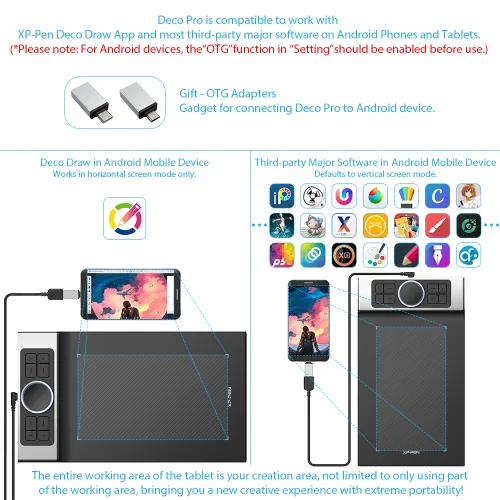
The XP-Pen Deco Pro series supports connection with Android tablets and mobile phones. It works with most software such as XP-Pen Deco Draw, ibis Paint X, FlipaClip, Medibang, Autodesk Sketchbook, Zenbrush, Artrage, and more. The entire working area of the tablet is your creation area, not limited to only using part of the working area, bringing you a new creative experience with extreme portability!

View more >>

Gift

OTG Adapters Gadget for connecting Deco Pro to Android device.


* Works in vertical screen mode only.
Not all Android devices can support the XP-Pen tablet.

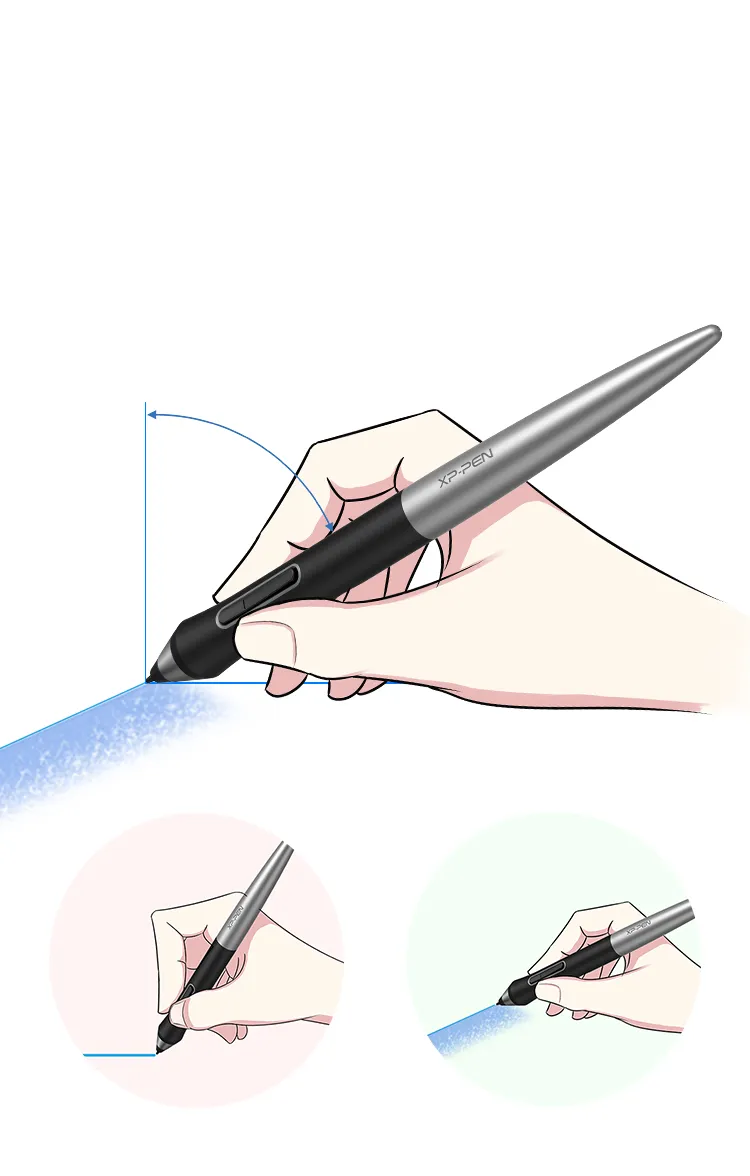
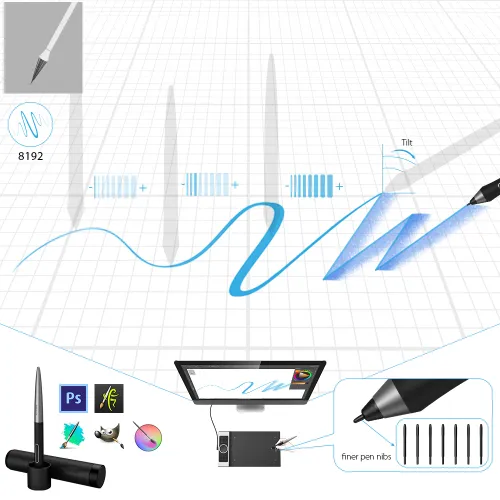
XP-Pen Deco Pro portable drawing monitor supports up to 60 degrees of tilt function

Natural Tilt Support.

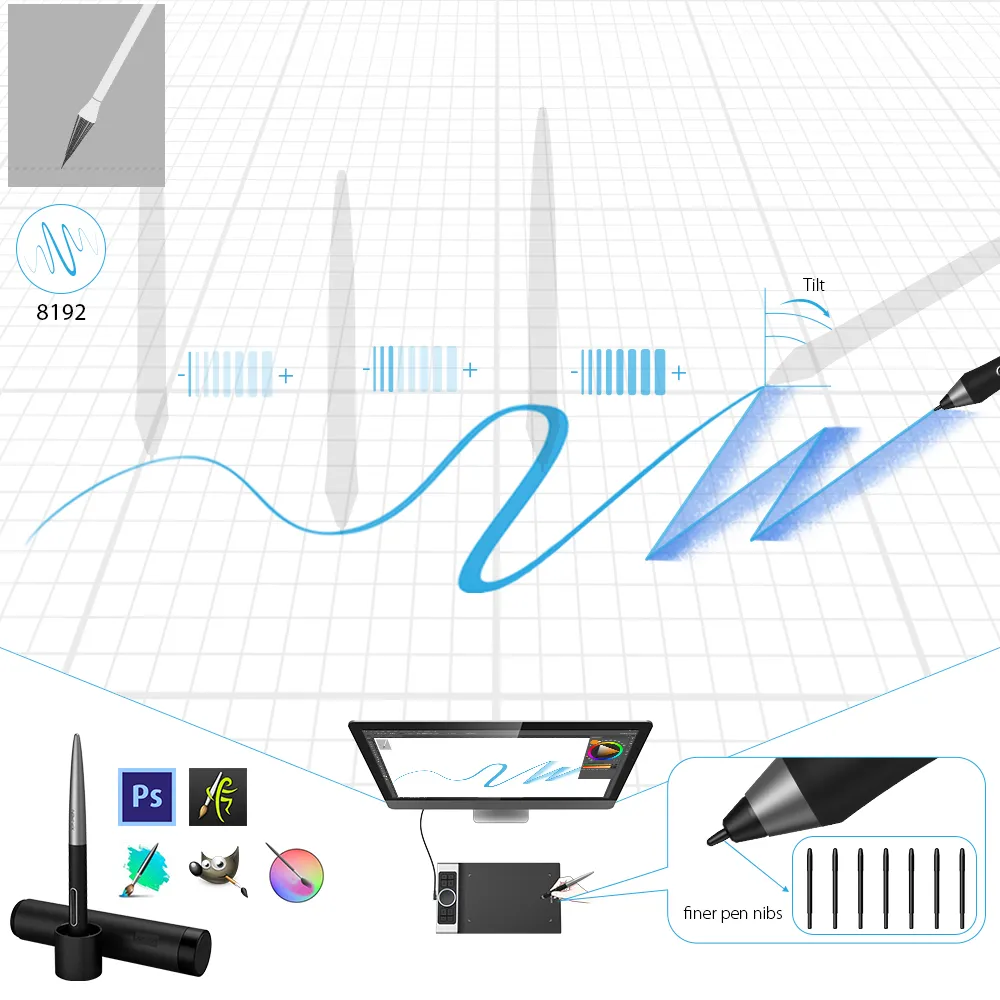
The XP-Pen Deco Pro supports up to 60 degrees of tilt function, quickly and easily responding to the way your hand moves, now you don't need to adjust the brush direction in the software again and again, simply tilt to add shading to your creation. And enjoy smoother and more natural transitions between lines and strokes.

Tilt:60°

Virtually No Lag

Sensitively Tilt for Shading

XP-Pen Deco Pro computer drawing tablet With up to 8,192 levels of pressure sensitivity

Level up the way you create.

With up to 8,192 levels of pressure sensitivity, the Deco Pro provides you precise control and accuracy. Create fine lines in an incredibly natural and fluid experience, all with our new battery-free stylus.

8192 Level
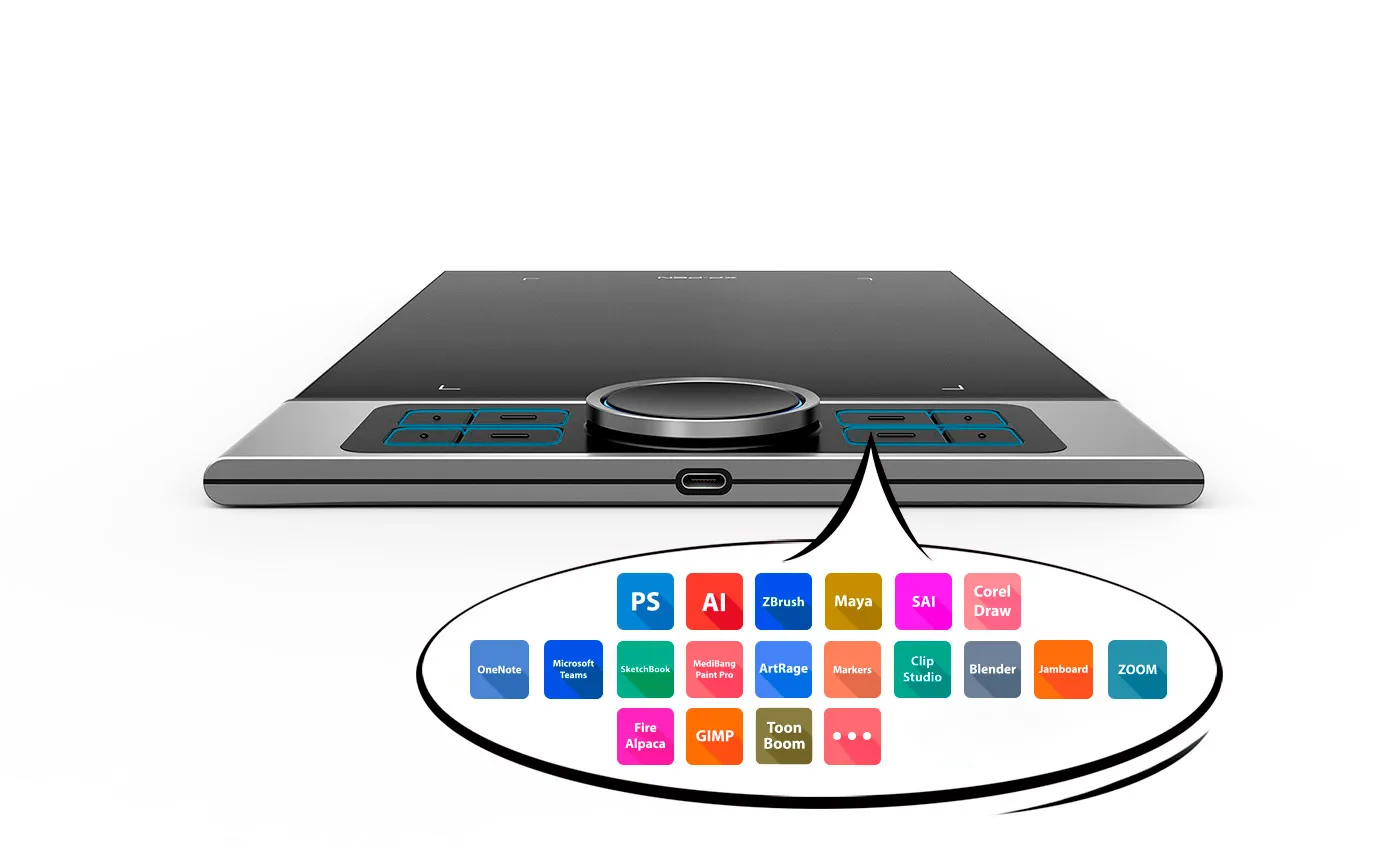
XP-Pen Deco Pro graphic tablet includes  8 fully customizable buttons

Greater accessibility.

The Deco Pro features 8 responsive shortcut keys and two dial wheels that can be programmed to many different software programs, giving you instant access to specific functions for the task at hand to expand your creative output.

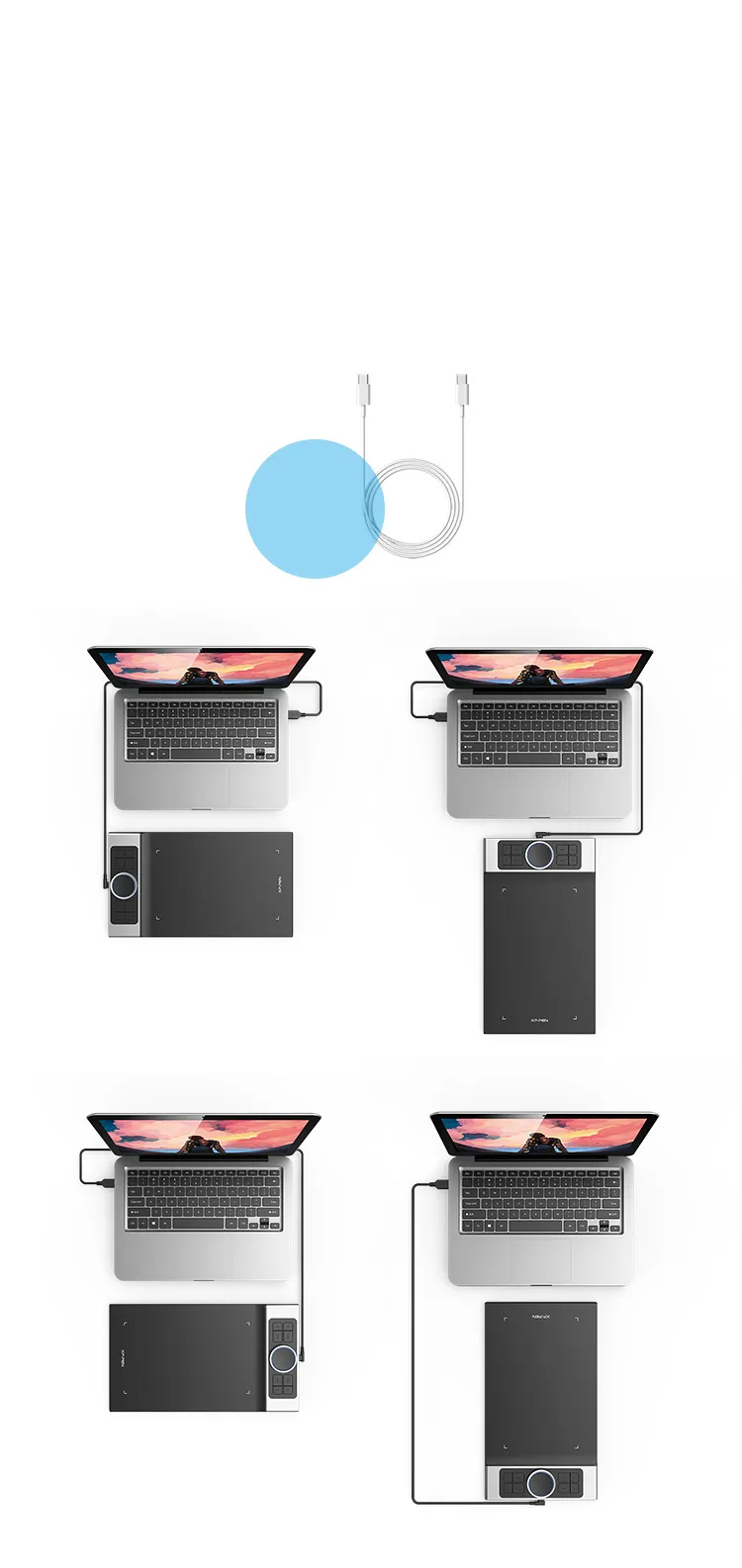
XP-Pen Deco Pro artists drawing tablet equipped with a USB-C port

You care, we care.

The Deco Pro is the first drawing tablet that comes equipped with a USB-C port. Now you can directly connect your iMac/Mac Book Pro and other Windows computers that support USB-C input to the Deco Pro without using a USB-C to USB adapter. Its interface is symmetrical, making it equally comfortable for right- and left-handed users. You can also rotate the Deco Pro to 0 degree, 90 degree, 180 degree and 270 degree depending on your different creative requirements.

0 Degree

90 Degree

180 Degree

270 Degree

Perfect fits
for USB-C to USB-C cable

Newly designed PA1 battery-free stylus

Newly designed battery-free stylus.

The new PA1 stylus is battery-free, weighs only 13.3g, and features a nice black and silver design with a sleek pointed end. There are no batteries or clumsy cords for charging and the one-click toggle allows you to switch between pen and eraser modes instantly, creating a more efficient and less frustrating work flow.

No battery

No need charging

Non-slip rubber design

One-click toggle

Right click
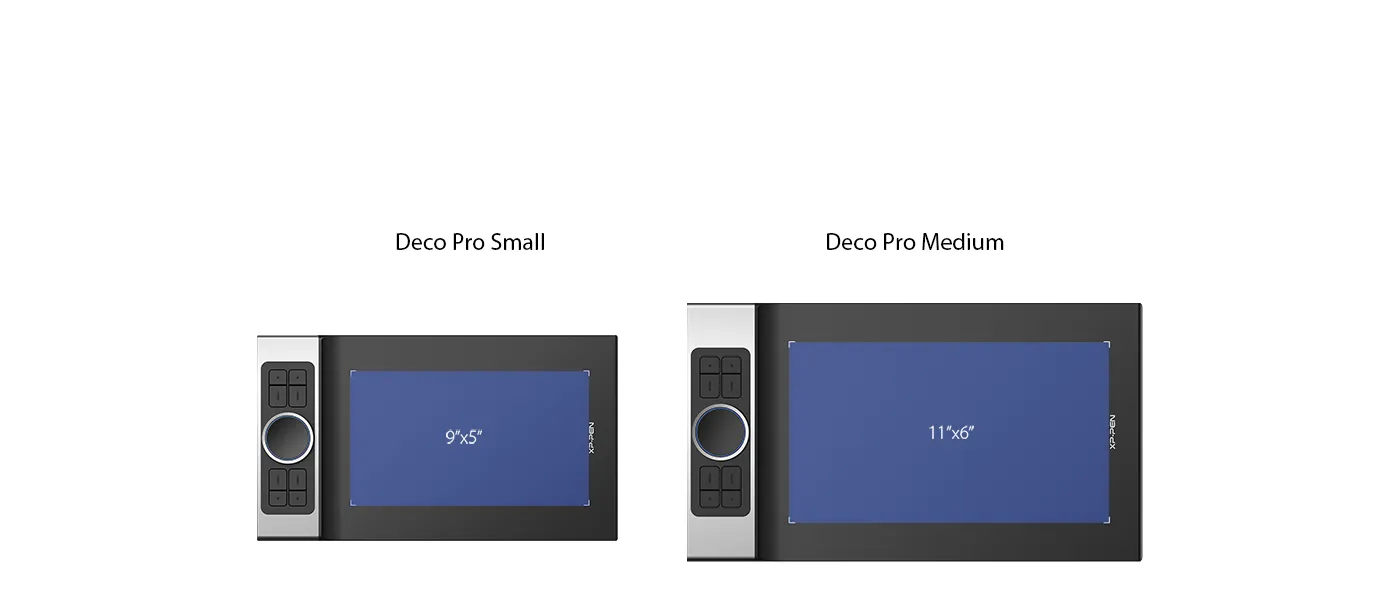
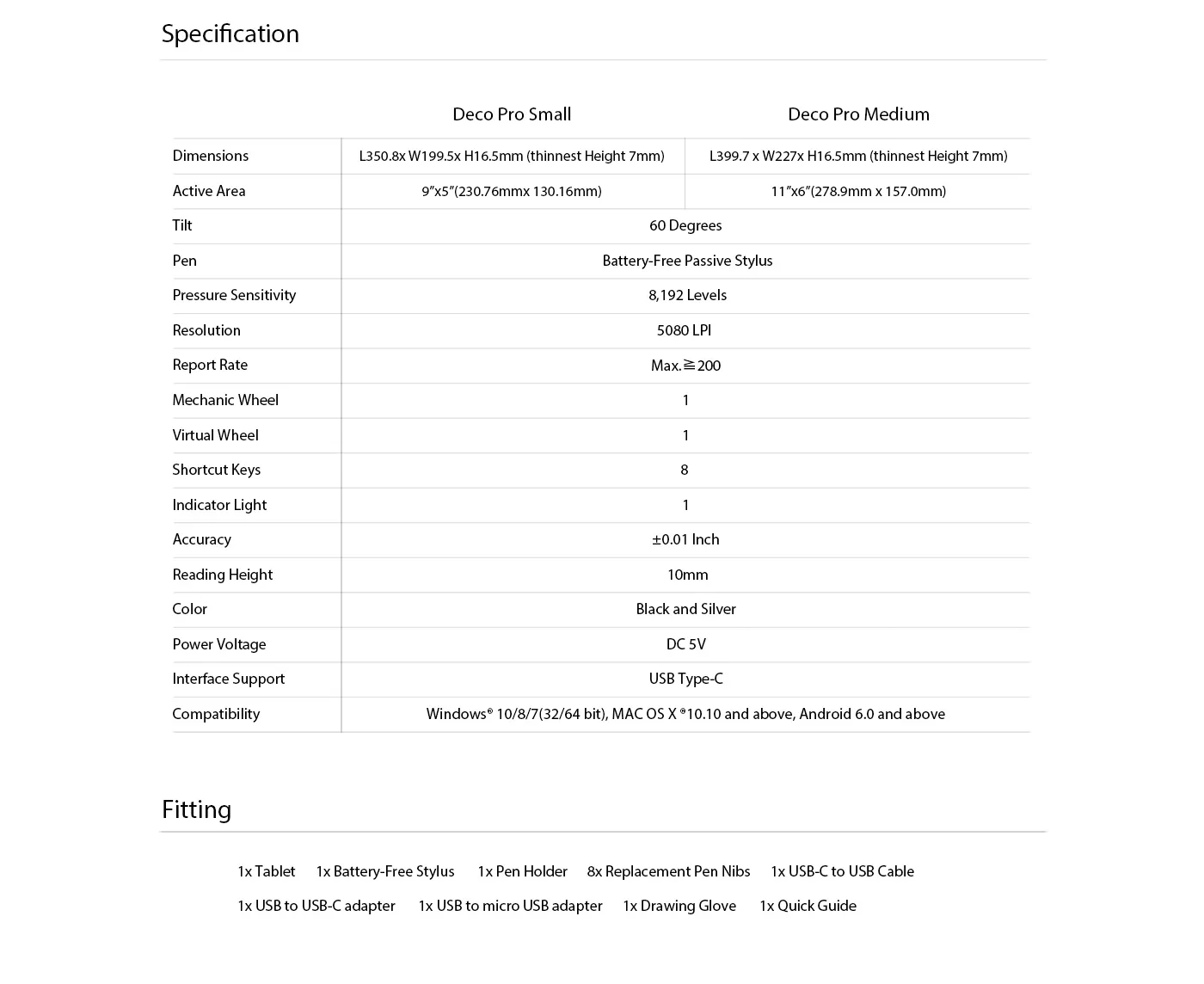
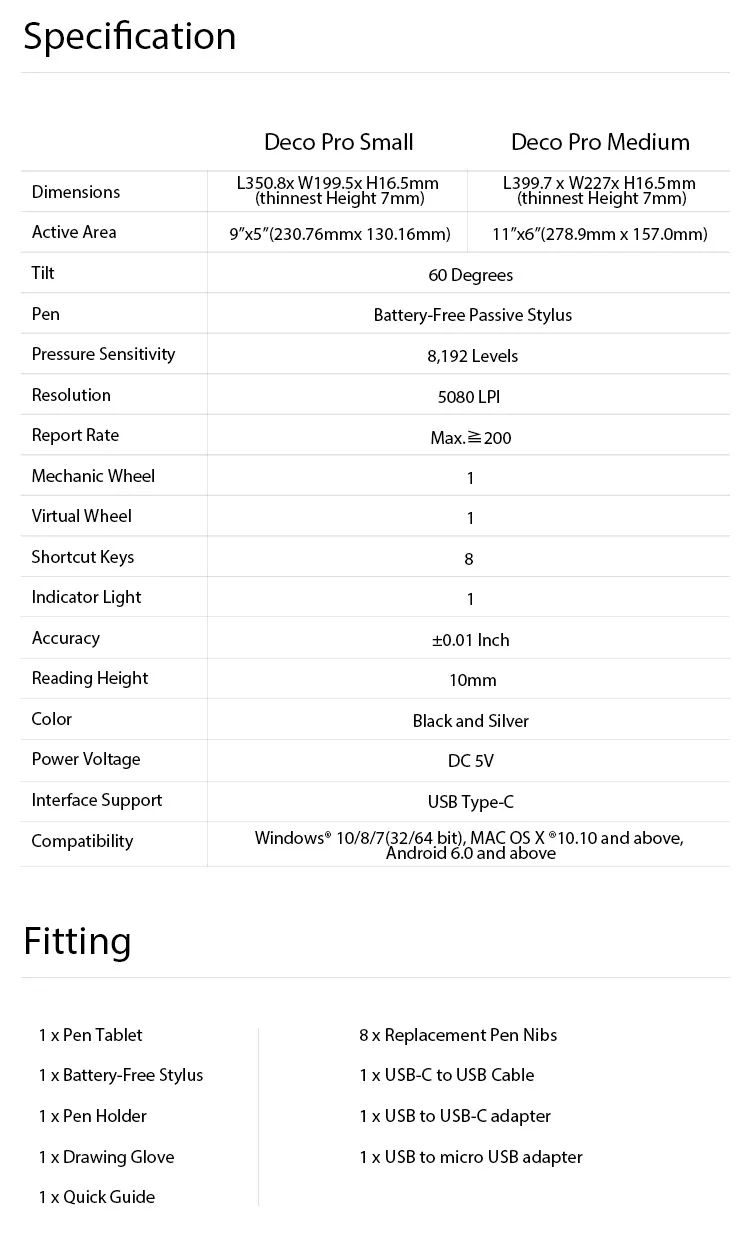
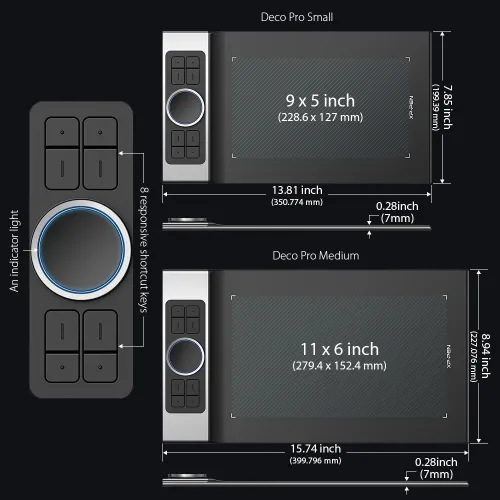
XP-Pen Deco Pro Series features a 9x5 inches and 11 x 6 inches working area

Your tablet, your choice.

The XP-Pen Deco Pro Series comes in two sizes for your option. The Deco Pro Small features a 9x5 inch working area, offering a compact and portable option while the Deco Pro Medium features an 11 x 6 inch working area, giving you a bigger canvas for your creations.
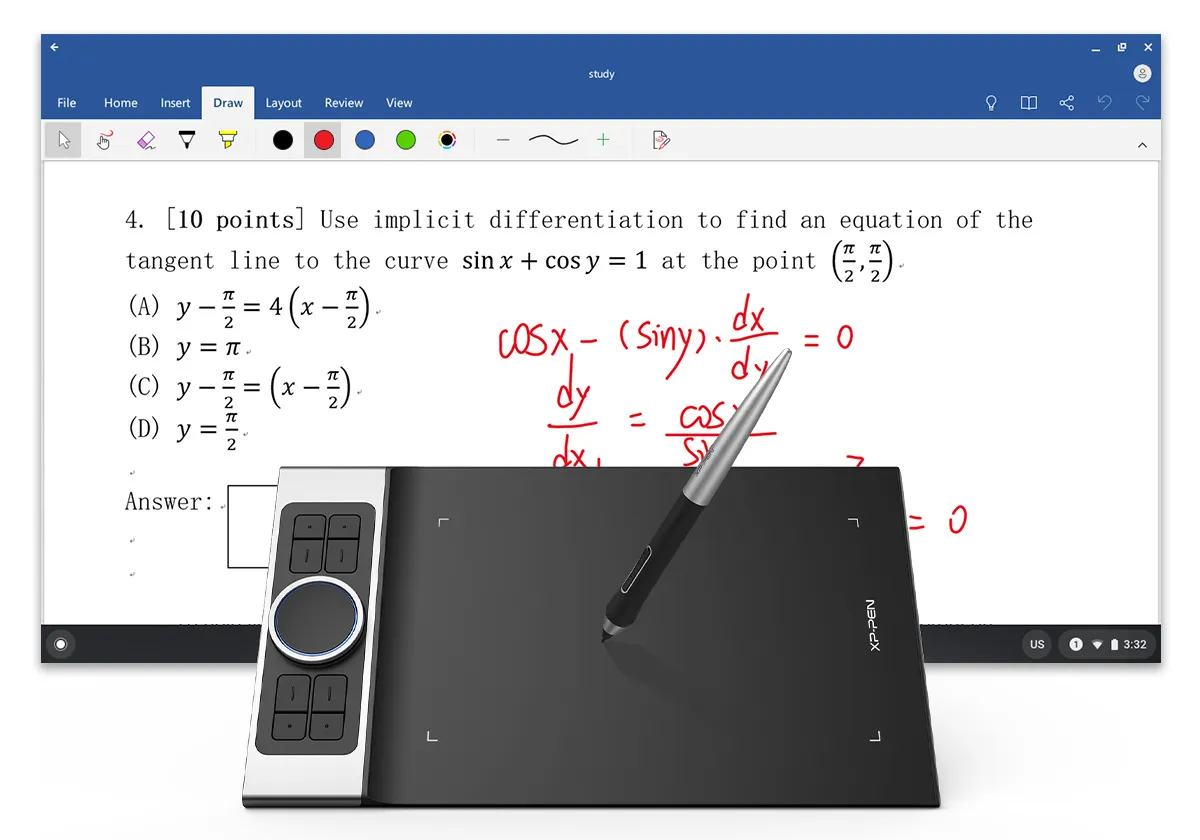
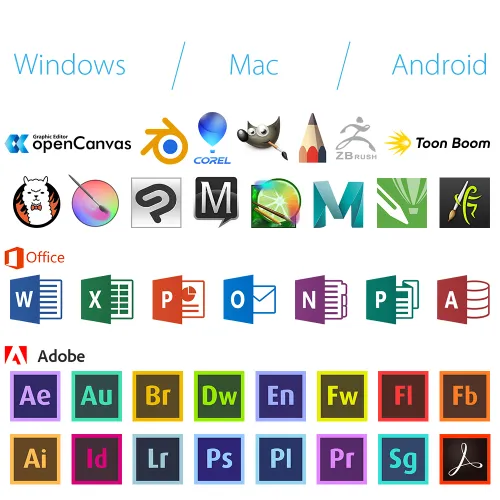
XP-Pen Deco Pro professional drawing tablet Compatible with popular digital art software , Windows and Mac OS

Universality and compatibility.

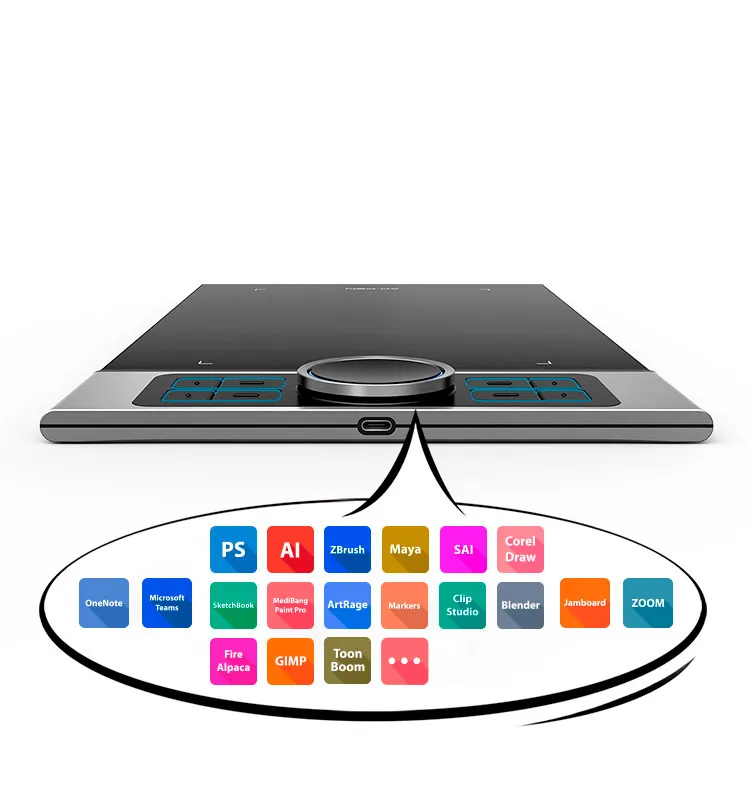
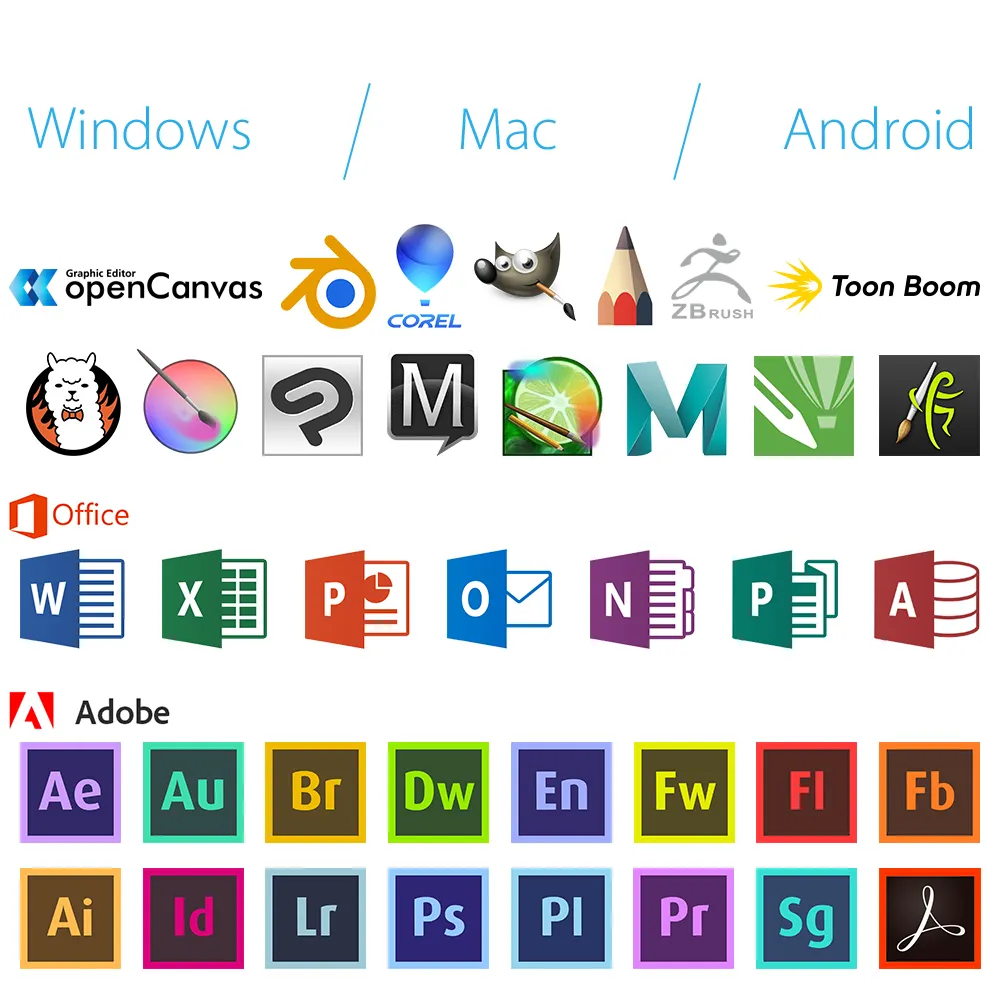
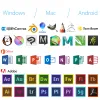
The XP-Pen Deco Pro Series is compatible with Windows 7/8/10, Mac OS X 10.10 and above, Android 6.0 and above. Works with most major creative software including Photoshop®, SAI®, Painter®, Illustrator®, Clip Studio®, GIMP®, Medibang®, Krita®, Fire Alpaca®, Blender® 3D and more.
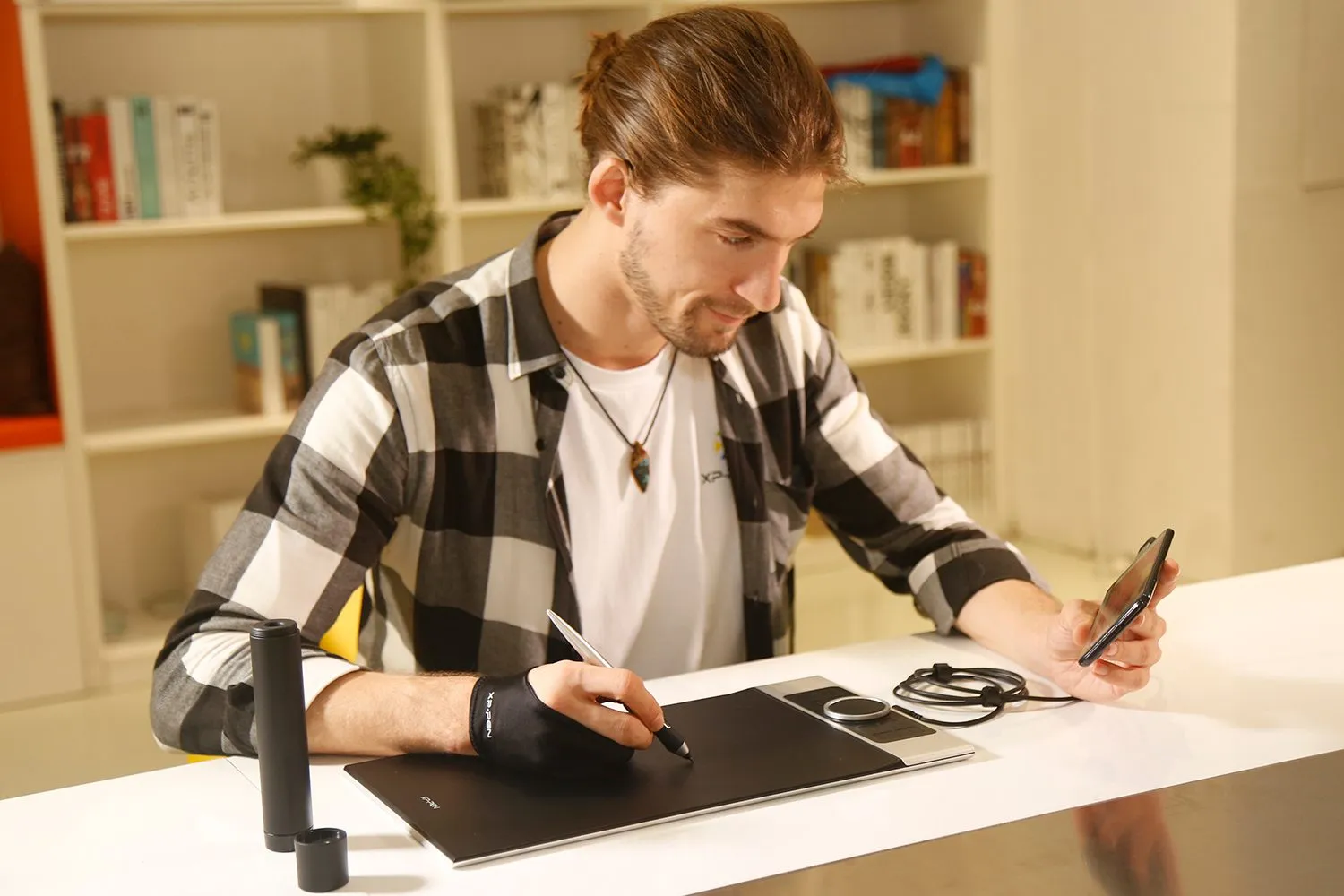
digital sketching,drawing ,animation ,painting and editing photos with XP-Pen Deco Pro Art graphics Tablet
image
image
Specifications and Package include of XP-Pen Deco Pro Pen Tablet
Đánh giá
3.0
starstarstarstarstar
Dựa trên 2
starstarstarstarstar
50%(1)
starstarstarstarstar
0(0)
starstarstarstarstar
0(0)
starstarstarstarstar
0(0)
starstarstarstarstar
50%(1)
QuynhThu
starstarstarstarstar
Dec 05 ,2022 PM 12:32 Deco Pro S / M
Tốt
Mặc dù tôi có nhắn tin riêng cho admin yêu cầu màu đen nhưng khi nhận hàng là màu trắng. Dù vậy, cảm nhận ban đầu là rất tốt nên tôi cũng cảm thấy hài lòng, hy vọng nó bền lâu. Chỉ có điều là hơi bị lag không hiểu tại sao, mong được admin hỗ trợ.
Official mall
Feb 15 ,2023 PM 17:46
Chào bạn, Deco Pro S/M chỉ có 1 màu Bạc thêm đen, không có màu khác để bạn lựa chọn nhé. vùng viết có màu đen. Nếu bạn gặp vấn đề về độ trễ, vui lòng liên hệ với công nghệ trực tuyến của chúng tôi www.xp-pen.com hoặc qua email service@xp-pen.com. Chúng tôi sẽ giúp bạn giải quyết hoặc thay thế bảo hành, cảm ơn.
Hữu dụng(0)+1
XFANS6udut7ek
starstarstarstarstar
Nov 06 ,2022 AM 09:17 Deco Pro S / M
Không hài lòng
Dịch vụ bán hàng tốt nhưng driver sản phẩm quá tệ, không lưu cấu hình sau khi khởi động lại máy tính.
Official mall
Nov 10 ,2022 PM 12:22
Xin chào khách hàng, Cảm ơn rất nhiều cho phản hồi của bạn. Tôi có thể biết nếu bạn liên hệ với kỹ thuật viên của chúng tôi về cài đặt trình điều khiển không? như chúng tôi biết nó có chức năng lưu để giữ cài đặt của bạn. Vui lòng liên hệ với kỹ thuật viên của chúng tôi trên www.xp-pen.com hoặc service@xp-pen.com. Hy vọng nó có thể giải quyết vấn đề của bạn, cảm ơn.
Hữu dụng(2)+1
Hỏi đáp
bottomfeeder
Aug 29 ,2024 AM 04:49 Deco Pro S / M
Khi nào shop restock size S vậy ạ? Vì đang sale mà mình không đủ kinh phí cho bản size M ấy :
Trả lời0
bottomfeeder
Aug 29 ,2024 AM 04:49 Deco Pro S / M
Khi nào shop restock size S vậy ạ? Vì đang sale mà mình không đủ kinh phí cho bản size M ấy :
Trả lời0
XFANSmurj5ux7
Aug 24 ,2024 PM 20:21 Deco Pro S / M
sản phẩm tốt, nhưng điểm trừ ở nhân viên tư vấn không rõ ràng
Trả lời0
ThaoLe
Mar 05 ,2024 PM 16:30 Deco Pro S / M
tôi ở HCM nếu giờ tôi đặt hàng thì bao lâu sẽ nhận được vậy?
Trả lời1
Official mall
Mar 15 ,2024 PM 14:36
Xin lỗi vì sự chậm trễ, chúng tôi vừa nhận được lô mới, nếu bạn đặt hàng thì phải mất thêm 2-3 chuyến nữa.
Trả lời bài đánh giá này
XFANSu9htjdvm
Jan 13 ,2023 PM 18:53 Deco Pro S / M
Hi ad tôi đặt hàng từ ngày 9 đến nay chưa nhận được hàng là sao vậy ?
Trả lời1
Official mall
Feb 15 ,2023 PM 15:36
Xin chào, vui lòng liên hệ với chúng tôi với số đơn hàng webvn-XXXX, chúng tôi cần kiểm tra xem bạn đã xác nhận đơn hàng với chúng tôi qua điện thoại chưa, cảm ơn.
Trả lời bài đánh giá này
Payment icon 0Payment icon 1Payment icon 2Payment icon 3Payment icon 4

Copyright© 2025 XPPEN TECHNOLOGY CO. All Rights Reserved.

Payment icon 0Payment icon 1Payment icon 2Payment icon 3Payment icon 4