


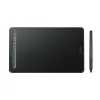
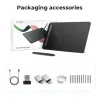
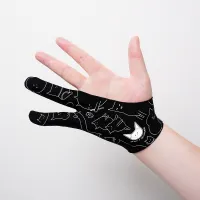



Getting started with your
XPPen Deco M & Deco MW Pen Tablet
1/11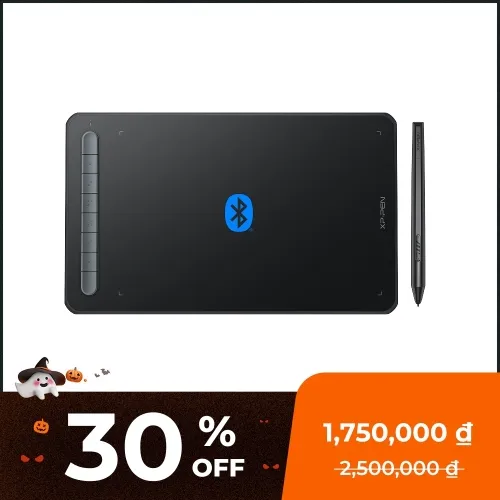
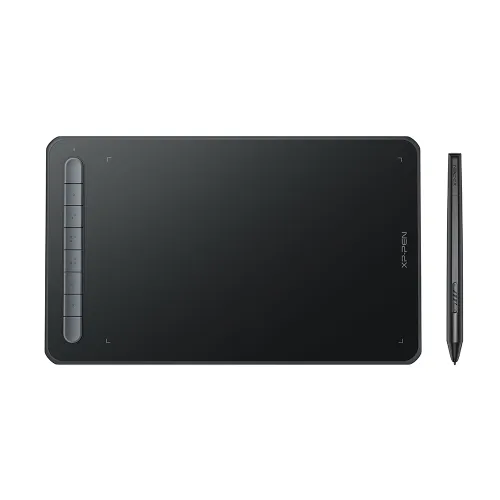
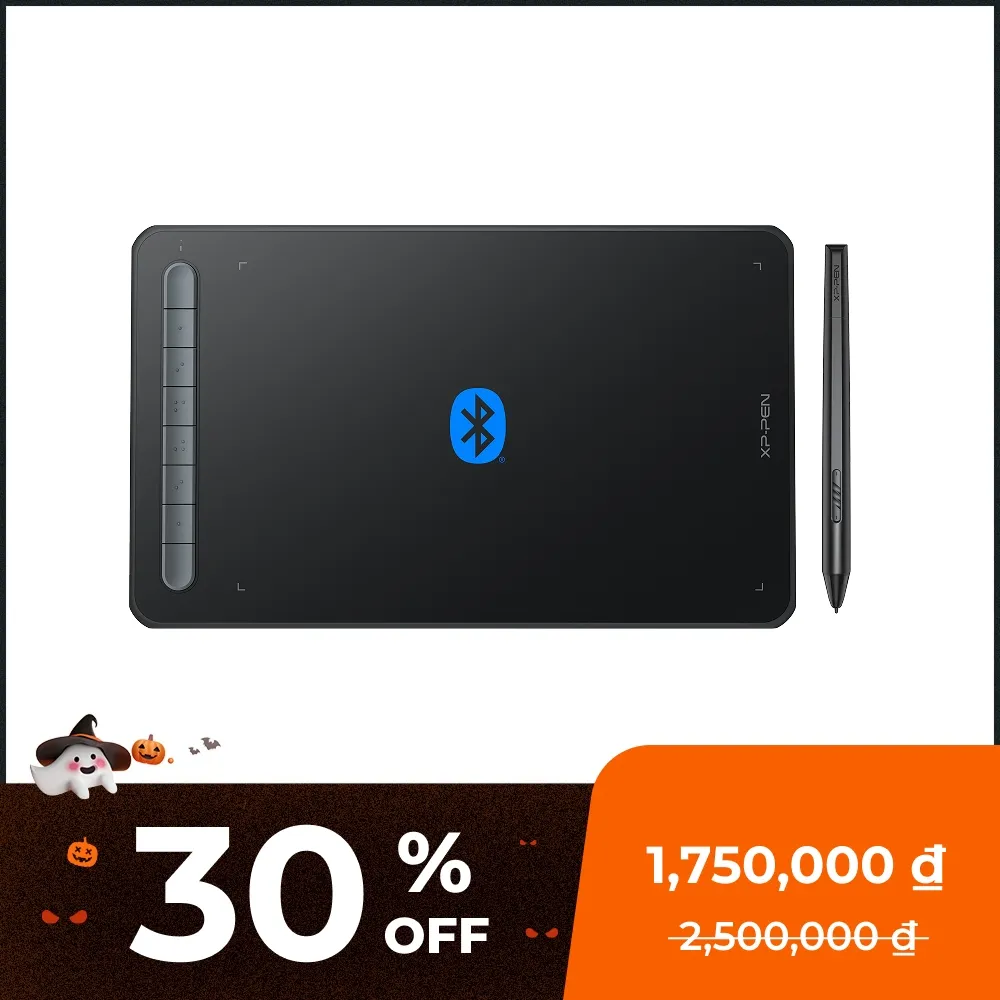
Deco MW Bluetooth
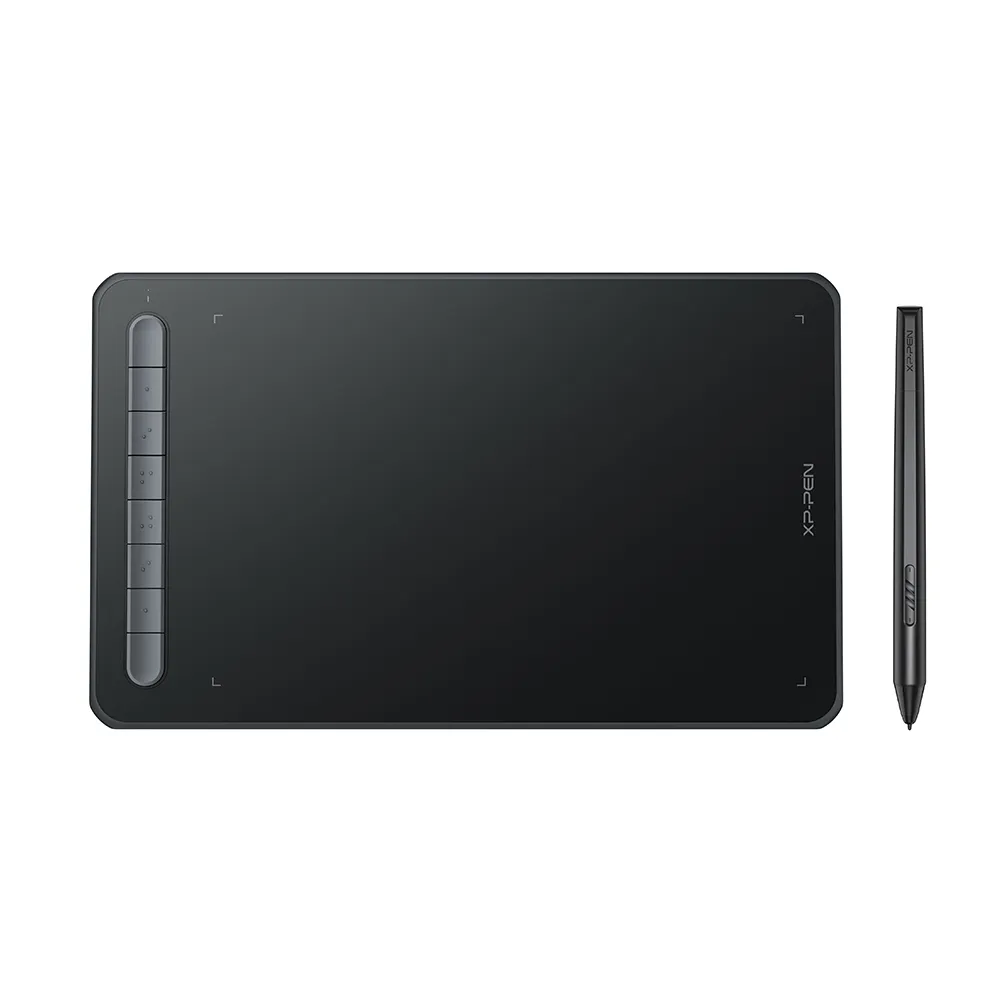
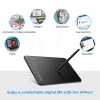
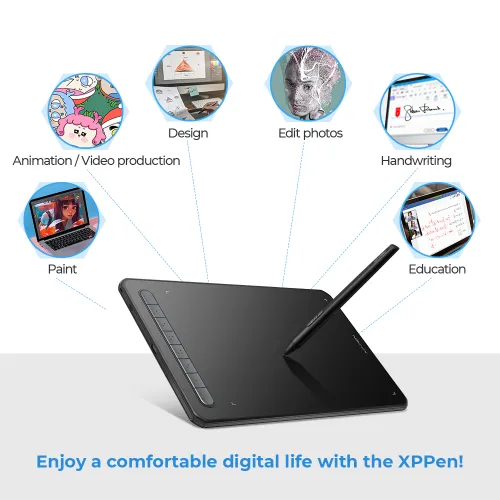
8x5" working Area, X3 chip digital Stylus, 8 shortcuts keys Deco MW with bluetooth function
1,750,000₫2,500,000₫
Kết thúc trong
> Giao hàng miễn phí cho các mô hình đã chọn.
> Bảo hành 18 tháng.
> Hầu hết các đơn hàng đều được vận chuyển từ kho hàng địa phương.
FREE DELIVERY
We offer free shipping
SECURE PAYMENT
Your payment information is processed securely
TECH SUPPORT
service@xp-pen.com
18-MONTH WARRANTY
18-month warranty only for official E-store
Tablet:
Deco MW Bluetooth
Color:
Black
Phụ kiện tùy chọn
Số lượng:
Tổng
0₫
 Đăng nhập và mua hàng để nhận khoảng 0 X-Coins


Ước tính:
Deco M & MW
New Deco
innovative drawing tablet with X3 chip stylus.

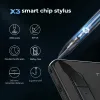
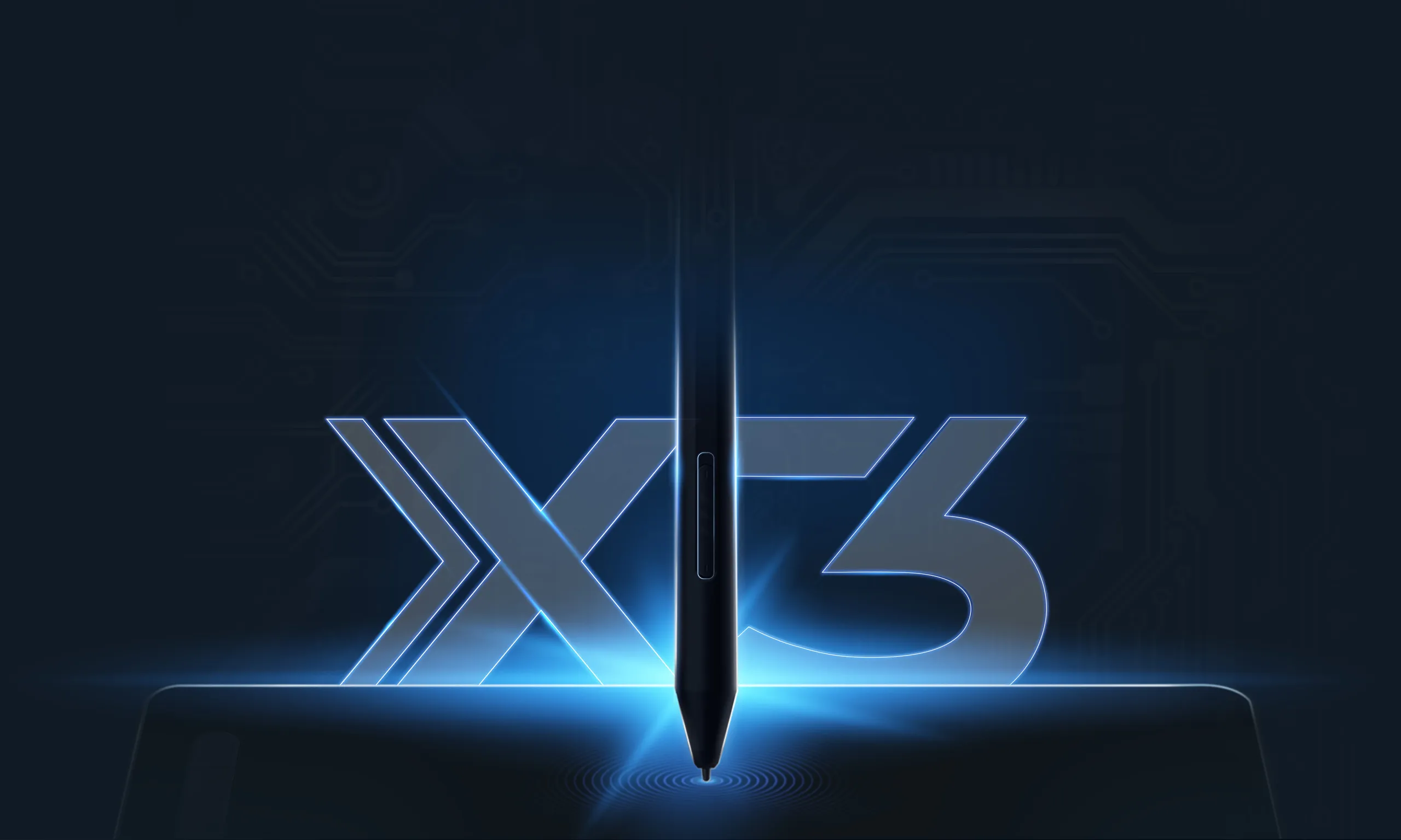
X3 smart chip stylus
Sharp! Stable! Precise!
Set off on your CG journey
with X3 smart chip
The new Deco series brings an immense leap to the stylus drawing experience with the new X3 chip, giving you the realistic feeling of traditonal pen and paper. Explore a brand new CG world with the X3 chip technology.
Learn more about X3 smart chip
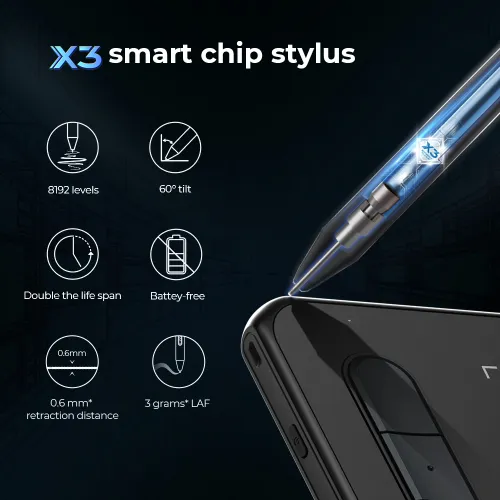
X3 smart chip stylus,
sparks more creativity under your brush
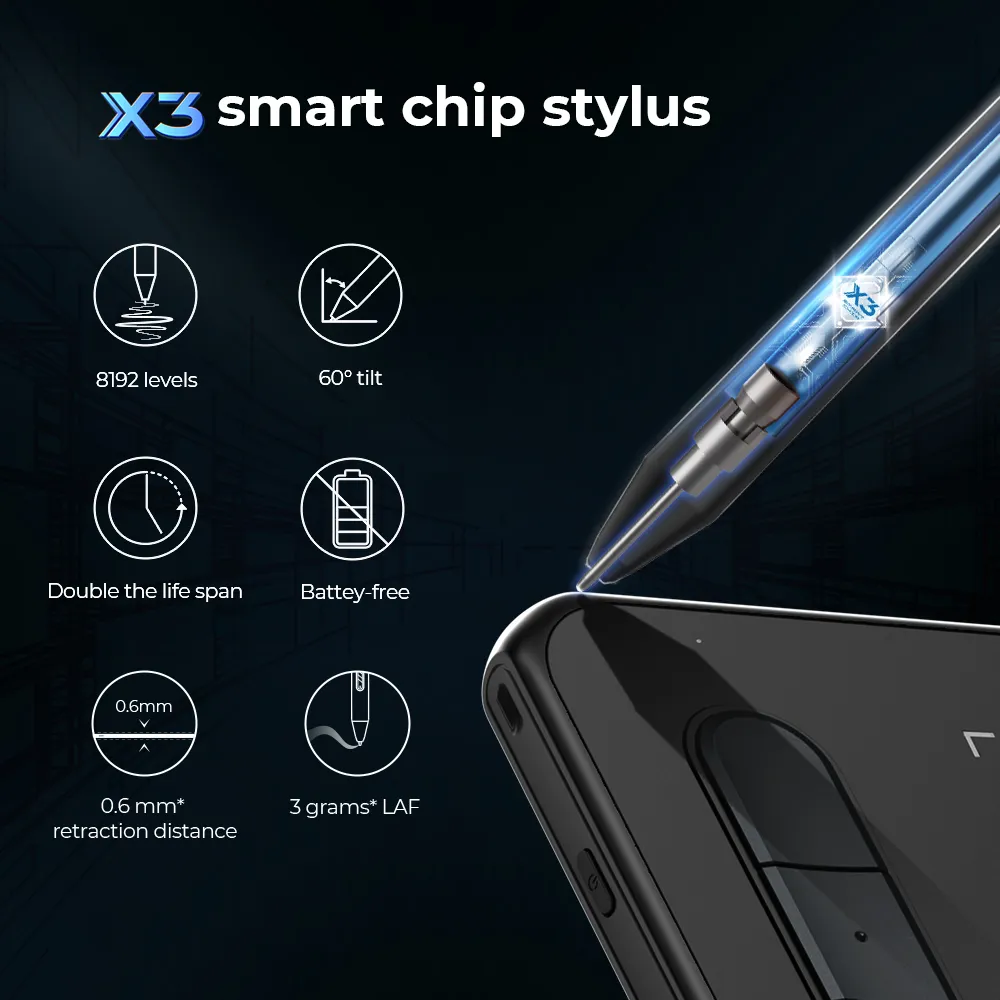
Initial activation force
as low as 3g*, 10 folds increase in sensitivity*
Retraction distance
as short as 0.6mm*,
half the original retraction distance*
Life span
Double the exisiting life span*
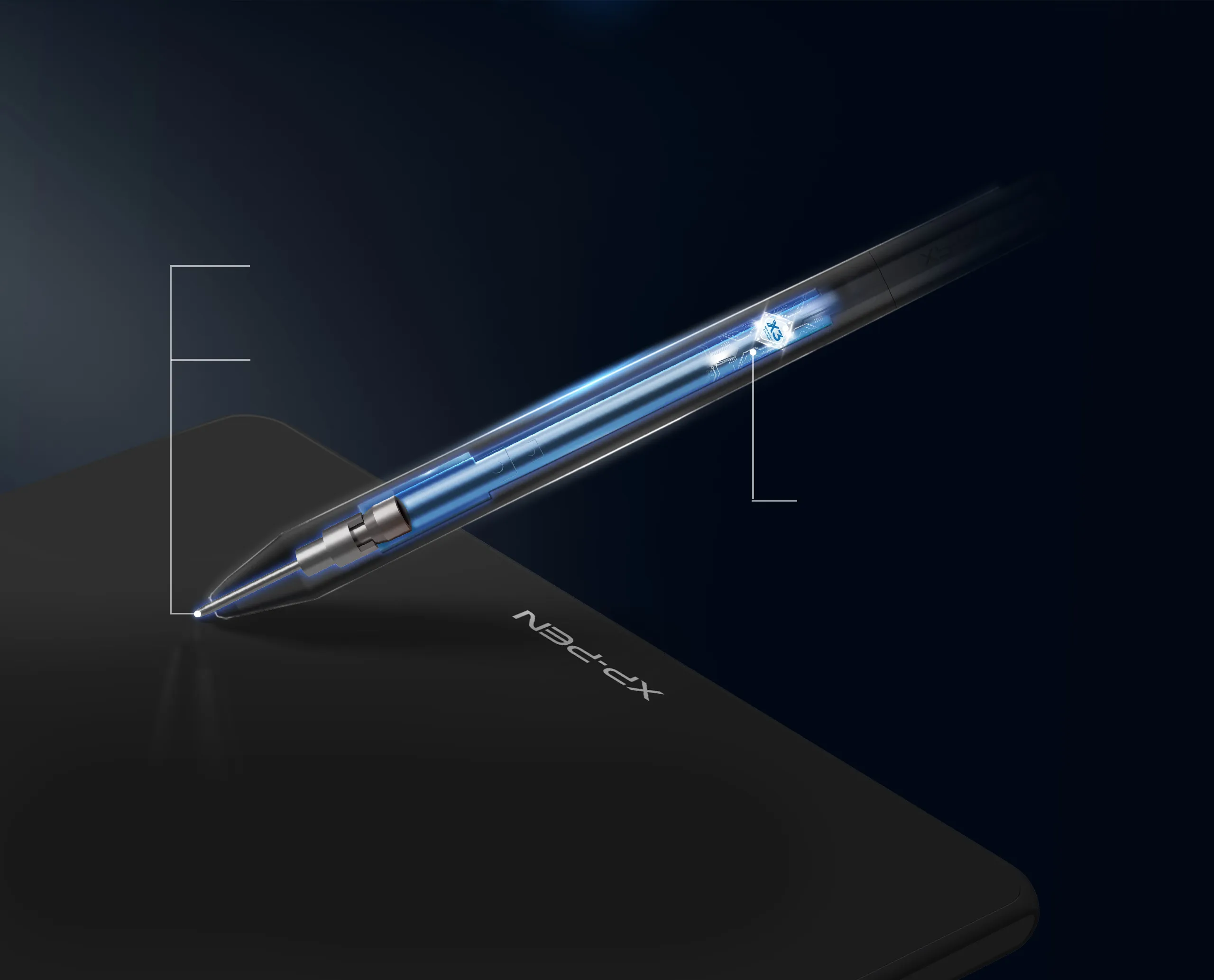

Sharp
Act before your mind.
3 grams* IAF and 0.6 mm* retraction
distance for more efficient ink output.
Stable
No spring part and anti-interference for stable performance.
Digital signal transmission, double* the life span.
Precise
More precise positioning.
Never miss a single brushstroke.
Virtually no accuracy error.
No broken lines and no lag.
* This data was taken from a laboratory simulation test and may vary depending on the environment that the device is used in.
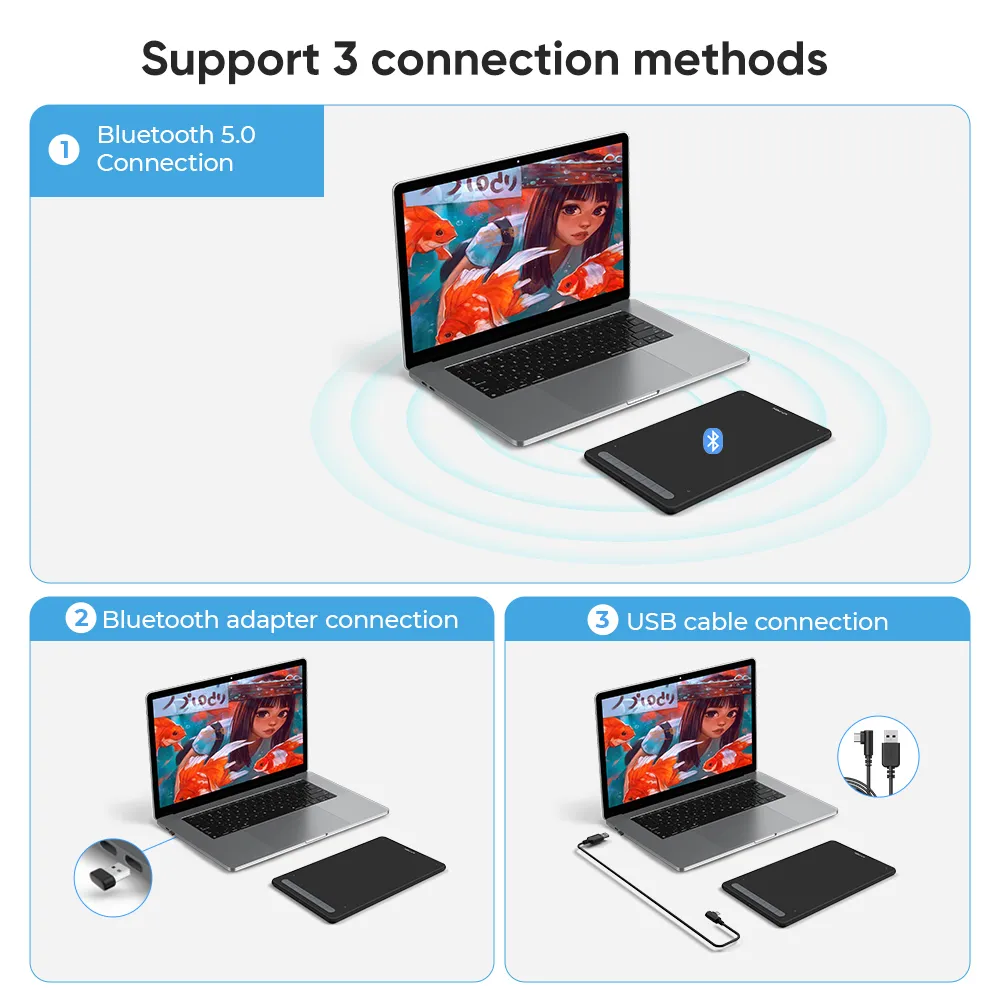
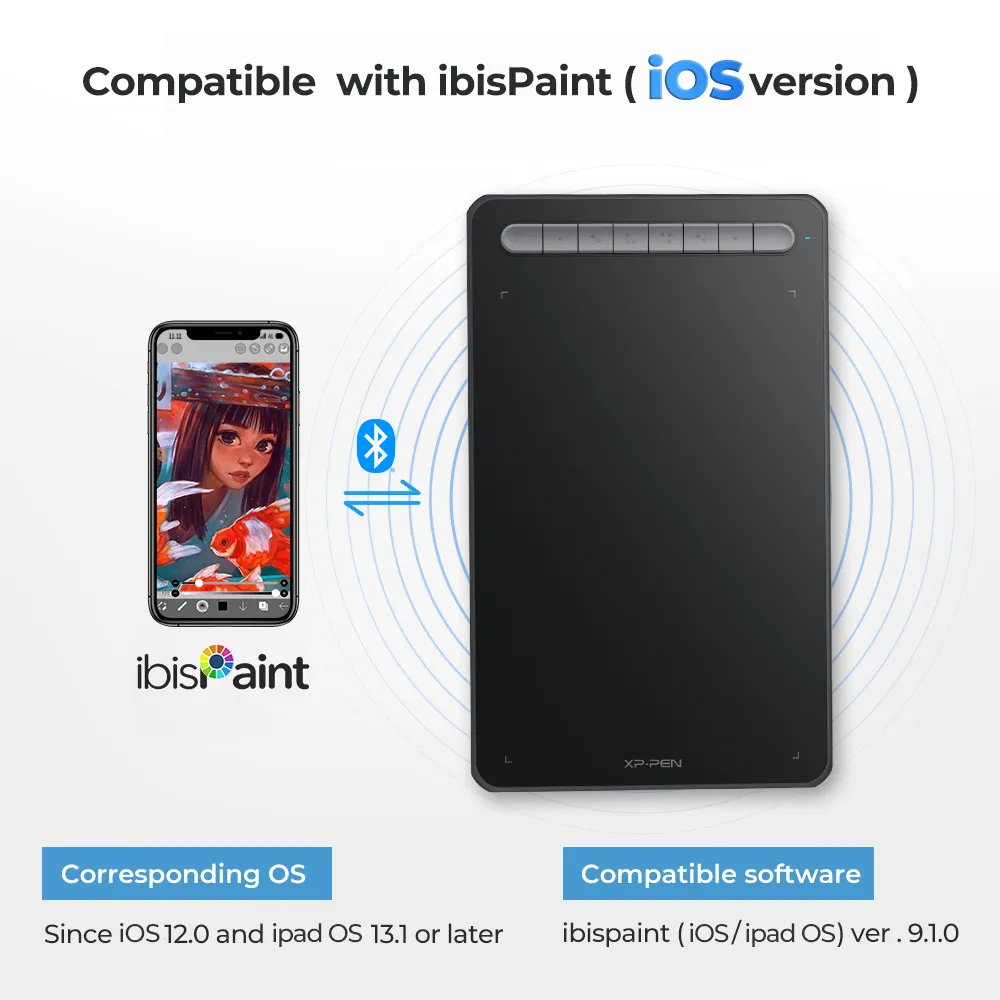
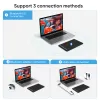
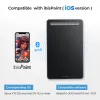
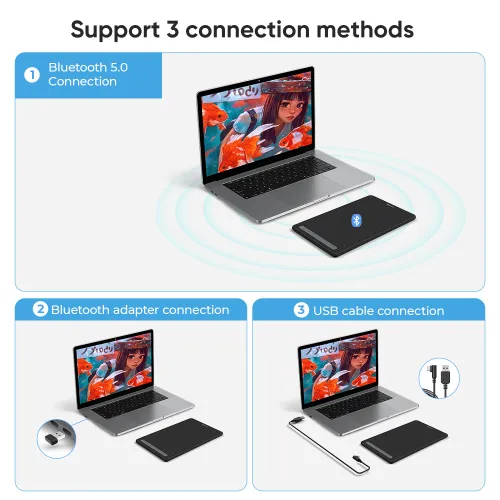
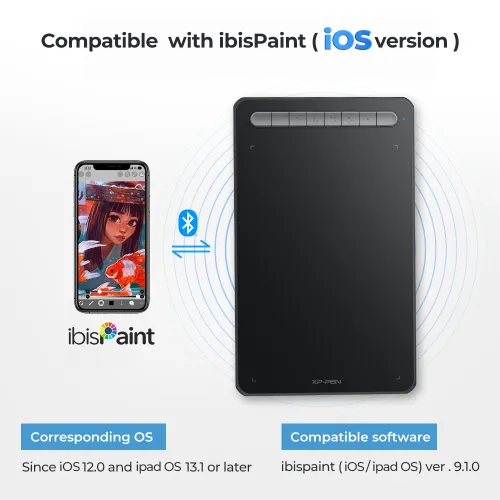
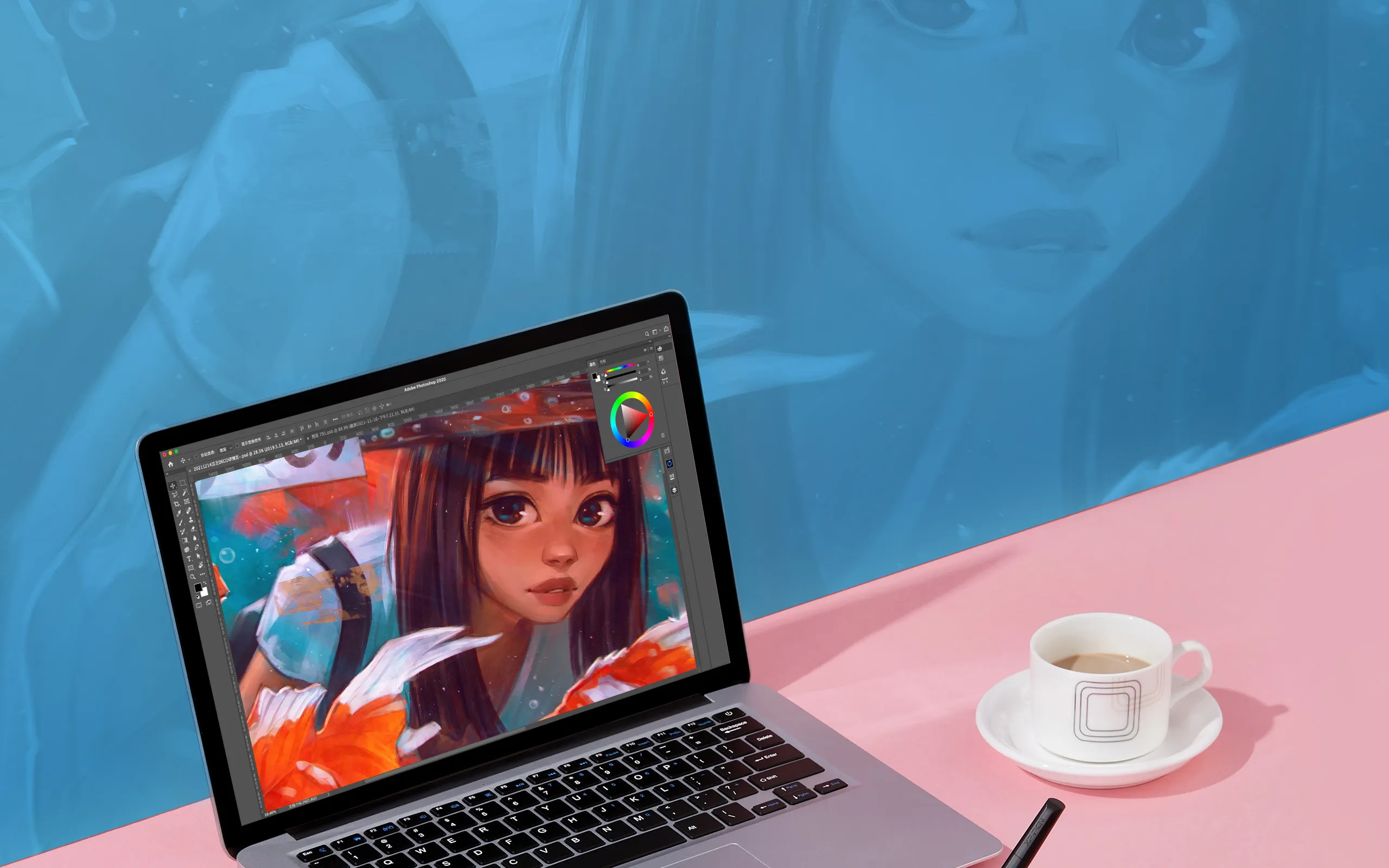
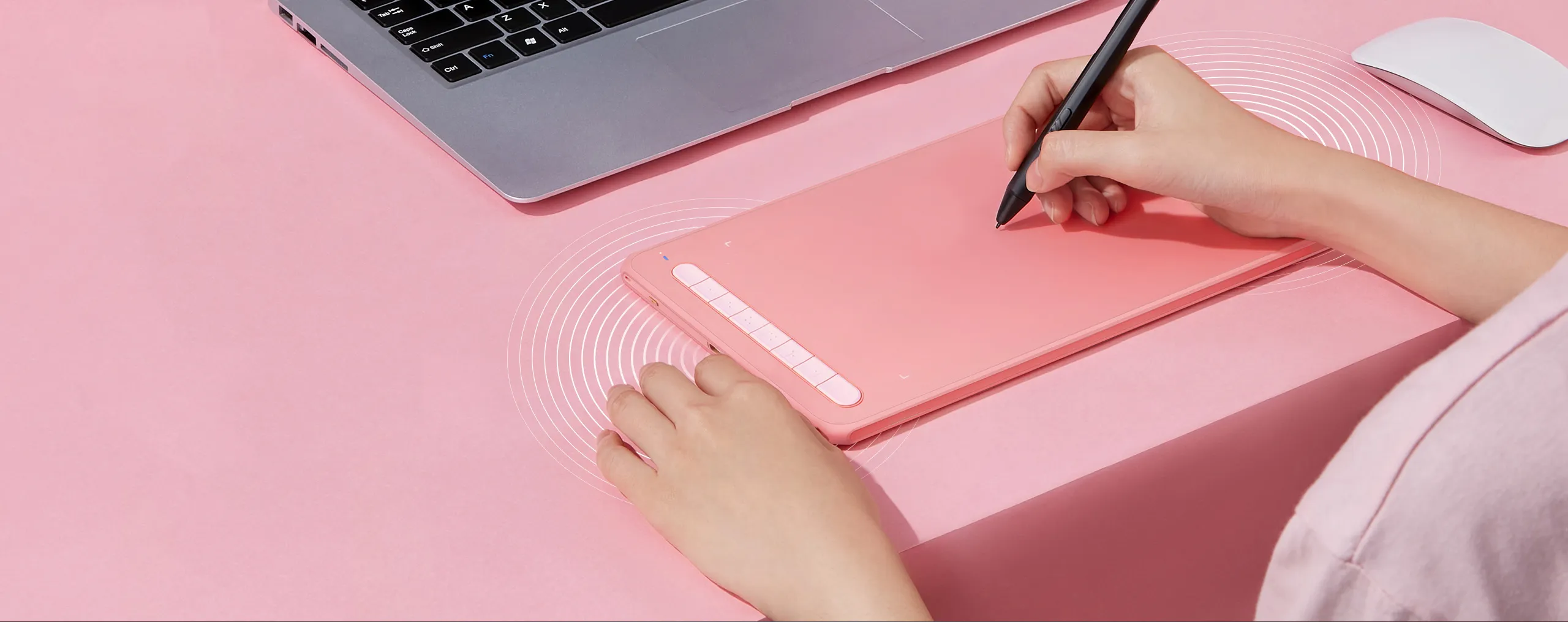
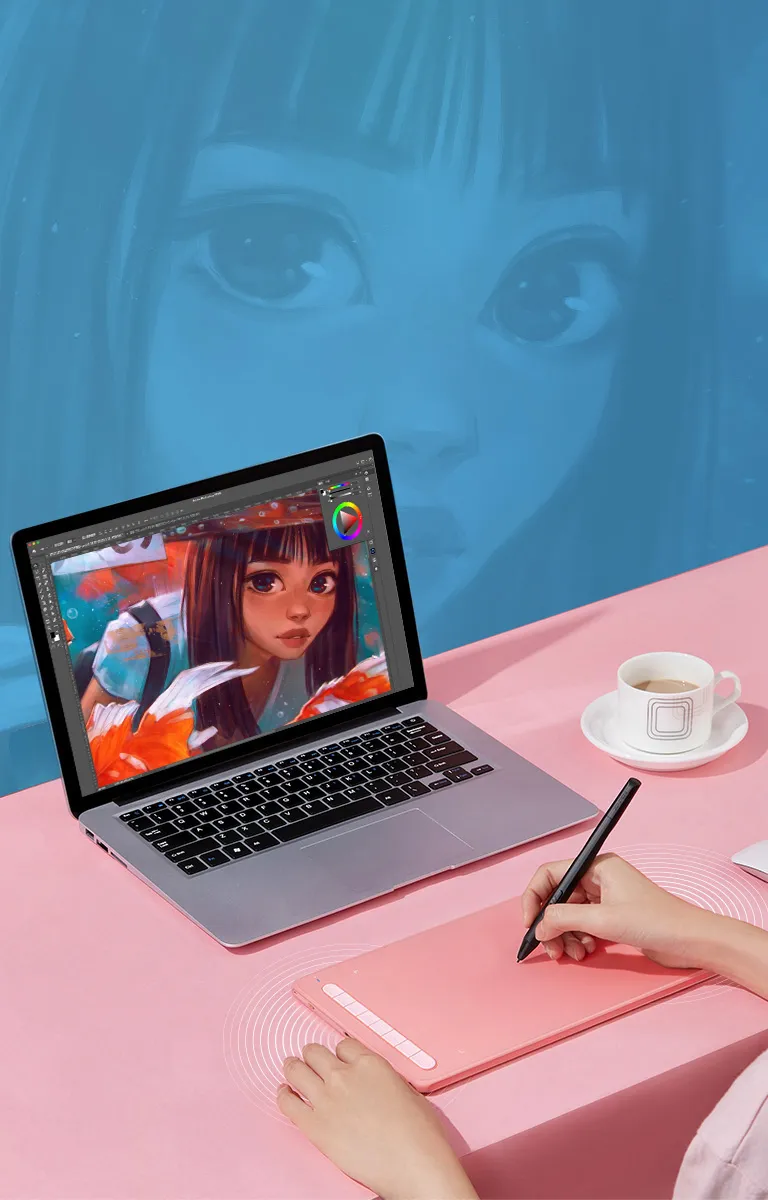
Bluetooth 5.0 wireless connection
Equipped with a Bluetooth v5.0 chip, the Deco MW drawing tablet frees you to create without the limitation of cables, allowing you to keep your creative space organized and giving you the portability to use your device wherever your inspiration takes you.
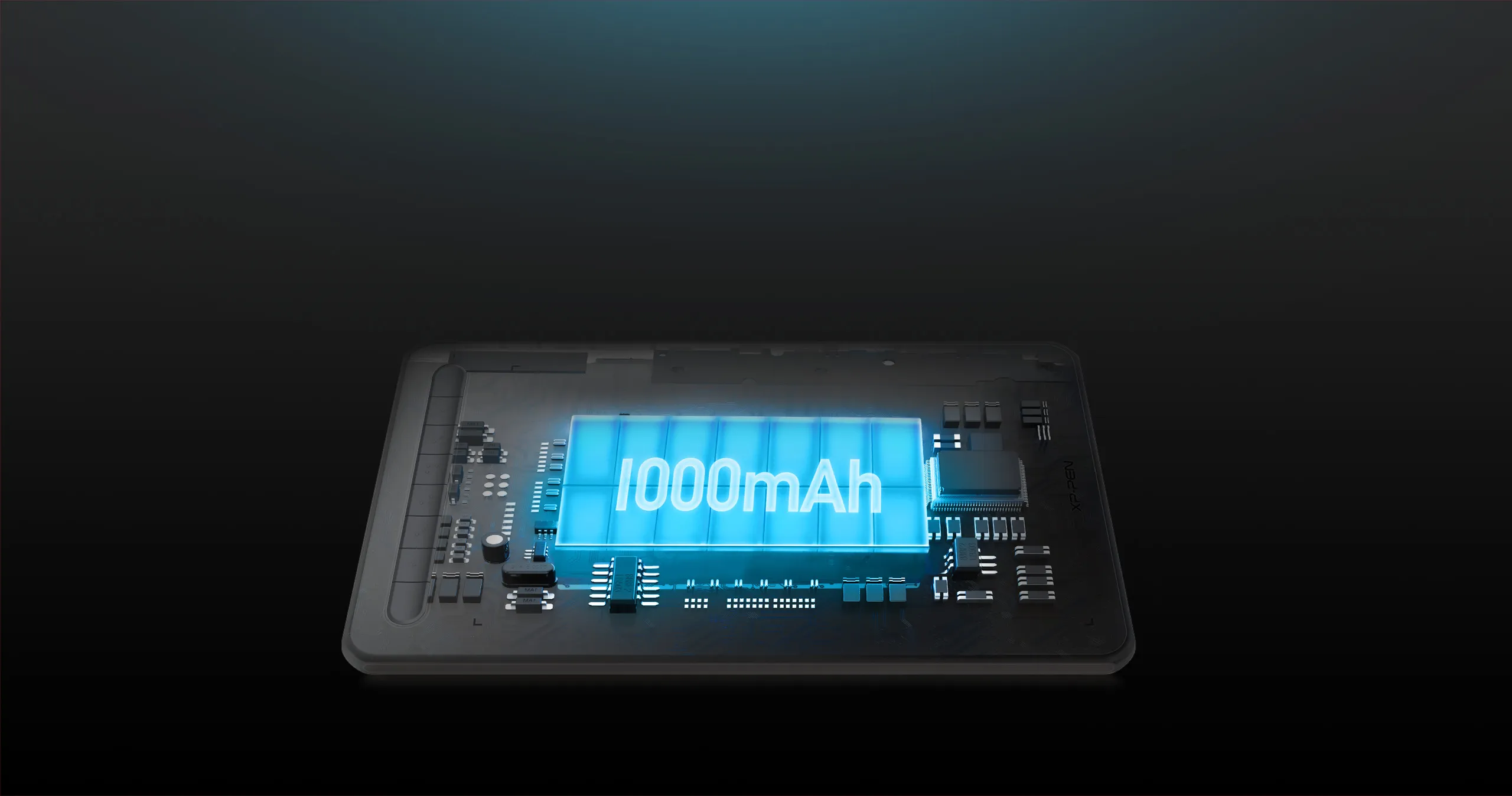
1000mAh super power capacity for ultra-long standby
The Deco MW drawing tablet comes with a large-capacity lithium battery (1000mAh/3.7V) for more than 10 hours that keeps the power going throughout all of your day.
* This data was taken from a laboratory simulation test and may vary depending on the environment that the device is used in.
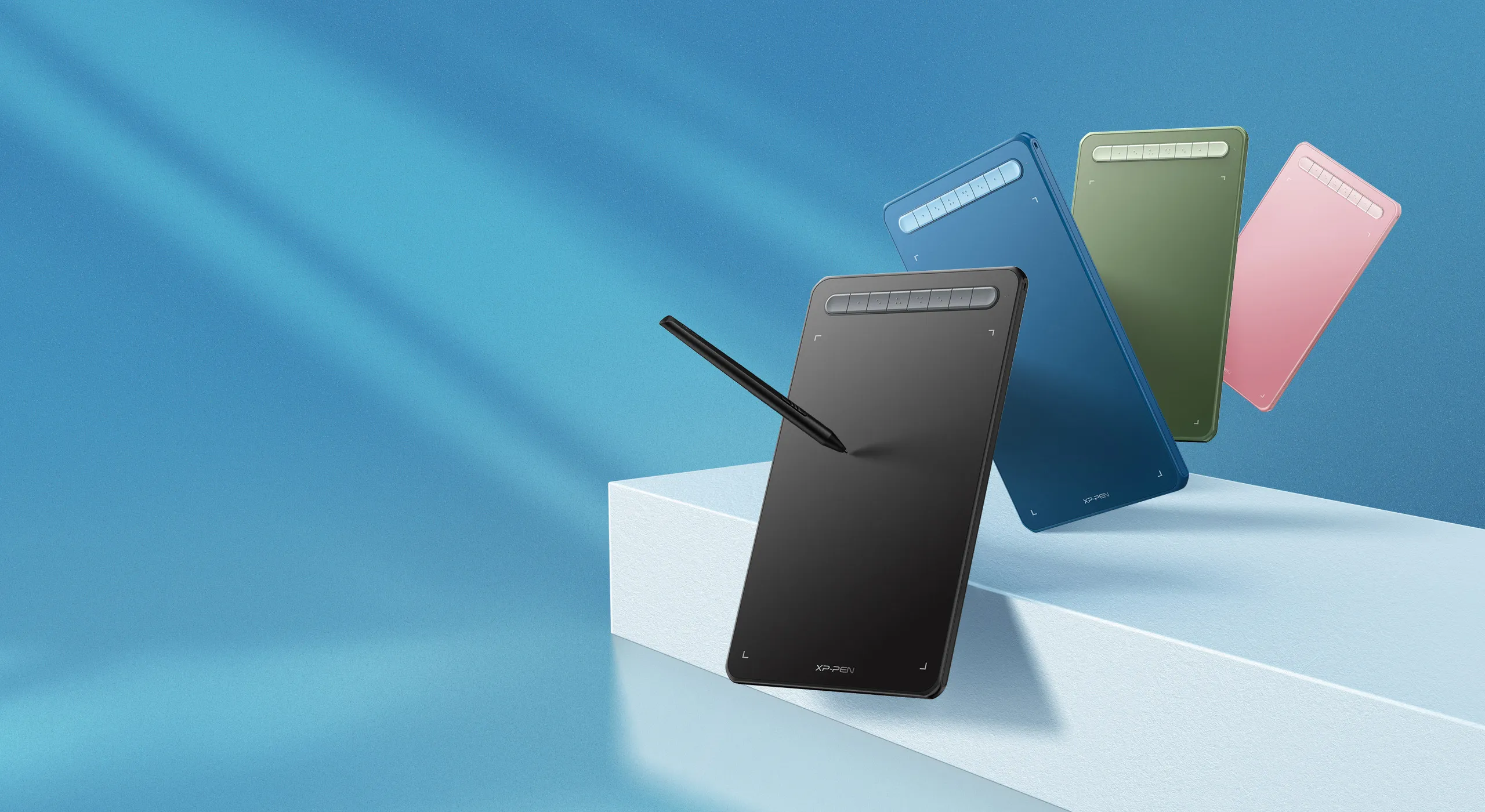
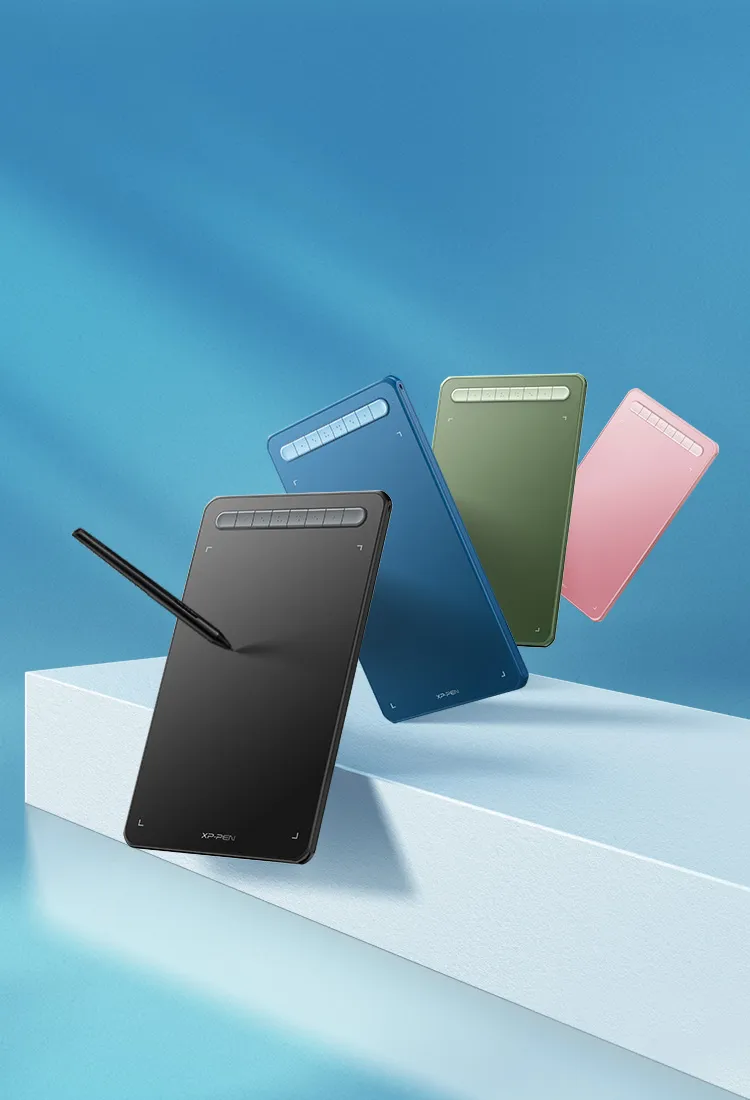
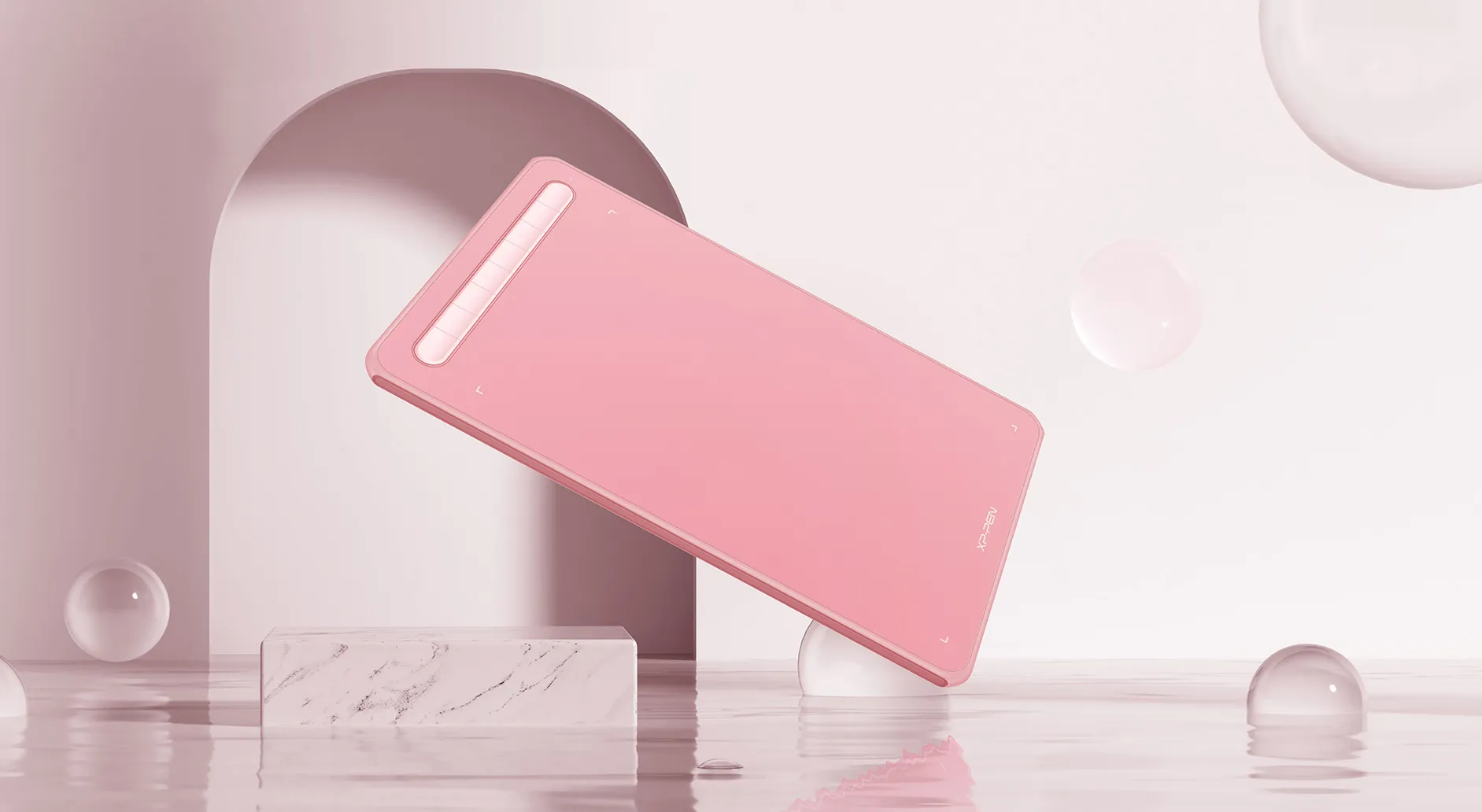
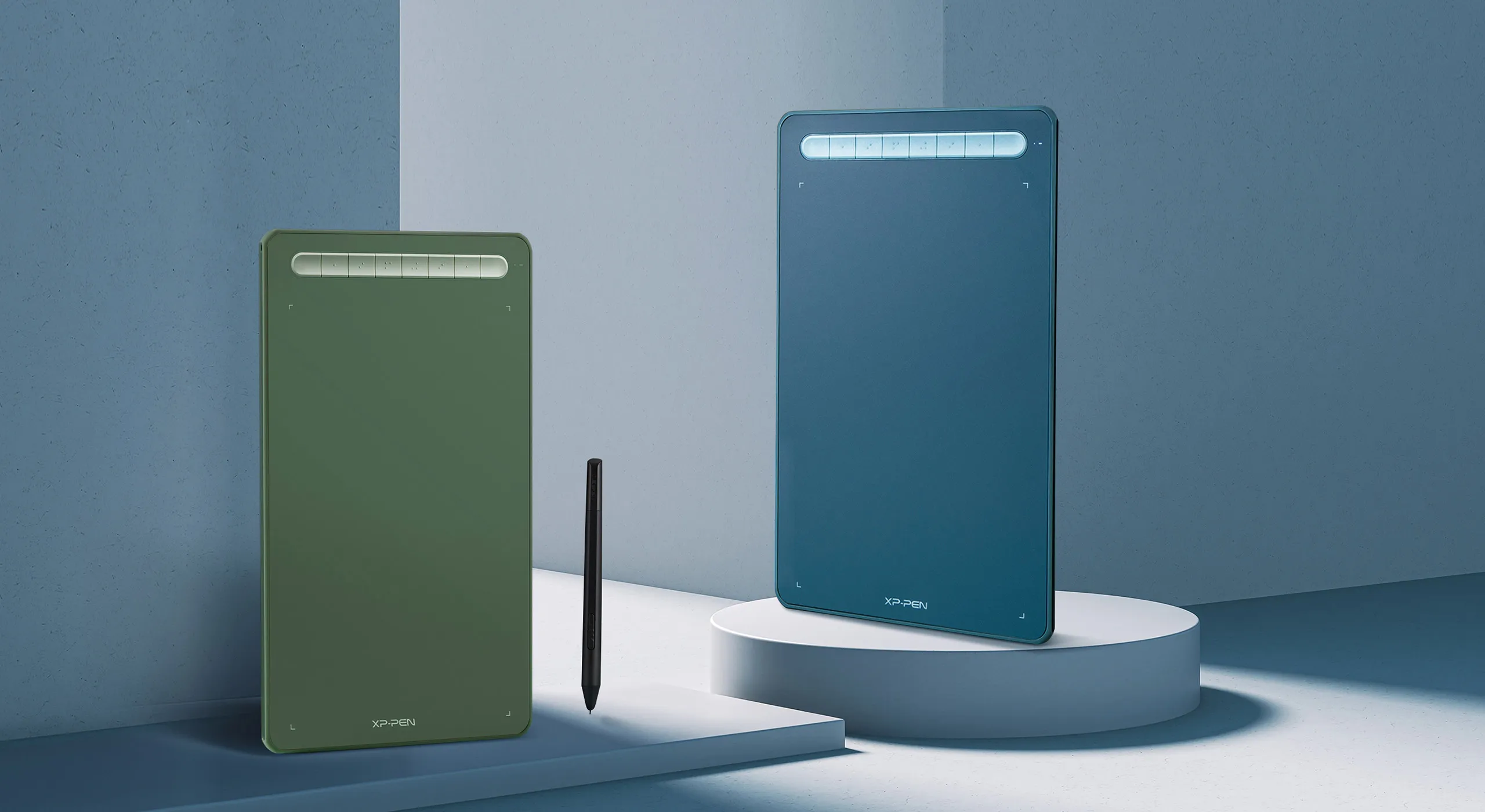
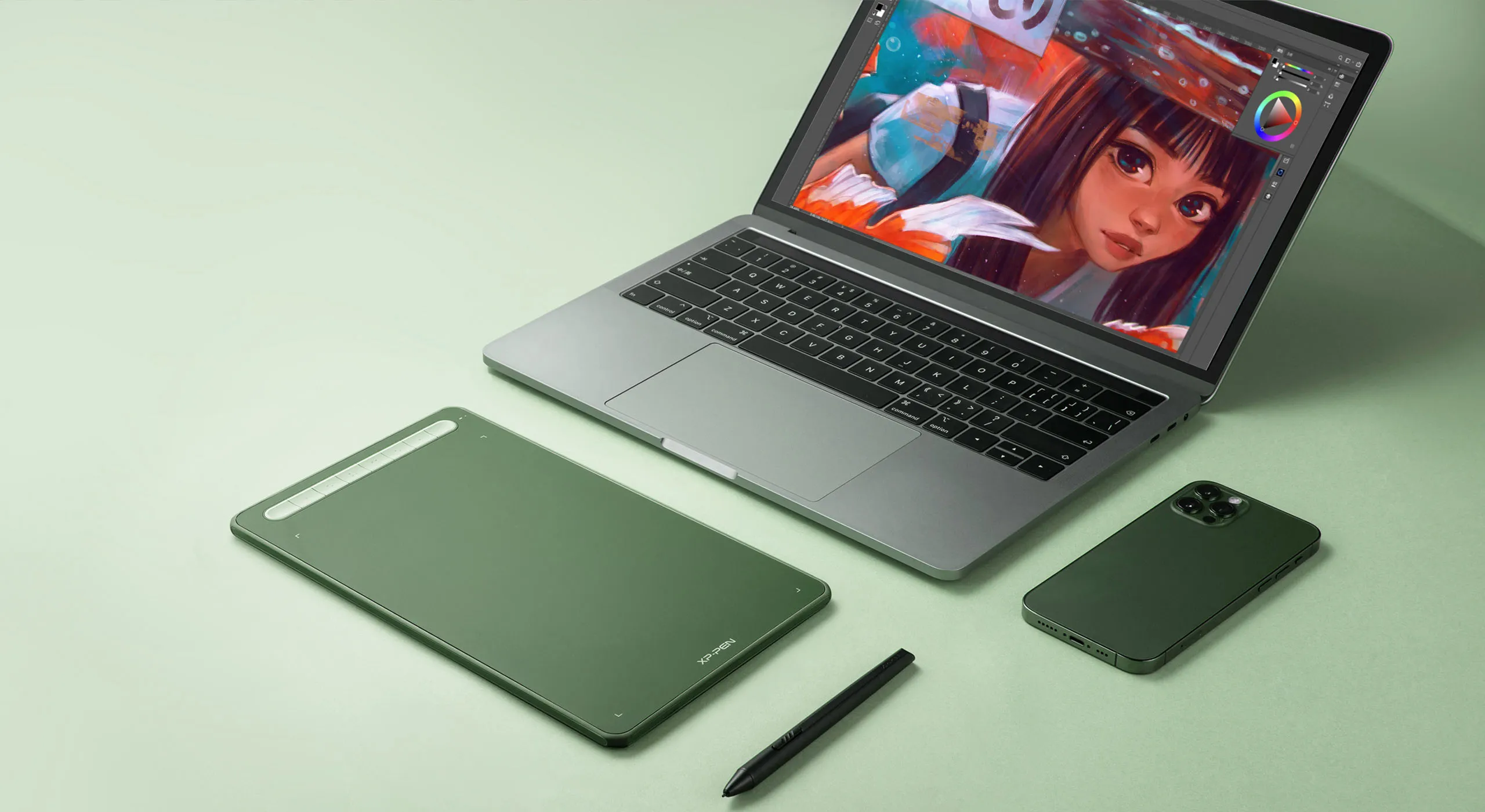
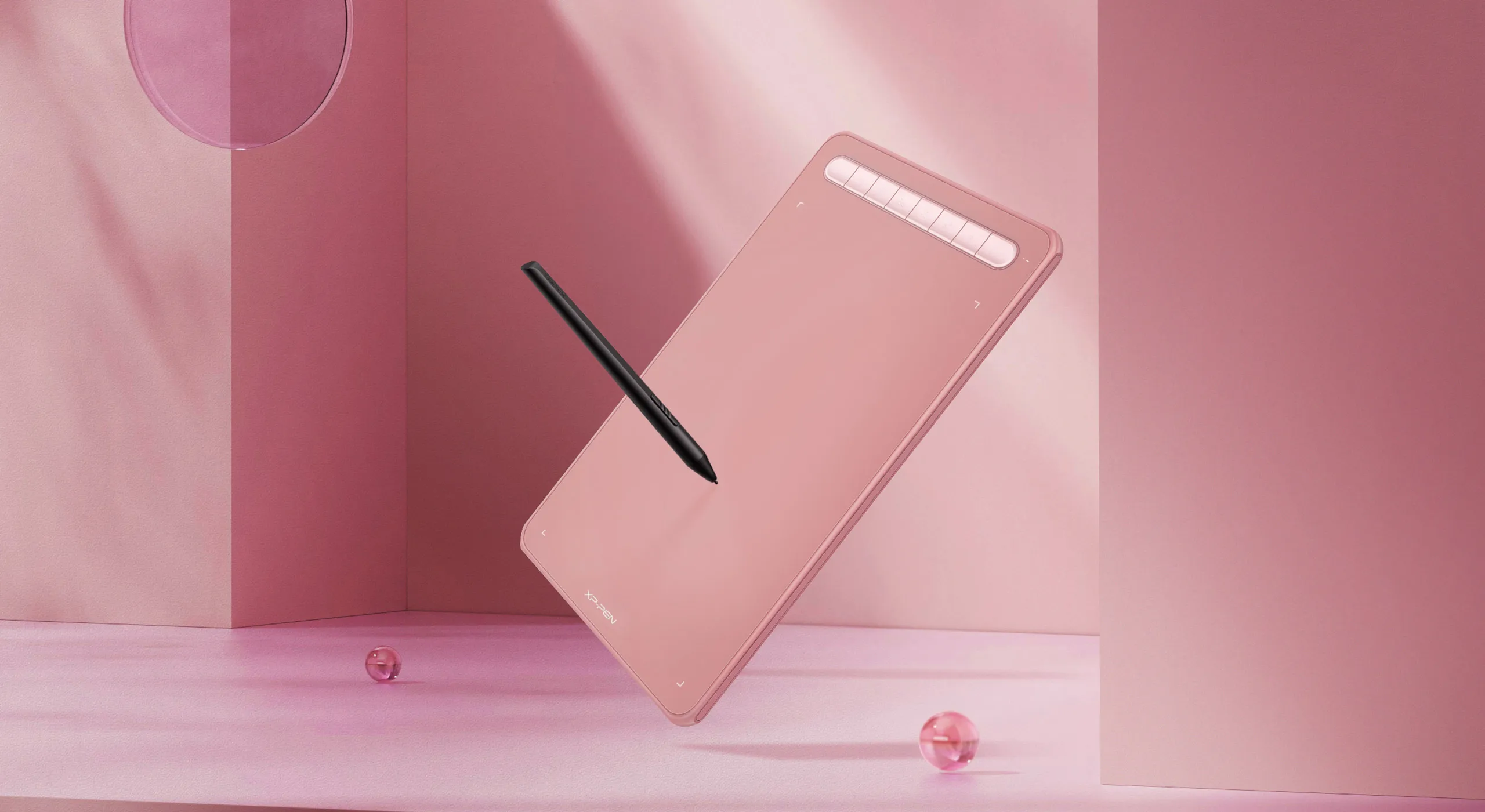
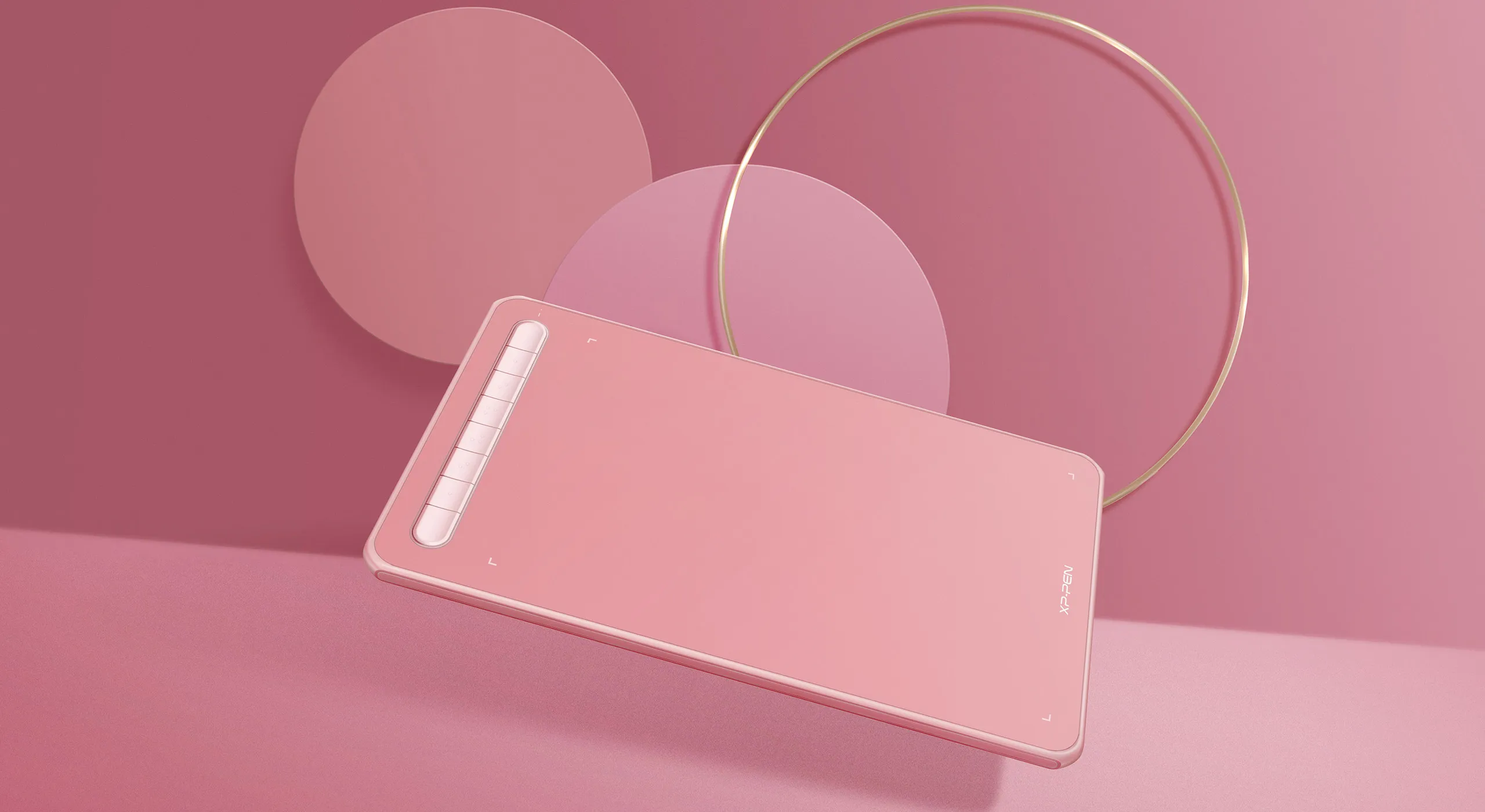
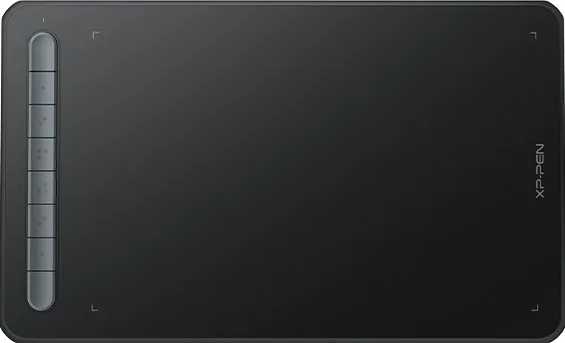
4 vibrant colors
Trendy colors, pick yours
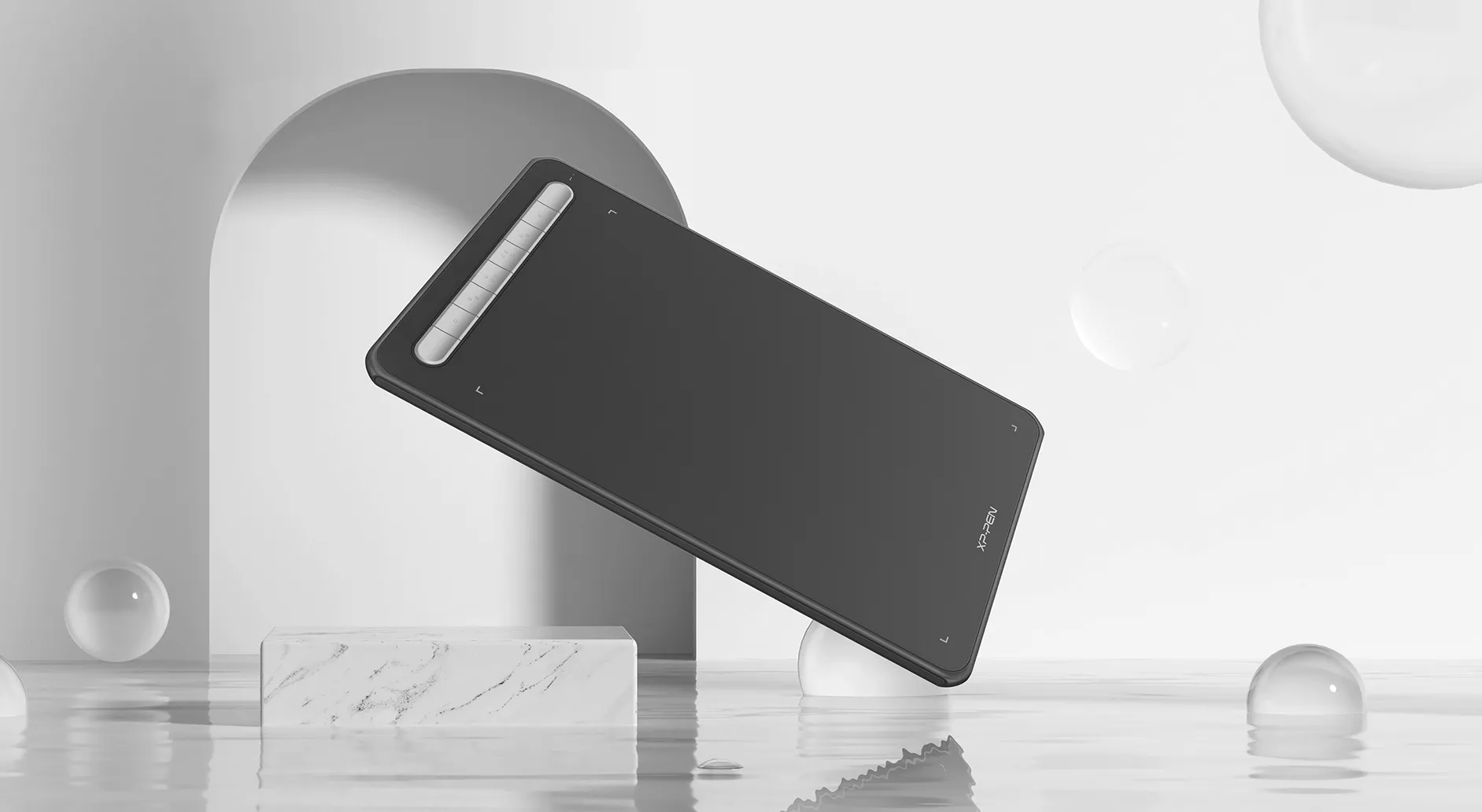
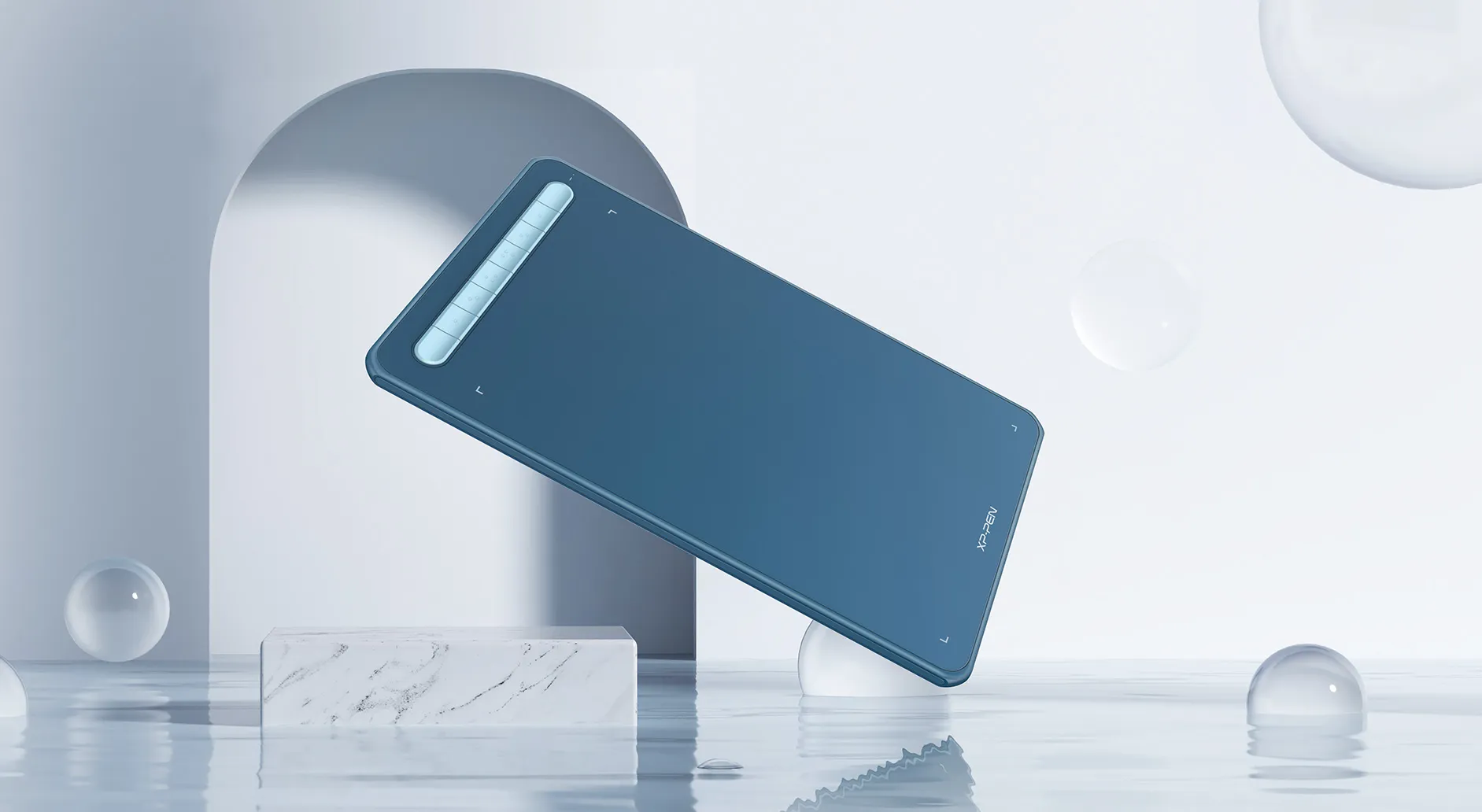
We have painstakingly selected four vibrant colors for the tablet frame. They are warm and eye-catching with an abundance of playful energy. Your boundless artistic expression deserves colorful companions such as these.

Black
Blue
Green
Pink
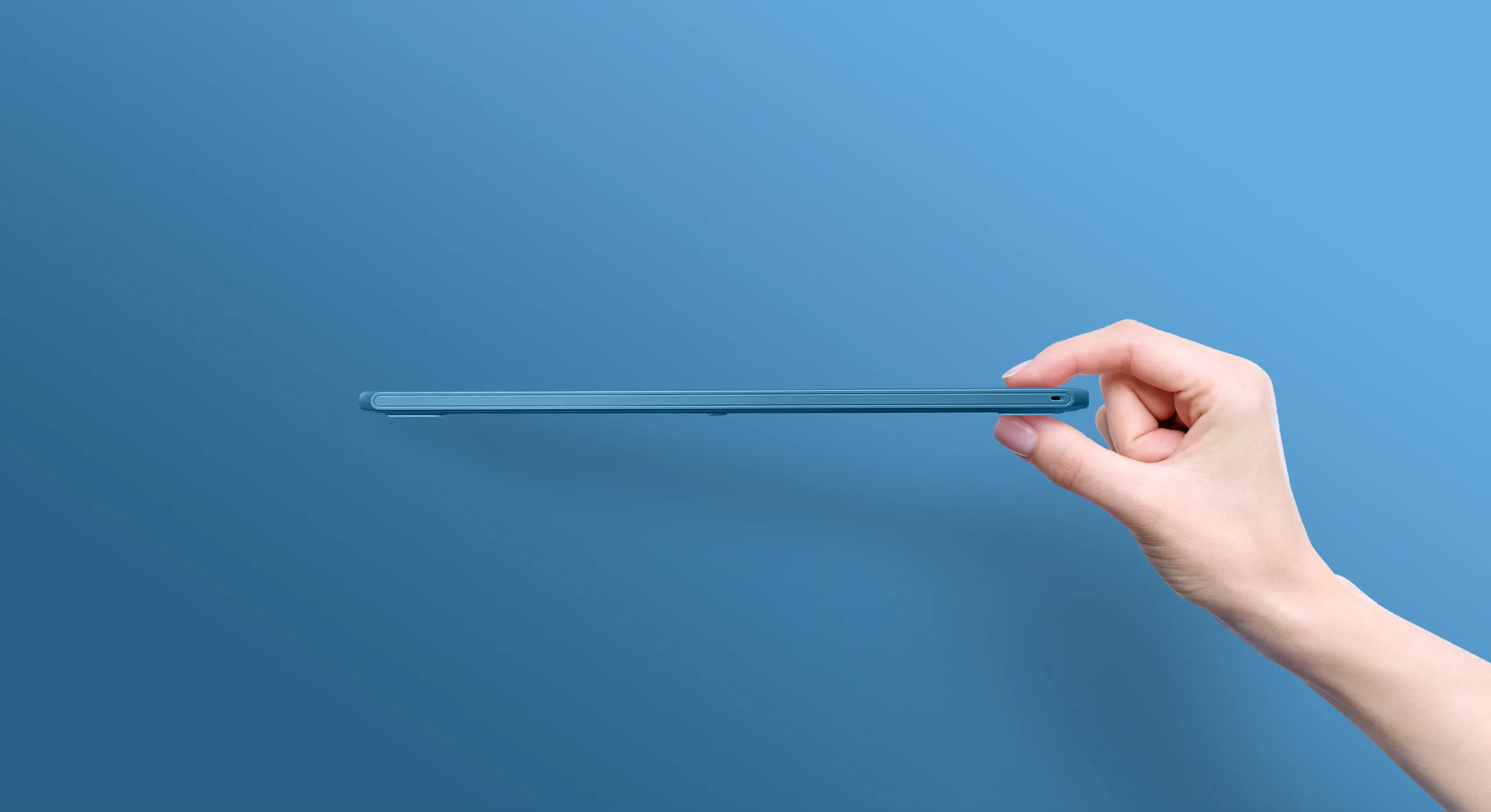
Slim enough for easy portability
Take it where you want, express your inspirations when they come.
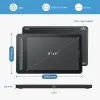
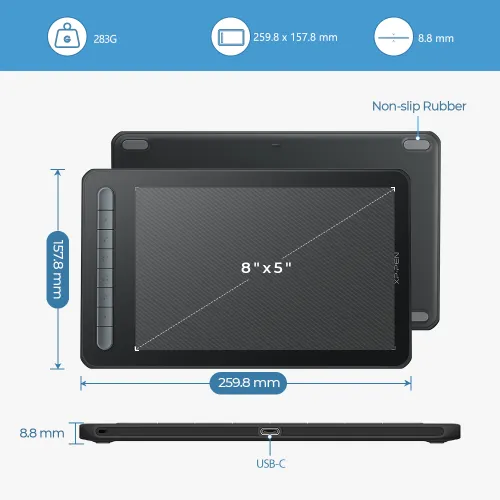
Slim device body with suitable size and good touch experience is easy for you to carry and travel. Your creativity can be unleashed anywhere anytime. Invisible imaginations and real presentations are just one Deco drawing tablet away.

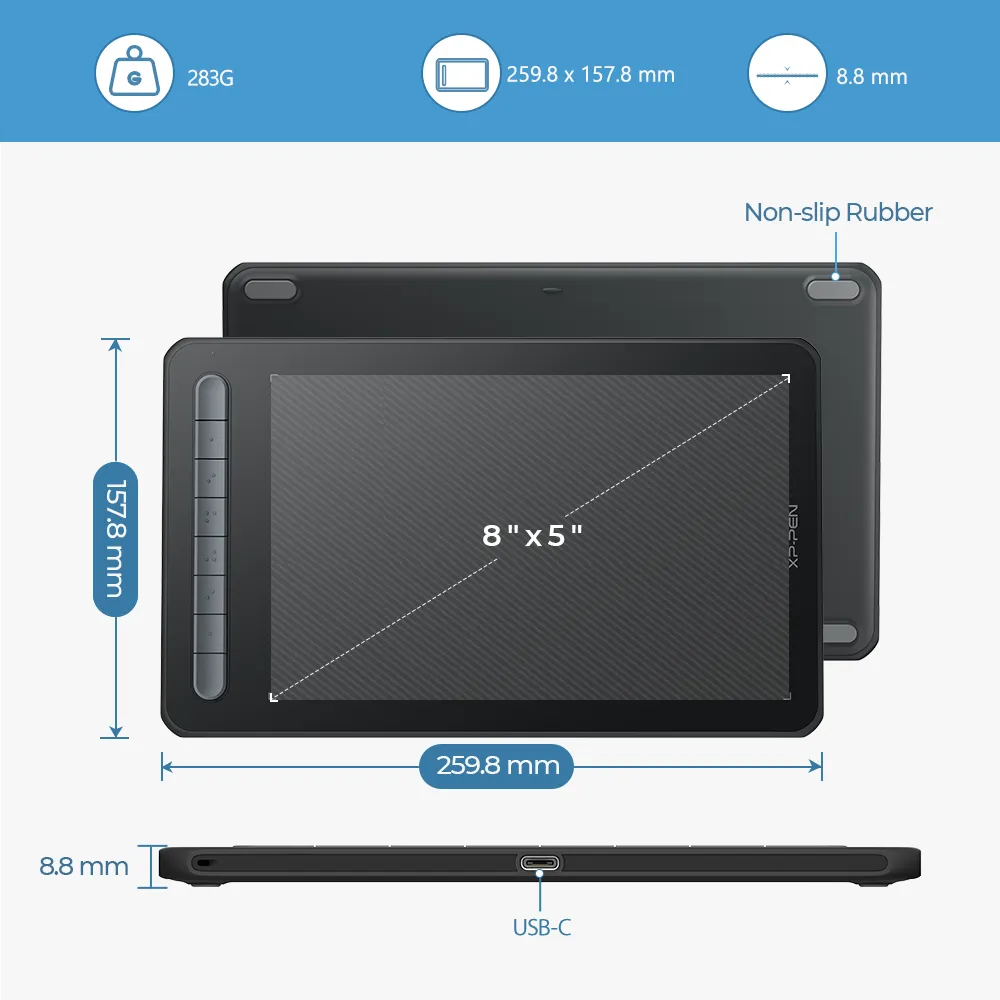
Length: 259.8 x 157.8 mm

Thickness: 8.8 mm

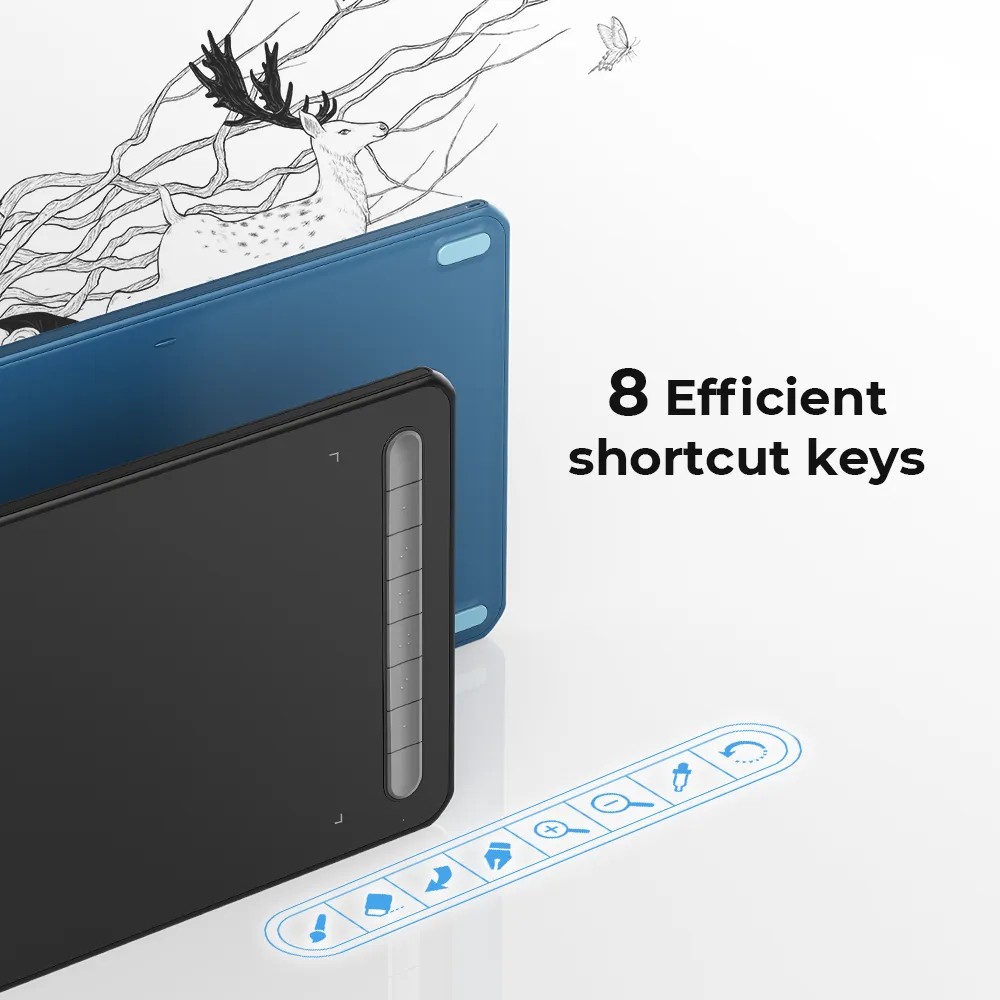
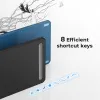
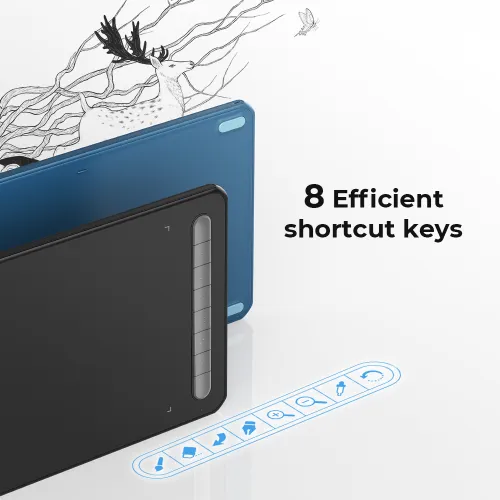
8 efficient shortcut keys
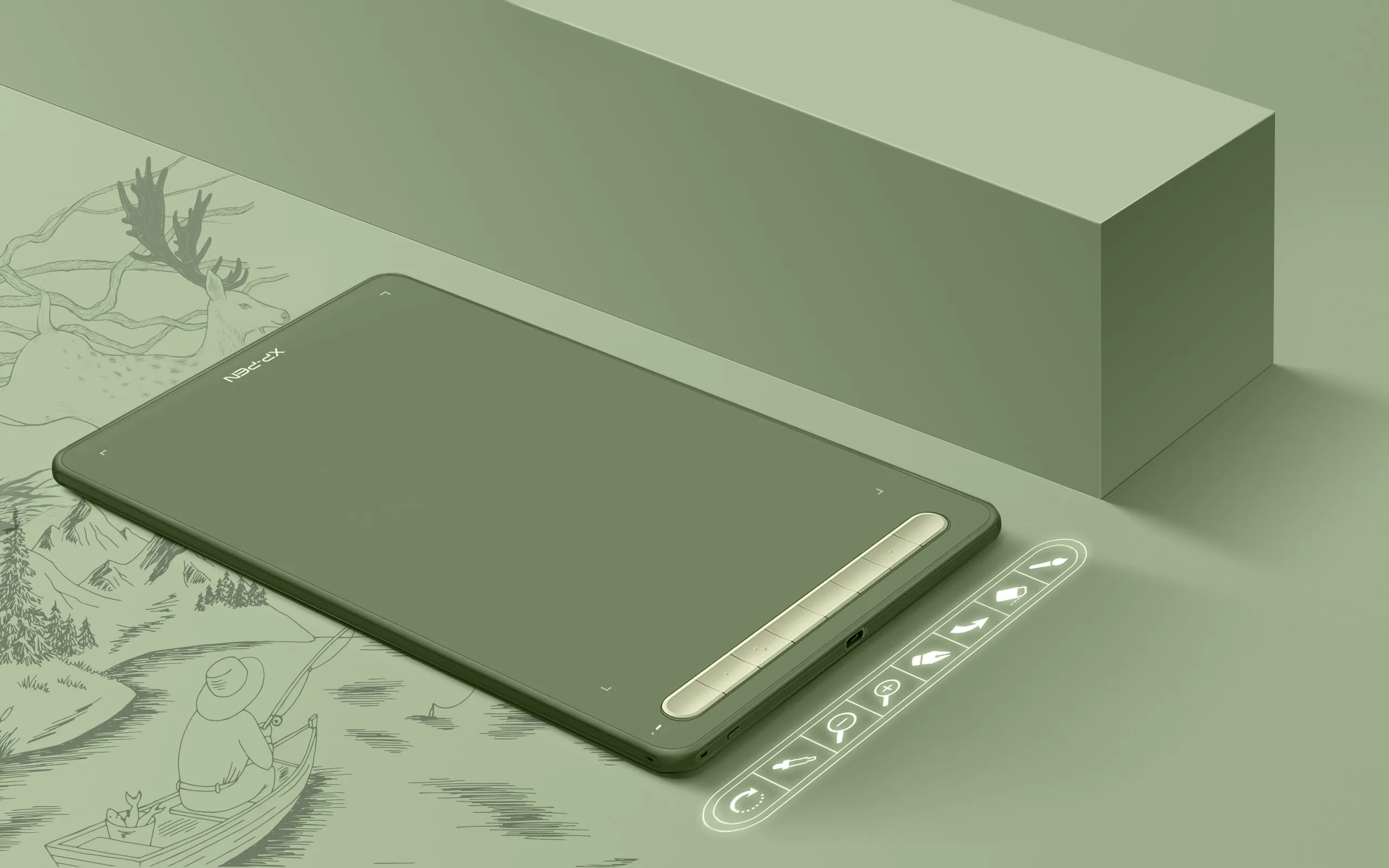
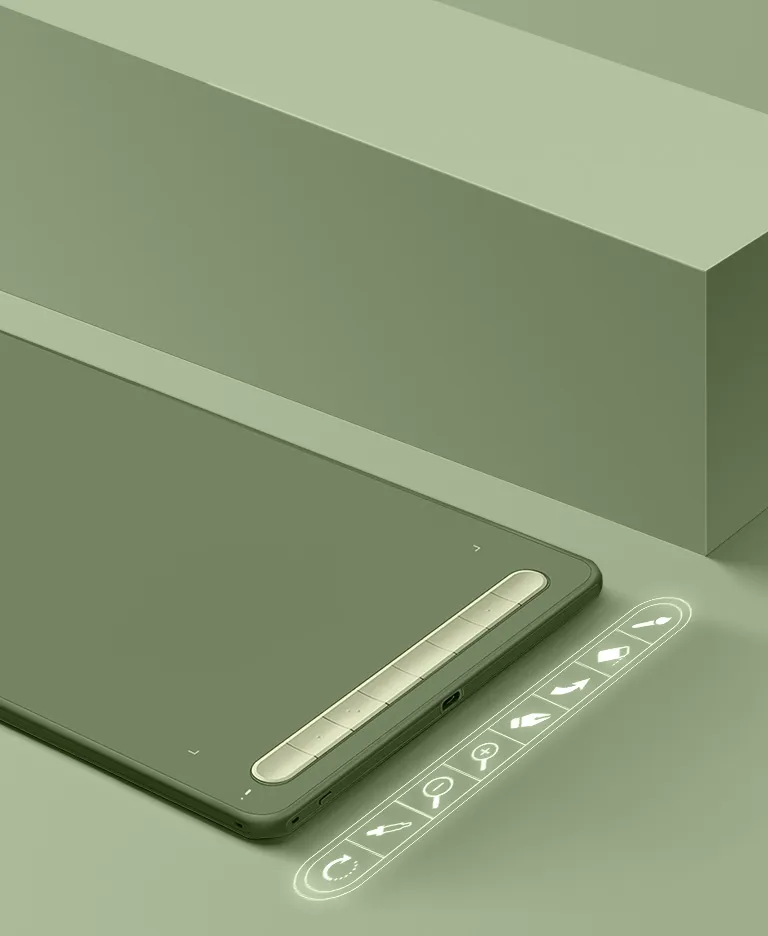
The Deco M and Deco MW drawing tablets feature eight shortcut keys that can be customized to suit the various shortcut combinations needed, thus replacing a computer keyboard. An assortment of tactile bumps on the keys enable you to identify the correct shortcut quickly, helping you to speed up your workflow.
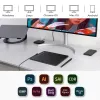
Impressive compatibility
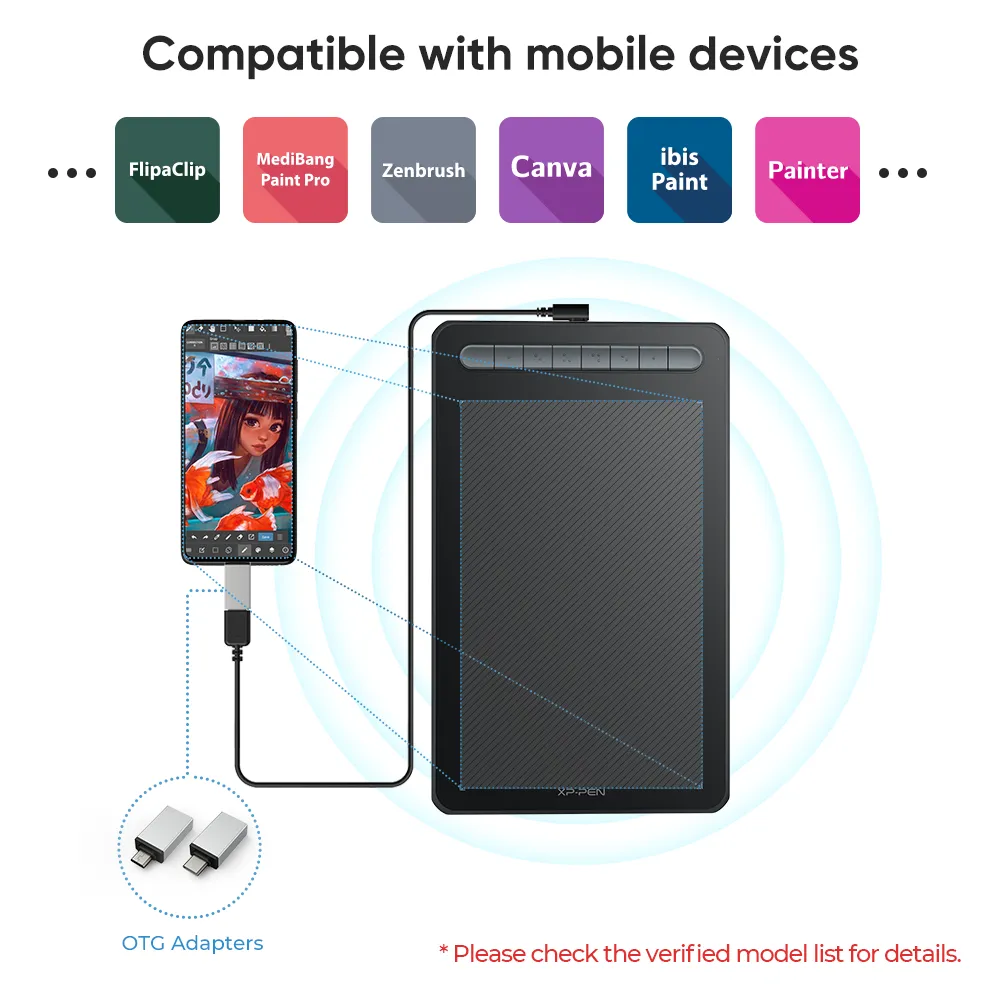
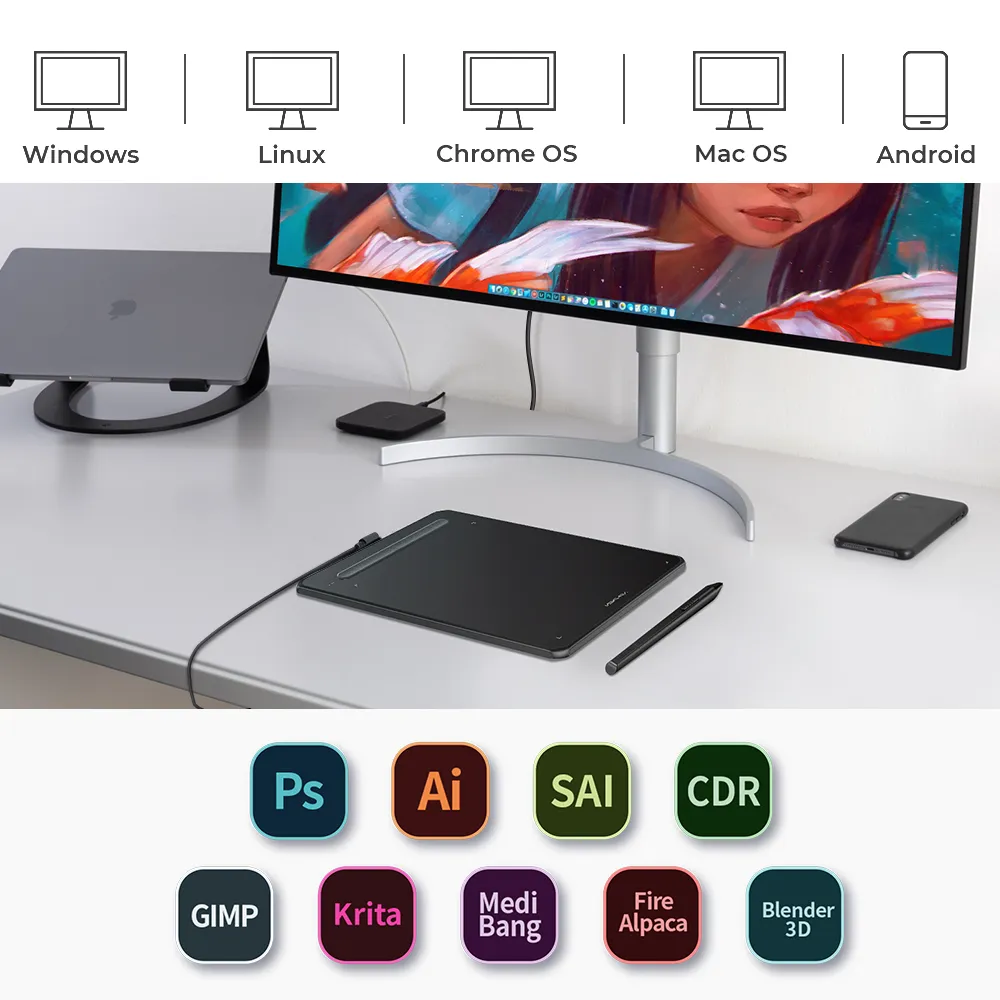
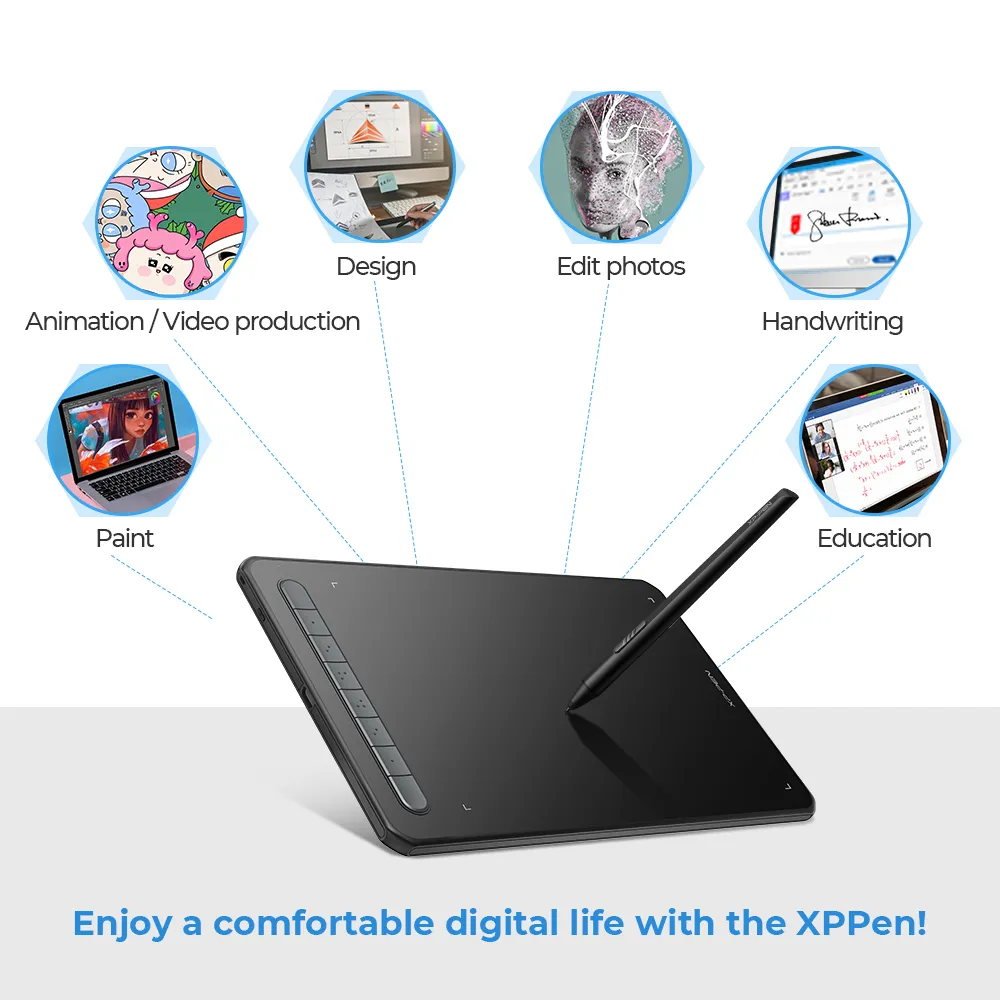
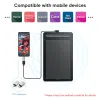
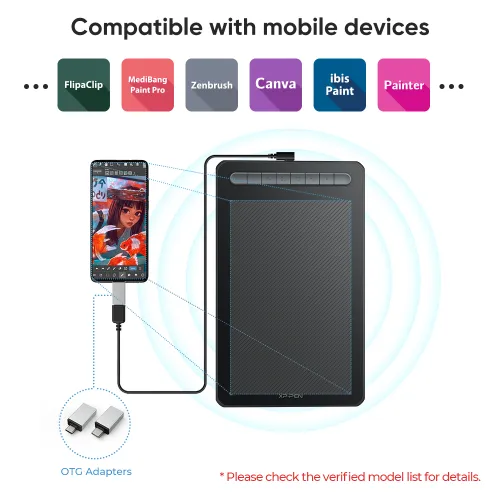
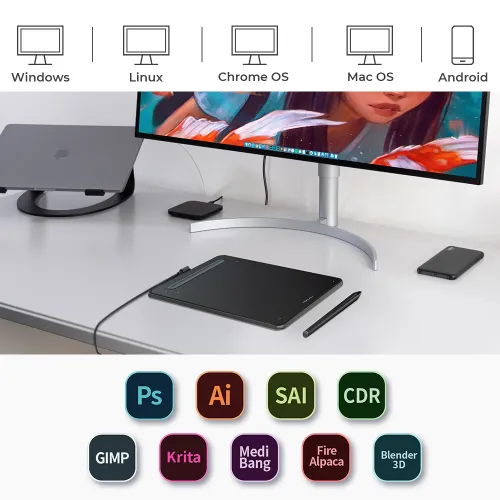
The Deco M and Deco MW drawing tablets Compatible with Windows, Mac, Android, Chrome OS, and Linux systems. Extensive compatibility brings more possibilites to your creations.

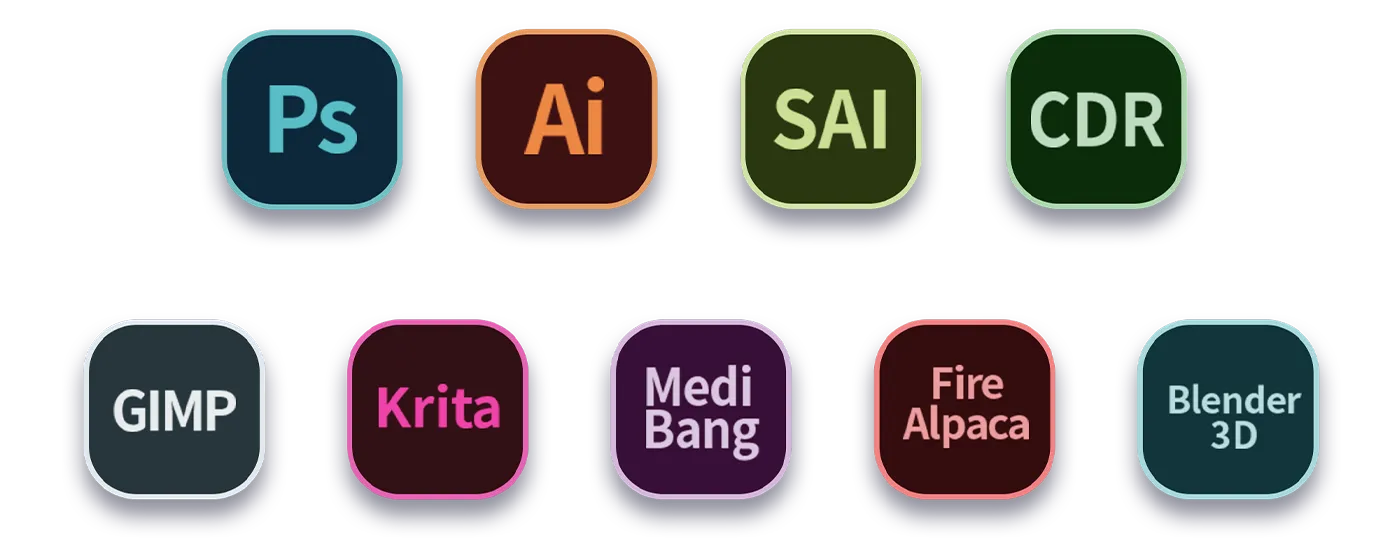
Support most major digital art software such as Photoshop, Illustrator, SAI, CDR, GIMP, Krita, MediBang, FireAlpaca and Blender3D, etc.
* Connection methods
Bluetooth connecion: support Windows 10 or later, Mac OS X10.10 or later.
Wired or wireless receiver connection: Windows 7 or later, Mac OS X10.10 or later, Android 6.0, Chrome OS 88 or later, Linux.
Product Gallery
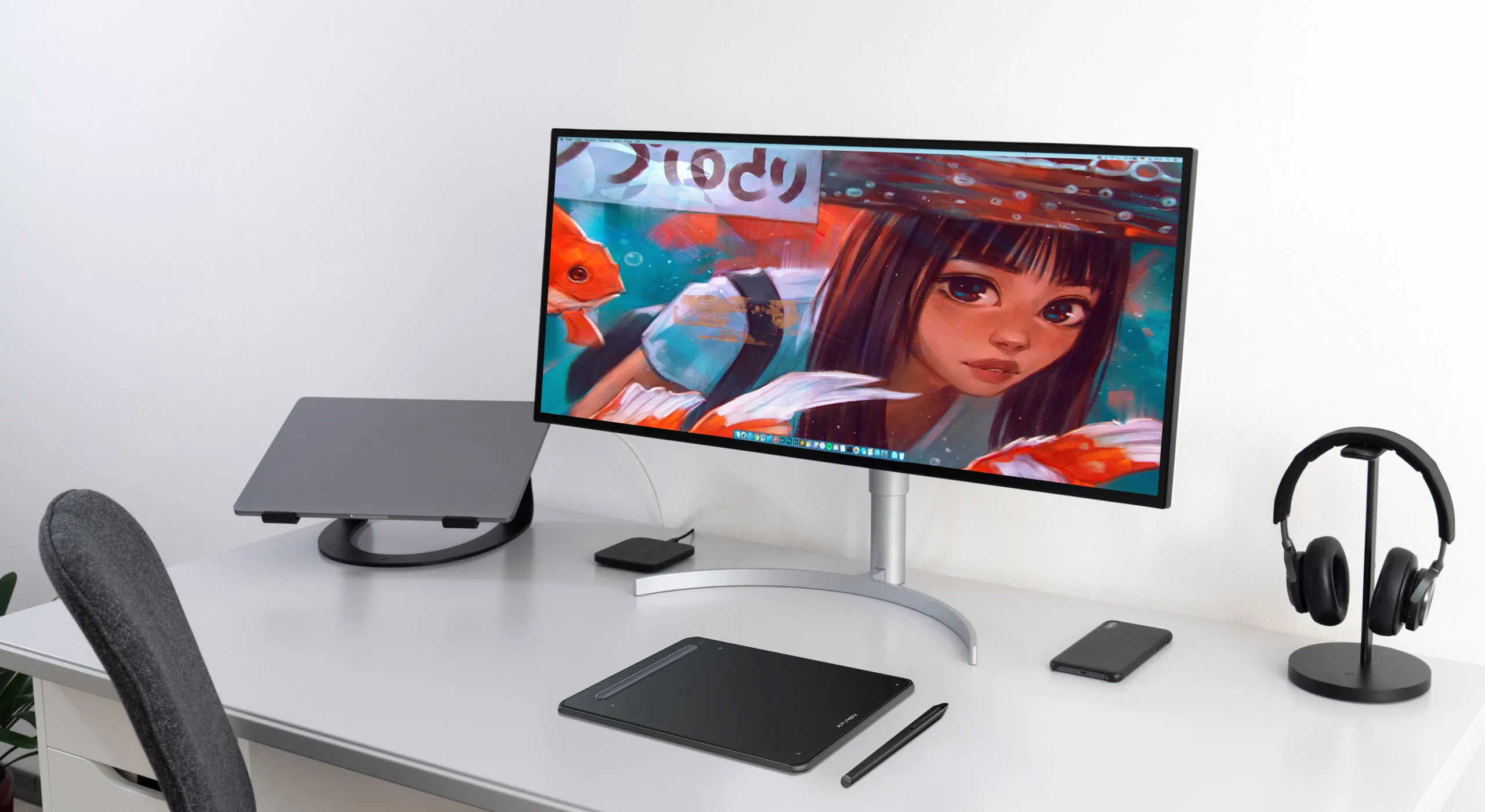
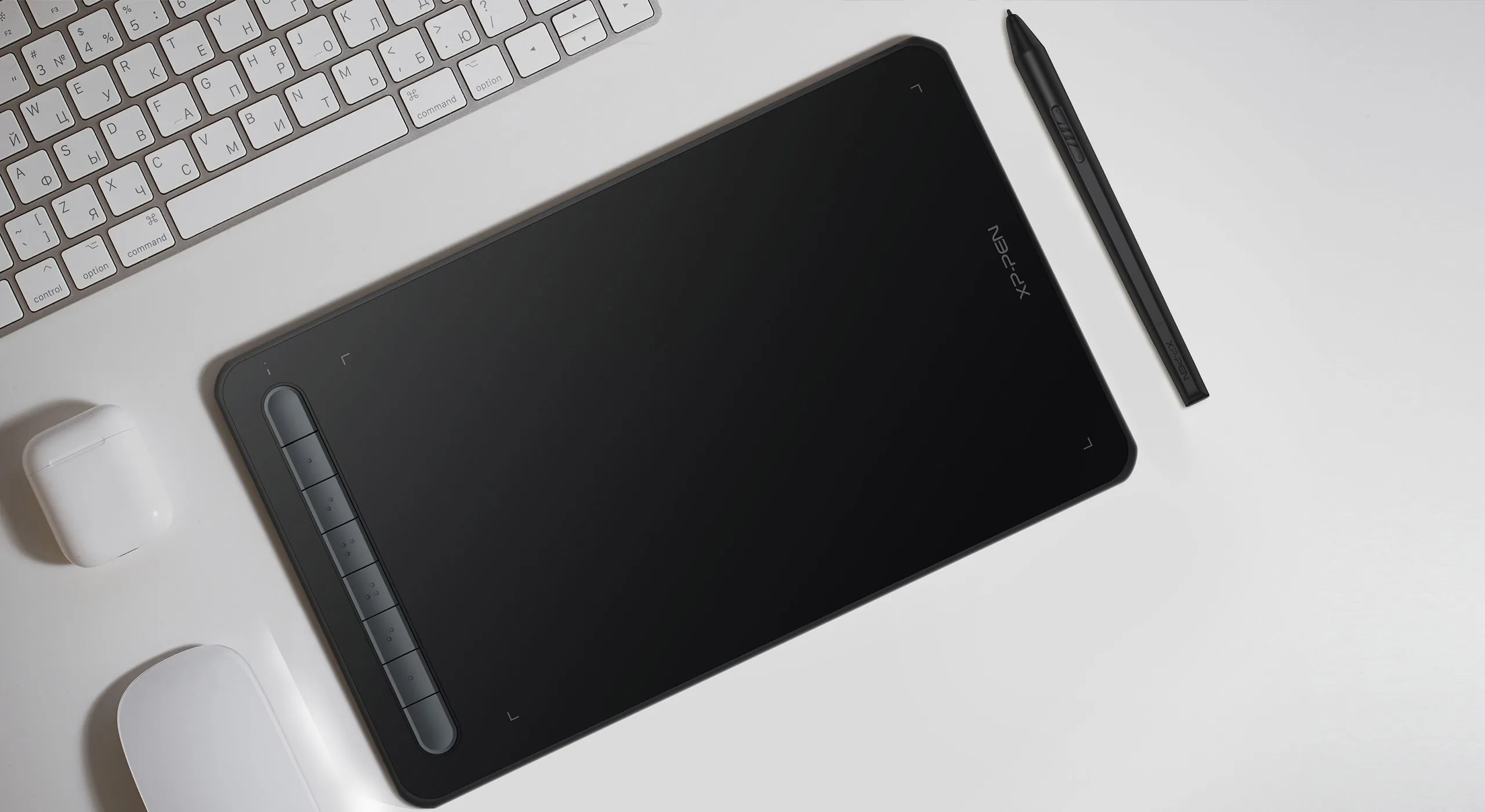


Deco M
Black
Blue
Green
Pink
Dimensions: 259.8 x 157.8 x 8.8 mm
Work Area: 8 " x 5 "
Bluetooth: Not supported
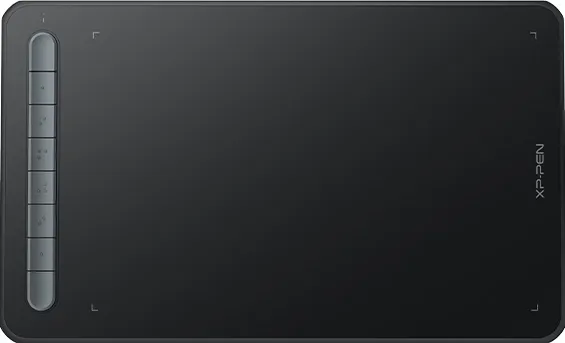
Deco MW
Black
Blue
Green
Pink
Dimensions: 259.8 x 157.8 x 8.8 mm
Work Area: 8 " x 5 "
Bluetooth: support
Specifications

Dimensions:259.8 x 157.8 x 8.8 mm

X3 Elite

8192 Levels

0.6mm retraction distance

60° tilt

Battery-free EMR stylus

Bluetooth v5.0

User-defined shortcut keys

Slim and portable

Windows / Mac / Android / Chrome OS / Linux
Show More

| Linux OS | Version | Package Format | Supported Software |
| Arch | Arch Linux2019.12.01(64-bit) | .deb, .sh | GIMP, Krita |
| Centos | Centos7.0(64-bit) | .rpm, .sh | GIMP |
| Centos8(64-bit) | .rpm, .sh | GIMP, Krita | |
| Debian | debian-9.5.0-amd64-netinst(64-bit) | .deb, .sh | GIMP, Krita |
| elementary OS | elementary OS 5.0(64-bit) | .deb, .sh | GIMP, Krita |
| ezgo Linux | ezgo14(64-bit) | .deb, .sh | GIMP, Krita |
| Fedora | Fedora32(64-bit) | .rpm, .sh | GIMP, Krita |
| Mageia | Mageia-7.1(64-bit) | .rpm, .sh | GIMP, Krita |
| Manjaro | manjaro-xfce-20.1.2-201019(64-bit) | .deb, .sh | GIMP |
| Mint | linuxmint-18.2-cinnamon-64bit | .deb, .sh | GIMP, Krita |
| OpenSUSE | openSUSE-Tumbleweed(64-bit) | .rpm, .sh | GIMP, Krita |
| Pop!_OS | pop-os_19.10(64-bit) | .deb, .sh | GIMP, Krita |
| Red Hat | Red Hat7(64-bit) | .rpm, .sh | GIMP |
| Ubuntu | Ubuntu14.04(64-bit) | .deb, .sh | GIMP, Krita |
| Ubuntu16.04(64-bit) | .deb, .sh | GIMP, Krita | |
| Ubuntu17.04(64-bit) | .deb, .sh | GIMP, Krita | |
| Ubuntu18.04(64-bit) | .deb, .sh | GIMP, Krita | |
| Ubuntu19.04(64-bit) | .deb, .sh | GIMP, Krita | |
| Ubuntu20.04(64-bit) | .deb, .sh | GIMP, Krita |
| Function | Krita 4.3.0 | Gimp 2.10.20 | Inkscape 0.92 |
| Pen Pressure Sensitivity | |||
| Tilt | |||
| Mouse Function | |||
| Eraser Button (Stylus:PH01, P06) | |||
| Switch between Pen and Eraser Modes | |||
| *If you have any further queries, please do not hesitate to contact us at service@xp-pen.com. | |||
Linux OS
Arch
Version
Arch Linux2019.12.01(64-bit)
Package Format
.deb, .sh
Supported Software
GIMP, Krita
Centos
Version
Centos7.0(64-bit)
Centos8(64-bit)
Centos8(64-bit)
Package Format
.rpm, .sh
.rpm, .sh
.rpm, .sh
Supported Software
GIMP
GIMP, Krita
GIMP, Krita
Debian
Version
debian-9.5.0-amd64-netinst(64-bit)
Package Format
.deb, .sh
Supported Software
GIMP, Krita
elementary OS
Version
elementary OS 5.0(64-bit)
Package Format
.deb, .sh
Supported Software
GIMP, Krita
ezgo Linux
Version
ezgo14(64-bit)
Package Format
.deb, .sh
Supported Software
GIMP, Krita
Fedora
Version
Fedora32(64-bit)
Package Format
.rpm, .sh
Supported Software
GIMP, Krita
Mageia
Version
Mageia-7.1(64-bit)
Package Format
.rpm, .sh
Supported Software
GIMP, Krita
Manjaro
Version
manjaro-xfce-20.1.2-201019(64-bit)
Package Format
.deb, .sh
Supported Software
GIMP
Mint
Version
linuxmint-18.2-cinnamon-64bit
Package Format
.deb, .sh
Supported Software
GIMP, Krita
OpenSUSE
Version
openSUSE-Tumbleweed(64-bit)
Package Format
.rpm, .sh
Supported Software
GIMP, Krita
Pop!_OS
Version
pop-os_19.10(64-bit)
Package Format
.deb, .sh
Supported Software
GIMP, Krita
Red Hat
Version
Red Hat7(64-bit)
Package Format
.rpm, .sh
Supported Software
GIMP
Ubuntu
Version
Ubuntu14.04(64-bit)
Ubuntu16.04(64-bit)
Ubuntu17.04(64-bit)
Ubuntu18.04(64-bit)
Ubuntu19.04(64-bit)
Ubuntu20.04(64-bit)
Ubuntu16.04(64-bit)
Ubuntu17.04(64-bit)
Ubuntu18.04(64-bit)
Ubuntu19.04(64-bit)
Ubuntu20.04(64-bit)
Package Format
.deb, .sh
.deb, .sh
.deb, .sh
.deb, .sh
.deb, .sh
.deb, .sh
.deb, .sh
.deb, .sh
.deb, .sh
.deb, .sh
.deb, .sh
Supported Software
GIMP, Krita
GIMP, Krita
GIMP, Krita
GIMP, Krita
GIMP, Krita
GIMP, Krita
GIMP, Krita
GIMP, Krita
GIMP, Krita
GIMP, Krita
GIMP, Krita
Function
Pen Pressure Sensitivity
Krita 4.3.0
Gimp 2.10.20
Inkscape 0.92
Tilt
Krita 4.3.0
Gimp 2.10.20
Inkscape 0.92
Mouse Function
Krita 4.3.0
Gimp 2.10.20
Inkscape 0.92
Eraser Button(Stylus:PH01, P06)
Krita 4.3.0
Gimp 2.10.20
Inkscape 0.92
Switch between Penand Eraser Modes
Krita 4.3.0
Gimp 2.10.20
Inkscape 0.92
*If you have any further queries, please do not hesitate to contact us at service@xp-pen.com.
5.0

Dựa trên 5
100%(5)

0(0)
0(0)
0(0)
0(0)
XFANSej5rfy8i
Dec 18 ,2022 PM 15:10 Deco MW Bluetooth
Sản phẩm chất lượng
Giao hàng nhanh, đóng gói cẩn thận, bút cực nhạy
Hữu dụng(0)+1
Official mall
Feb 15 ,2023 PM 17:41
Cảm ơn bạn rất nhiều vì những lời tốt đẹp.
Chúng tôi rất vui khi biết rằng bạn hài lòng với sản phẩm của chúng tôi. Lời khen của bạn có ý nghĩa rất lớn đối với chúng tôi.
Thưởng thức bản vẽ :)
DungSoNgoc
Jan 15 ,2023 PM 12:35 Deco MW Bluetooth
Sản phẩm tốt
Bảng vẽ nhỏ nhắn, dễ mang đi ra ngoài, test thử thấy rất mượt, màu hồng vừa ngọt vừa dễ thương, lại còn có thể nối type-c to type-c vô macbook vẽ được nên ưng cực nha
Hữu dụng(3)+1
Official mall
Feb 15 ,2023 PM 17:36
Cảm ơn bạn rất nhiều vì những lời tốt đẹp.
Chúng tôi rất vui khi biết rằng bạn hài lòng với sản phẩm của chúng tôi. Lời khen của bạn có ý nghĩa rất lớn đối với chúng tôi.
Chúng tôi cố gắng cung cấp các sản phẩm và dịch vụ tốt hơn nữa và ý kiến của bạn có thể đưa chúng tôi đến đây.
Chúc một ngày tốt lành : )
XFANS2r8m28hv
Mar 10 ,2024 PM 16:59 Deco MW Bluetooth
Chất lượng sản phẩm rất tốt.
Giao hàng nhanh. Đóng gói cẩn thận. Kết nối dây và Bluetooth đều rất ổn định. Vẽ mượt.
Hữu dụng(0)+1
Official mall
Mar 15 ,2024 PM 15:27
Cảm ơn bạn rất nhiều vì phản hồi của bạn.
Chúng tôi rất vui khi biết rằng bạn hài lòng với sản phẩm của chúng tôi. Lời khen của bạn có ý nghĩa rất lớn đối với chúng tôi.
Chúng tôi cố gắng cung cấp các sản phẩm và dịch vụ tốt hơn nữa và ý kiến của bạn có thể đưa chúng tôi đến được đây.
Chúc các bạn vẽ vui vẻ :)
Tìm hiểu thêm
XFANSaomhcb3o
Aug 29 ,2024 AM 00:34 Deco MW Bluetooth
Cho mình hỏi là shop có restock màu xanh lá phiên bản MW không ạ? Vì mình thích màu xanh mà lại muốn wireless nhưng không có :(
Trả lời0
XFANSaomhcb3o
Aug 29 ,2024 AM 00:34 Deco MW Bluetooth
Cho mình hỏi là shop có restock màu xanh lá phiên bản MW không ạ? Vì mình thích màu xanh mà lại muốn wireless nhưng không có :(
Trả lời0
XFANS672p84fy
Feb 11 ,2024 AM 11:52 Deco MW Bluetooth
Cho mình hỏi là drawing glove thì các thông số của các size như thế nào vậy ạ? Kiểu như dài với rộng ấy ạ
Trả lời0
XFANS4ic5a0kz
Feb 08 ,2023 PM 21:50 Deco MW Bluetooth
cho mình hỏi là có được kiểm tra hàng khi nhận hàng không?
Trả lời1
Official mall
Feb 15 ,2023 PM 15:01
Xin chào, chúng tôi không cung cấp kiểm tra trước khi thanh toán.
Chúng tôi cung cấp bảo hành 18 tháng, sau khi nhận được, bất kỳ vấn đề nào về sản phẩm đều có thể kiểm tra kịp thời với chúng tôi, xin cảm ơn.
Trả lời bài đánh giá này
XFANShfammuf5
Jan 07 ,2023 PM 20:00 Deco MW Bluetooth
Xin chào. Sản phẩm mua ở đây có thể đem đi bảo hành trên các cửa hàng chính hãng của XP Pen VN không?
Trả lời2
Tìm thêm các câu trả lời khác(1)
Official mall
Feb 15 ,2023 PM 15:38
Chào bạn, nếu bạn mua hàng online thì không được bảo hành tại cửa hàng thực tế, do đội ngũ bán hàng khác bạn nhé. Đặt hàng trực tuyến sẽ được phục vụ và nhận bảo hành 18 tháng trực tiếp bởi nhóm trực tuyến XPPEN, xin cảm ơn.
Trả lời bài đánh giá này