



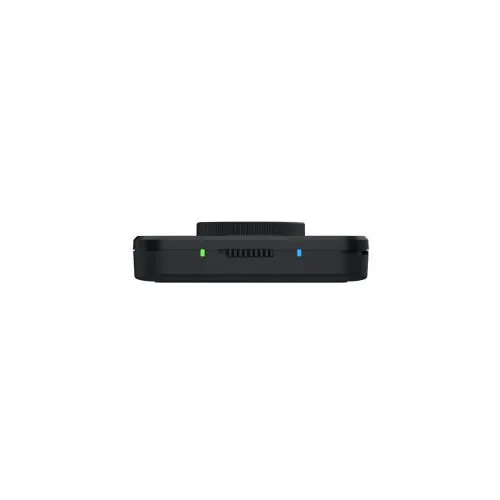
Xencelabs Quick Keys
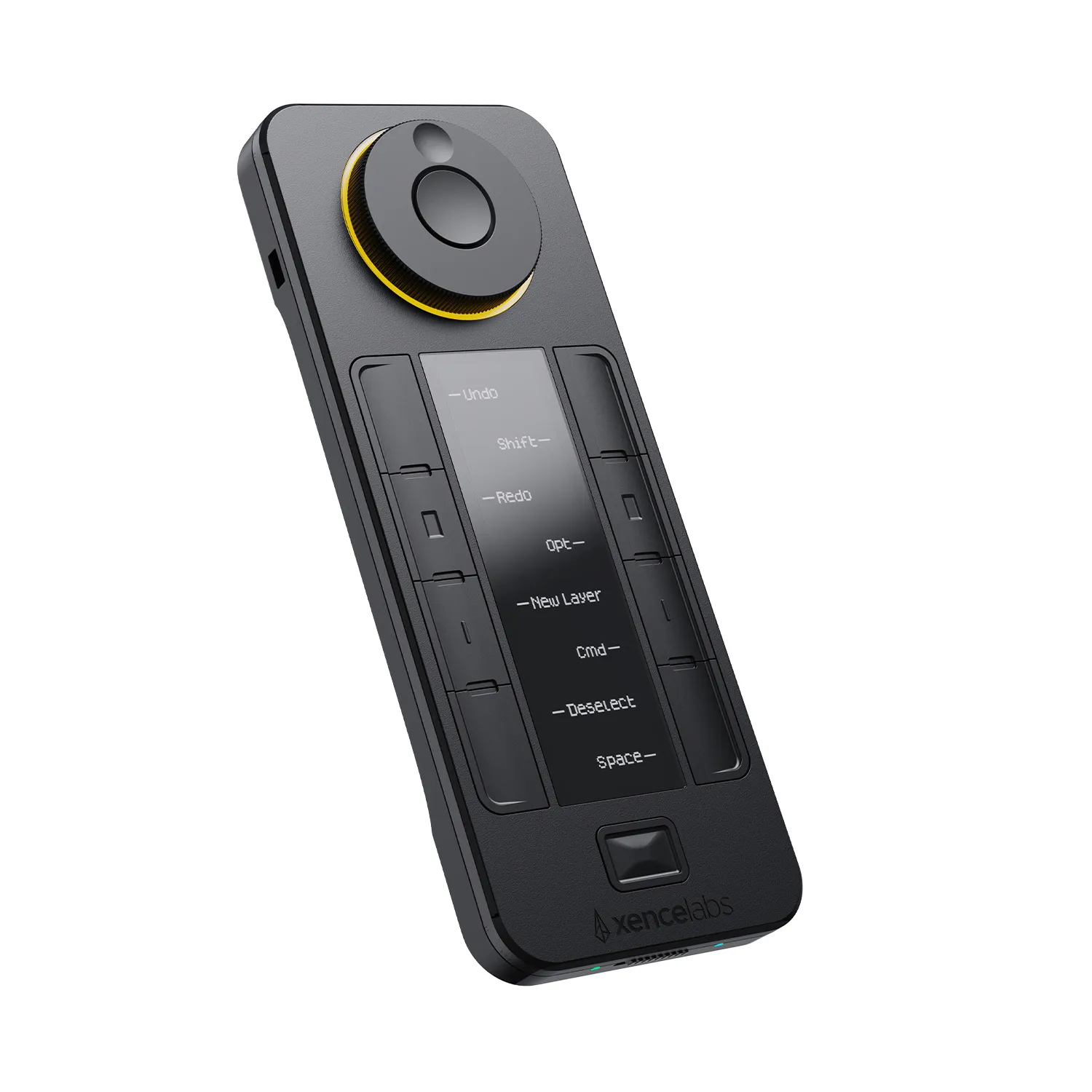
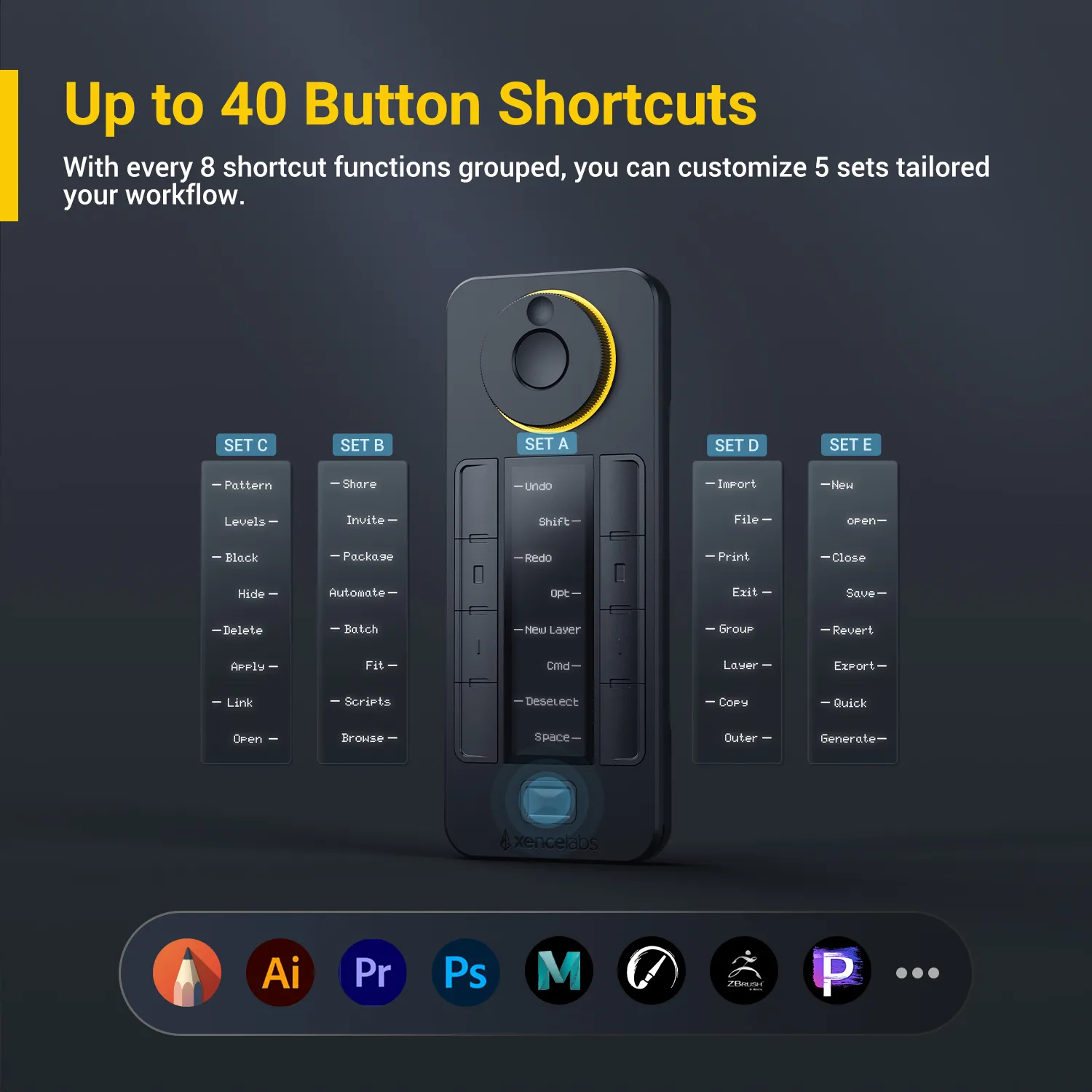
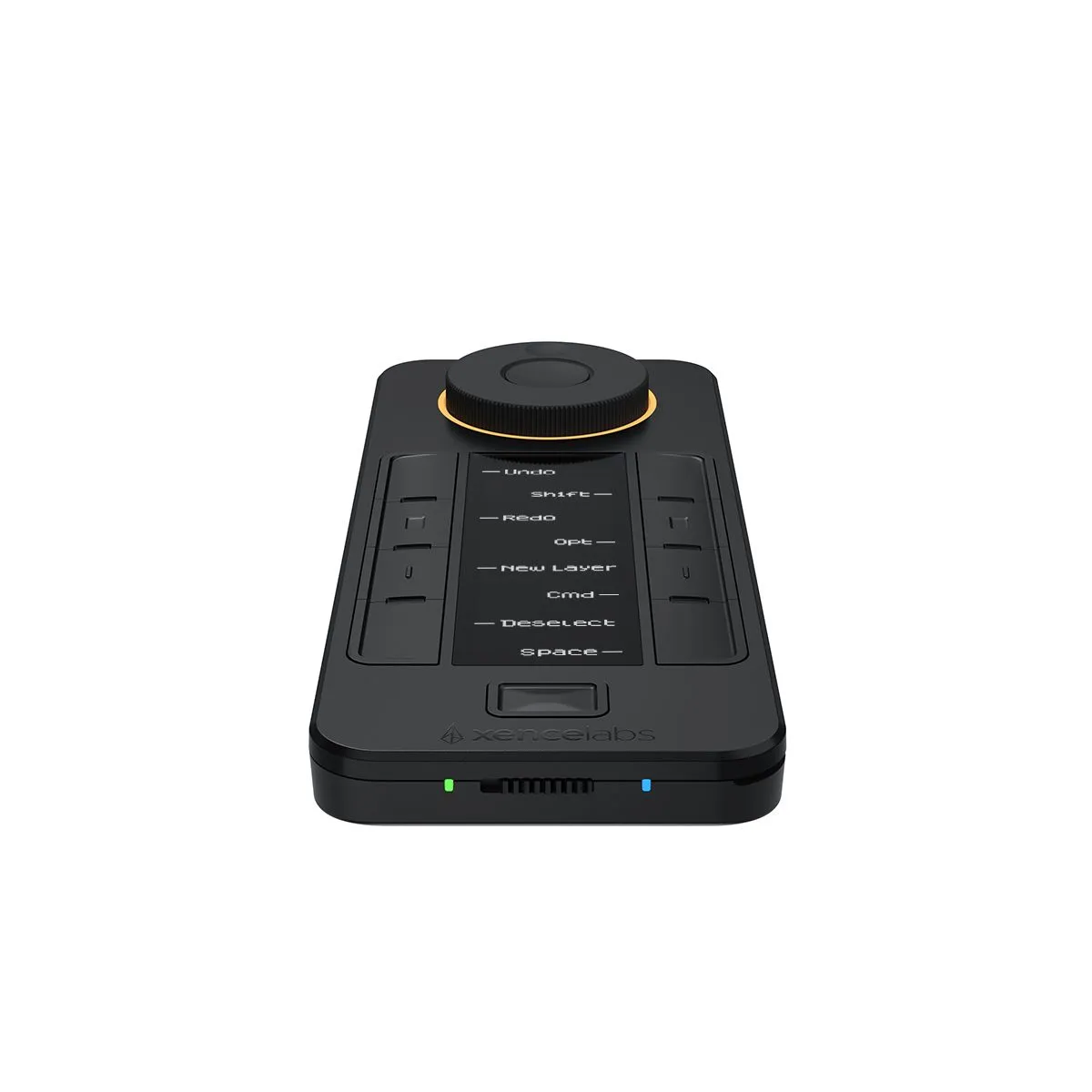
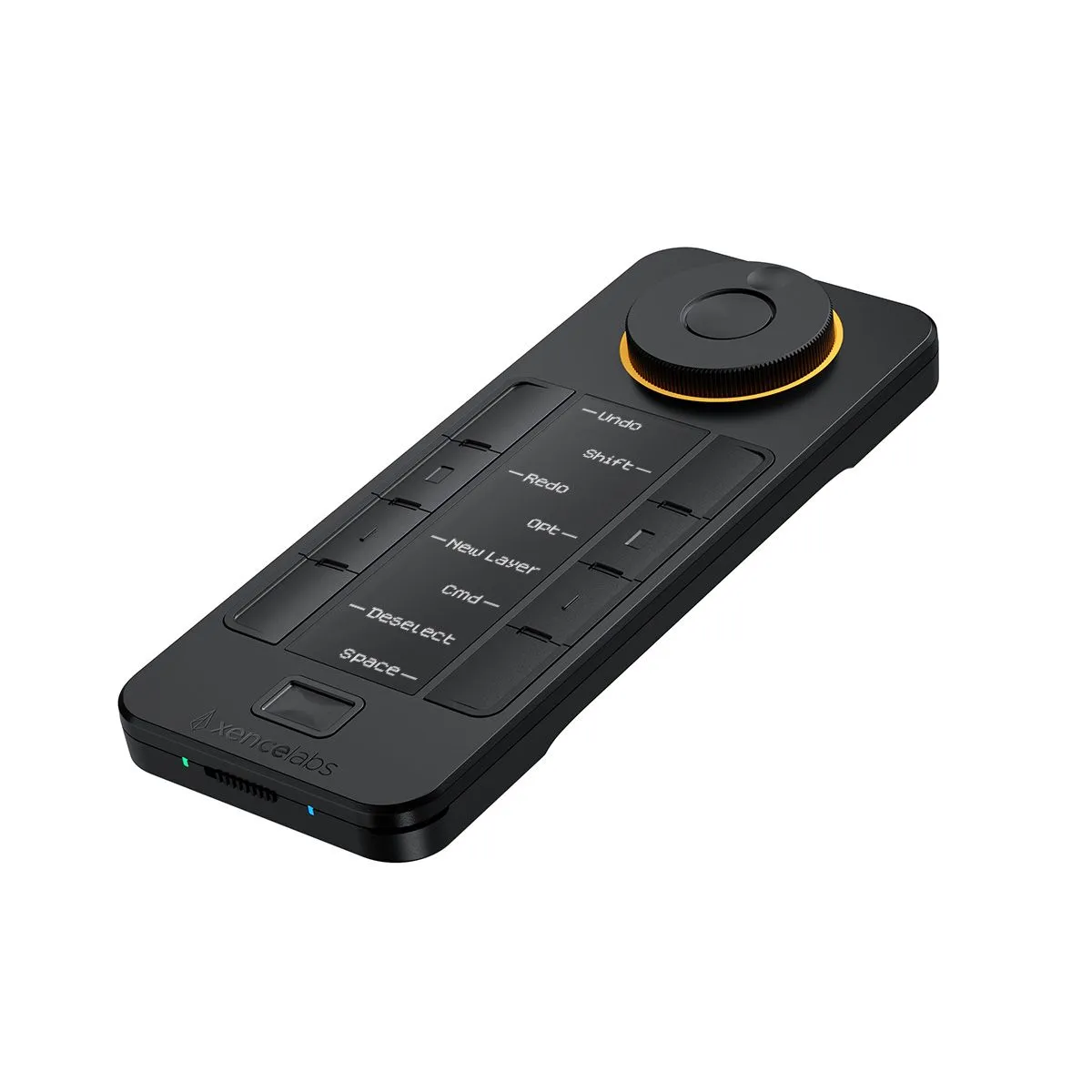
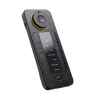
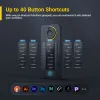
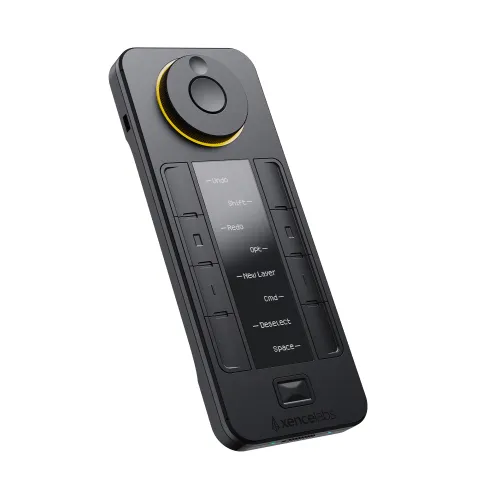
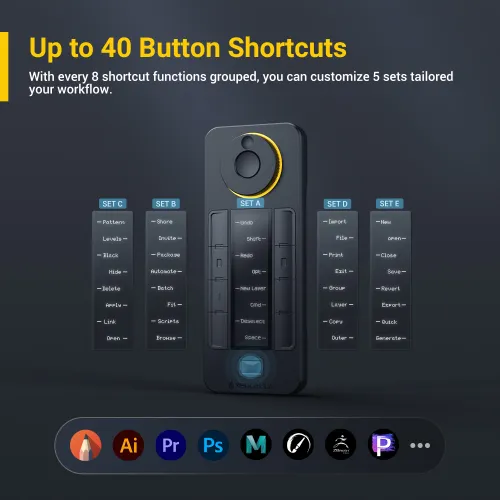
Xencelabs Quick Keys giúp các nghệ sĩ tích hợp phím tắt vào quy trình làm việc thường ngày thông qua một giao diện dễ sử dụng. Màn hình OLED và núm xoay vật lý của Quick Keys cho phép bạn tạo tối đa 40 phím tắt cho mỗi ứng dụng và nhóm các chức năng liên quan như phác thảo, tô màu và chỉnh sửa. Những nghệ sĩ trước đây từng thấy việc dùng phím tắt phiền phức giờ đây có thể tận hưởng một công cụ tăng hiệu suất mạnh mẽ.
FREE DELIVERY
SECURE PAYMENT
TECH SUPPORT
18-MONTH WARRANTY
Số lượng
 Đăng nhập và mua hàng để nhận khoảng 269 X-Coins



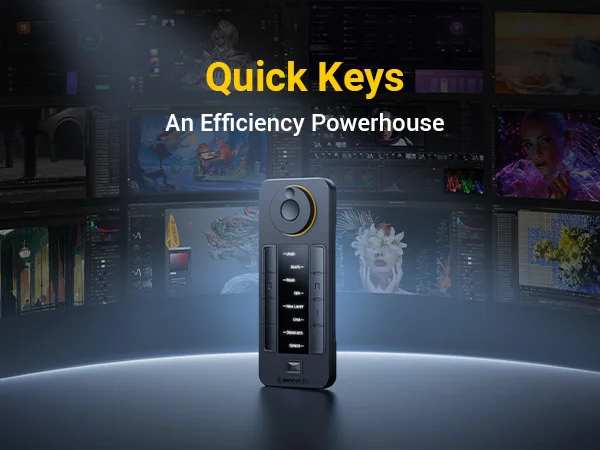
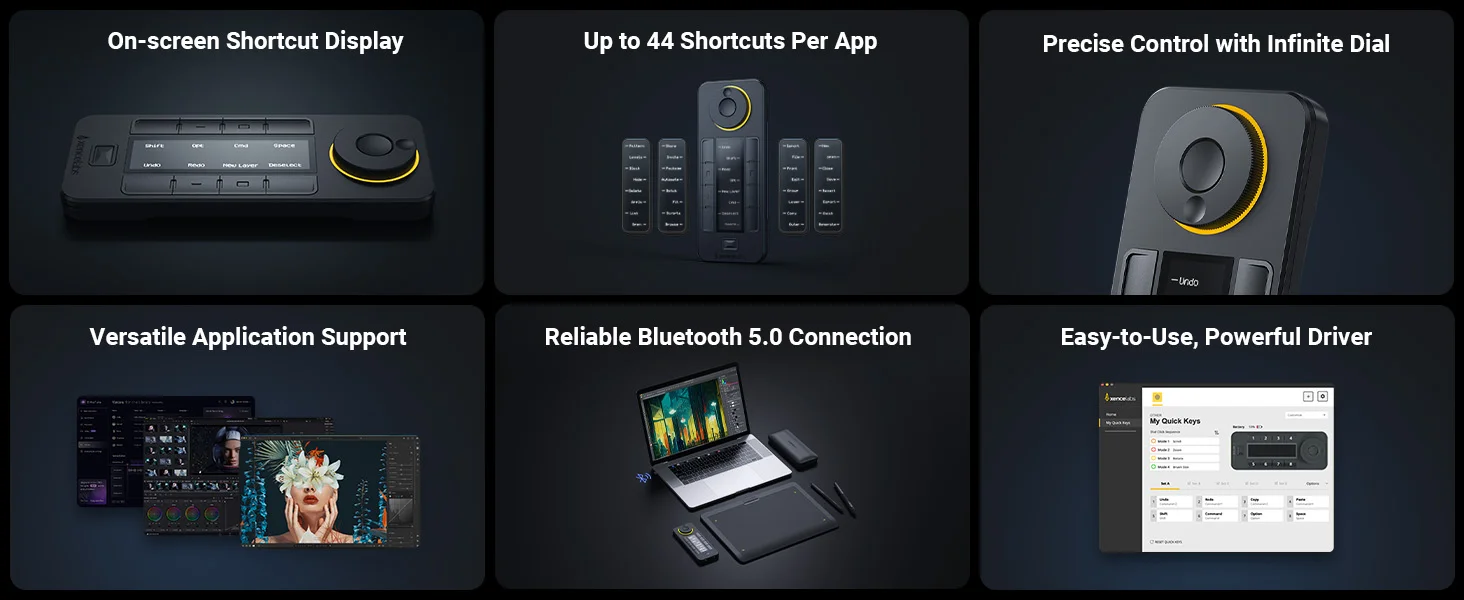
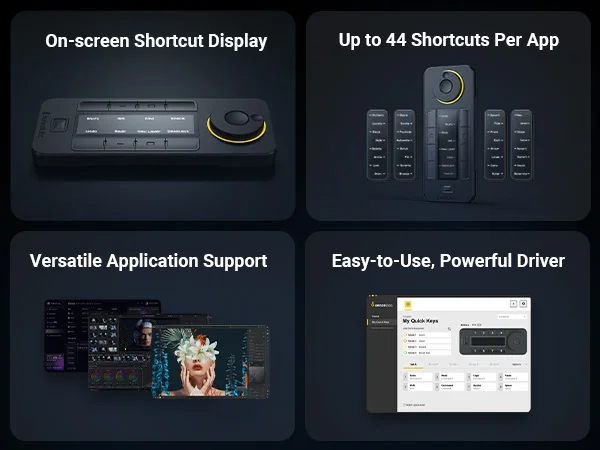
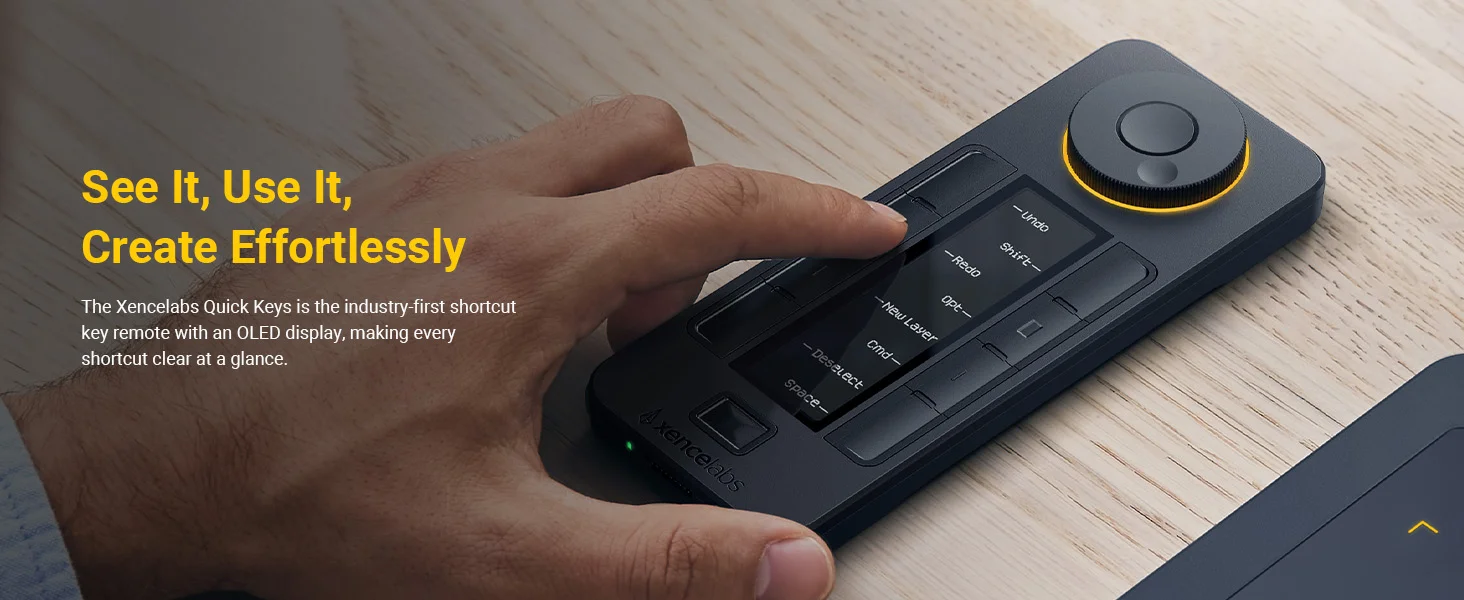
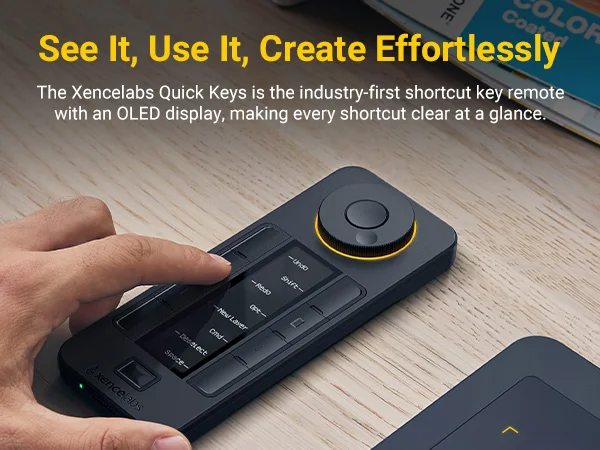
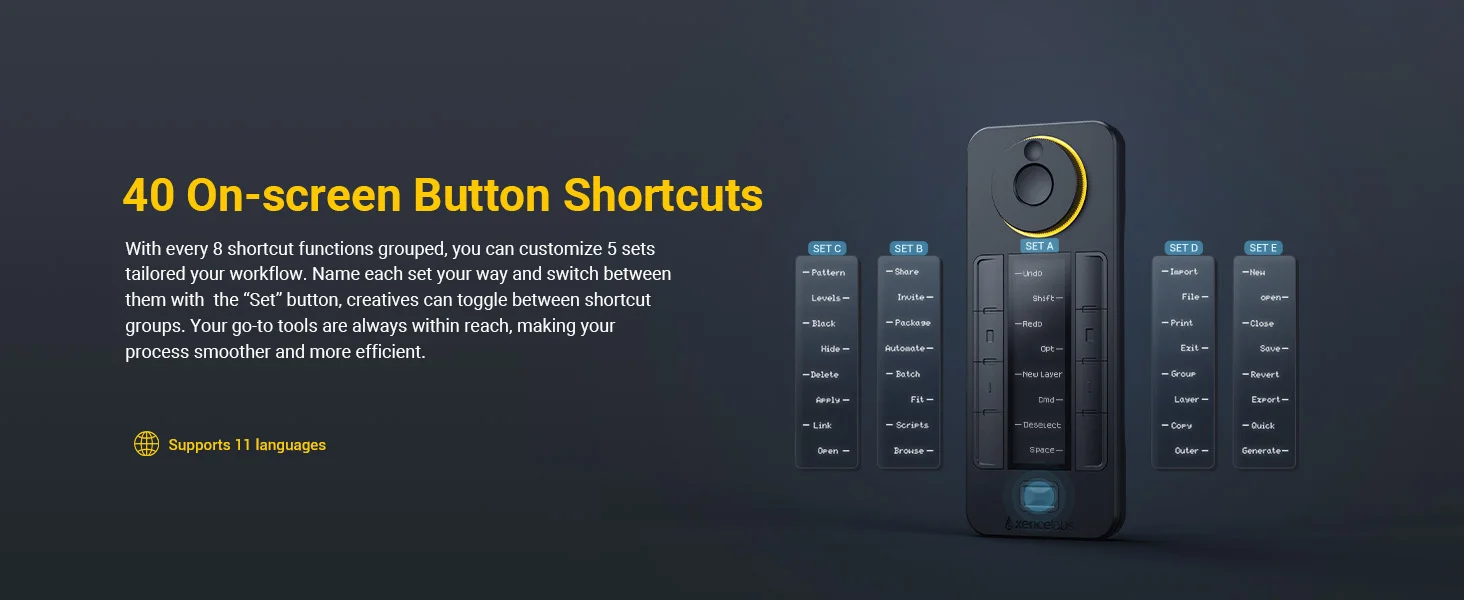
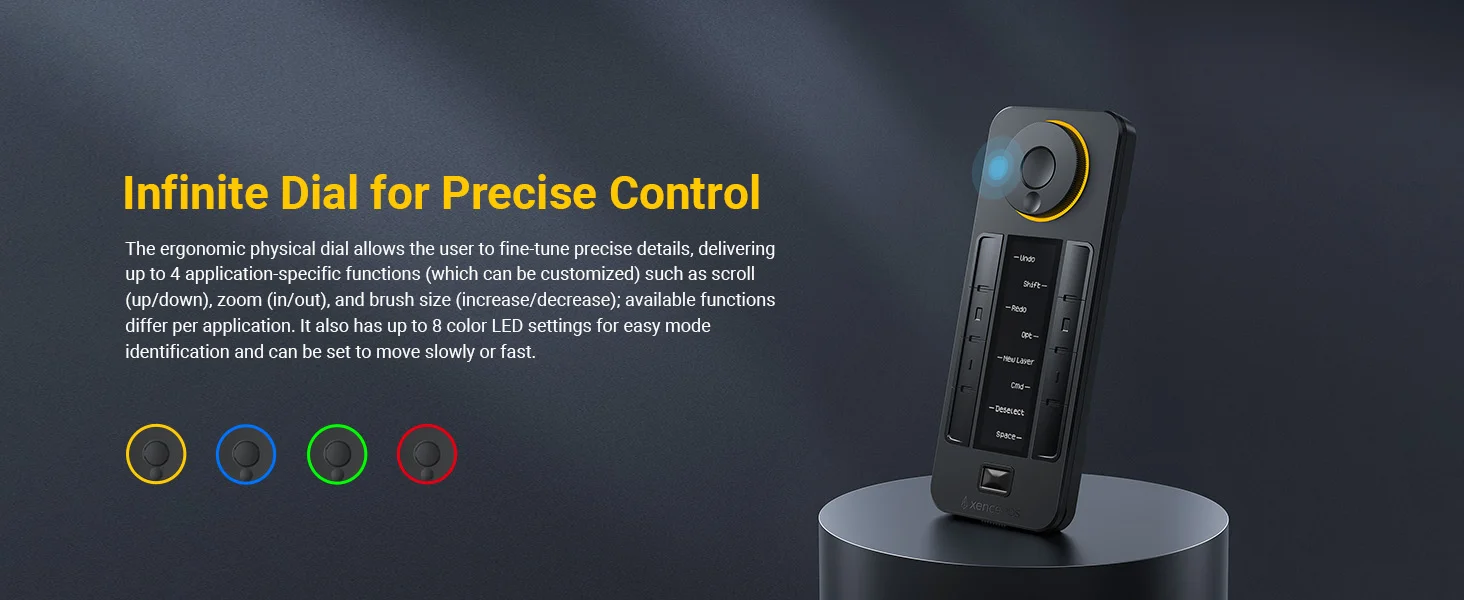
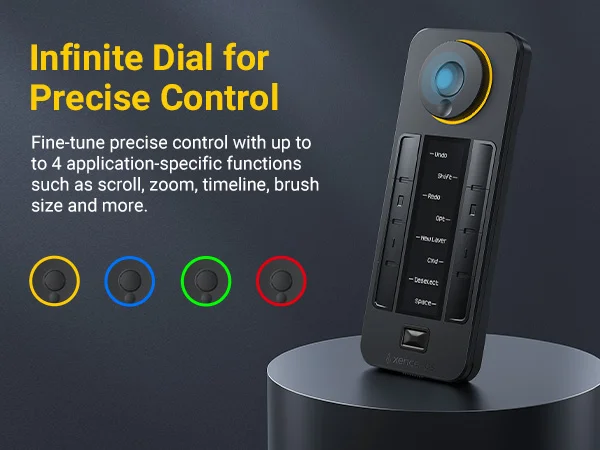


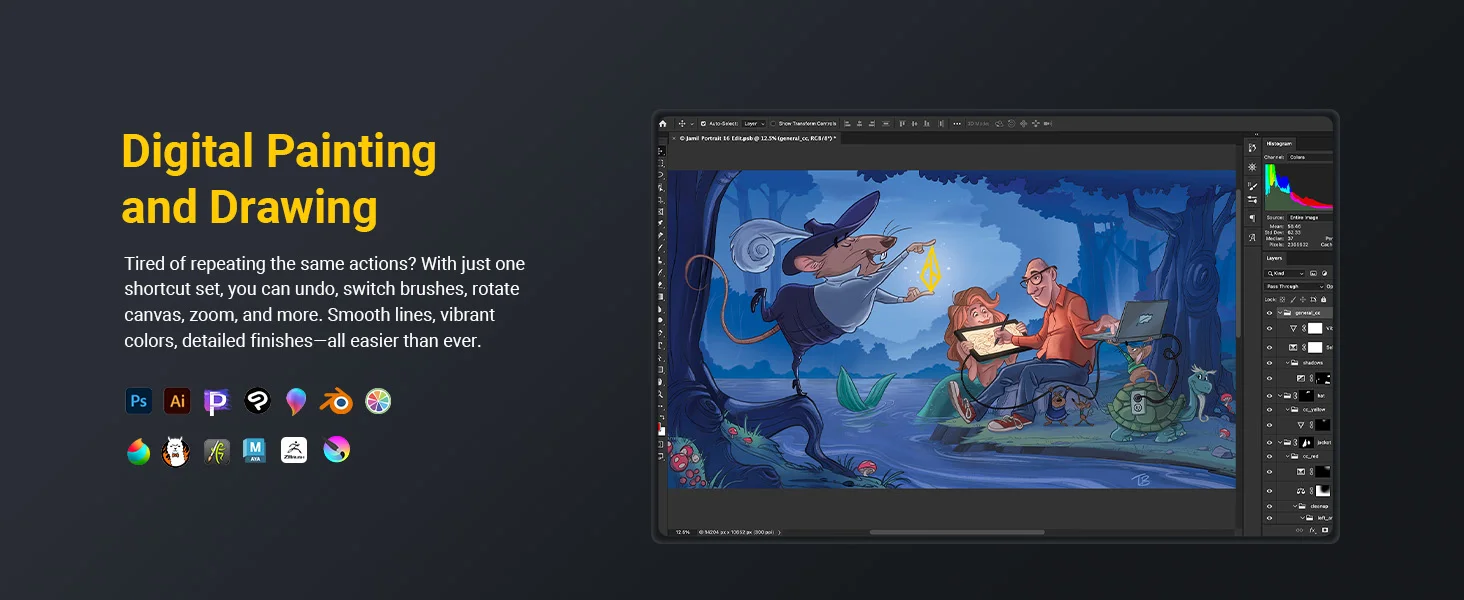
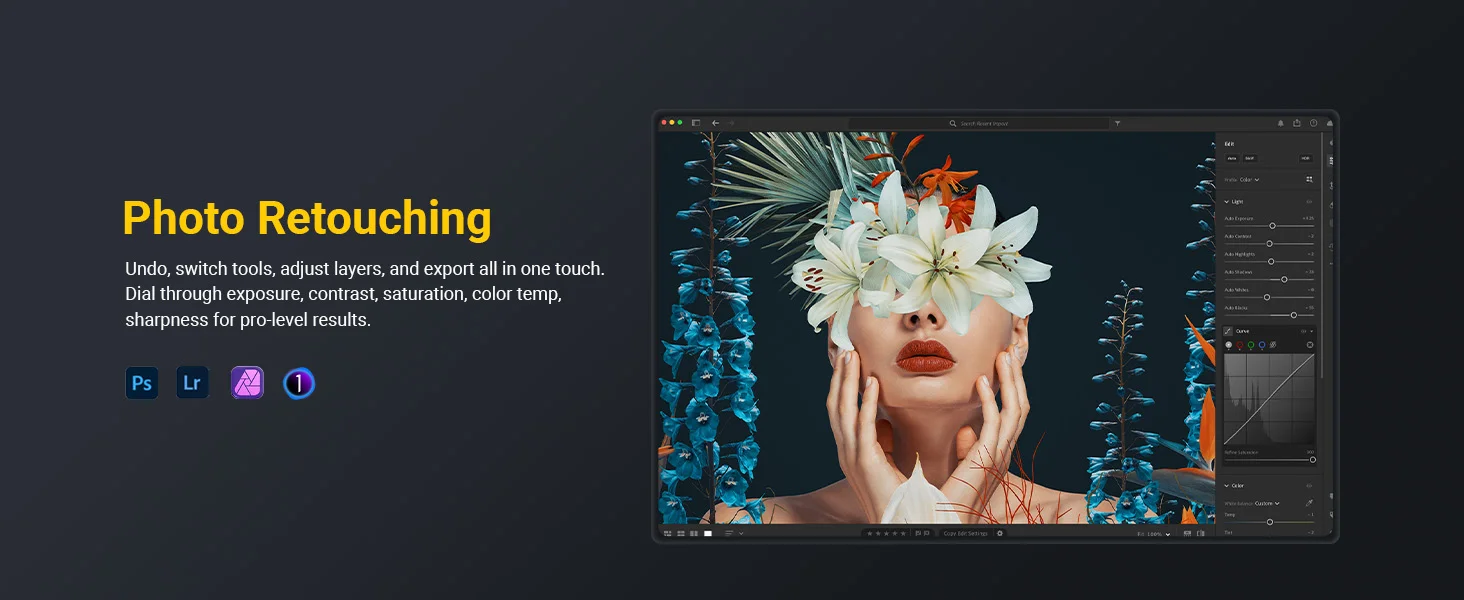
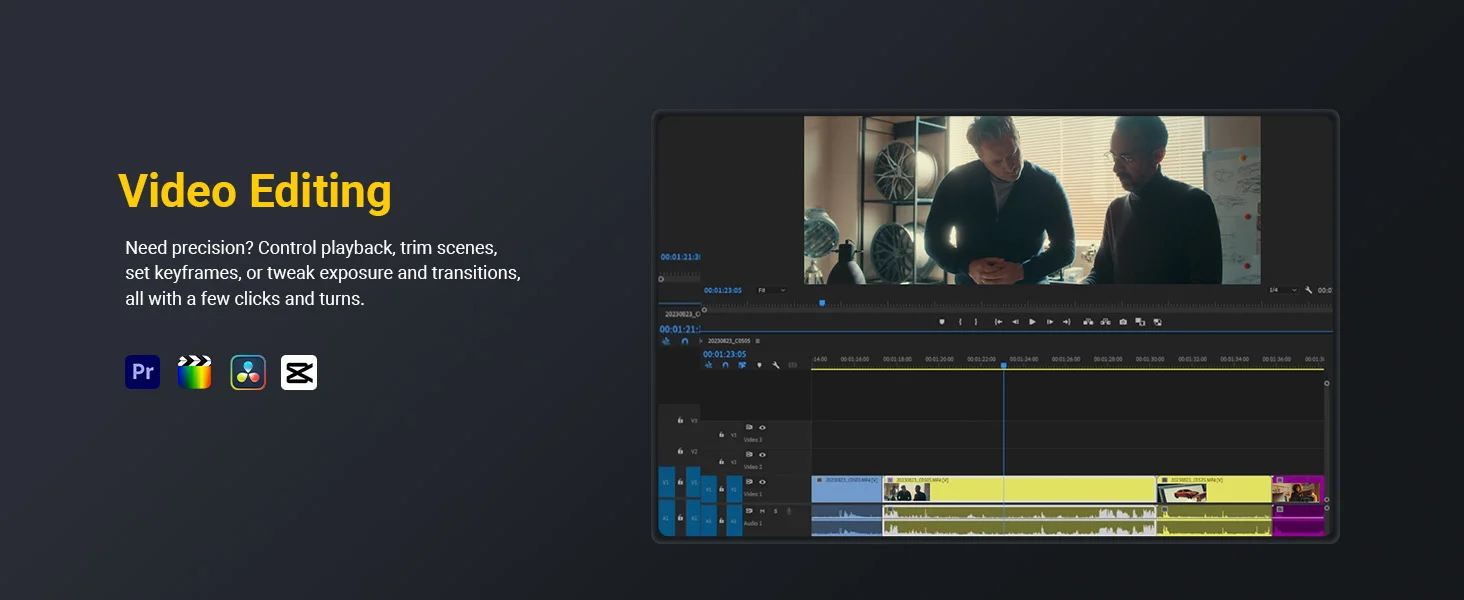
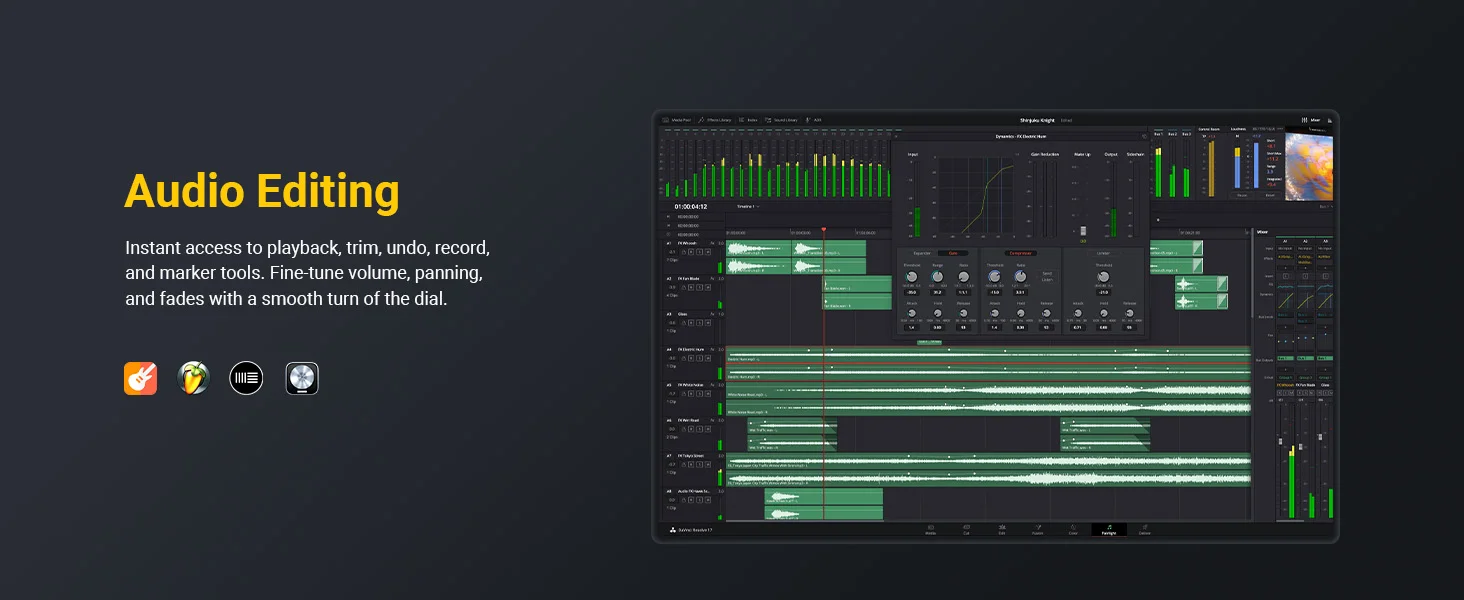
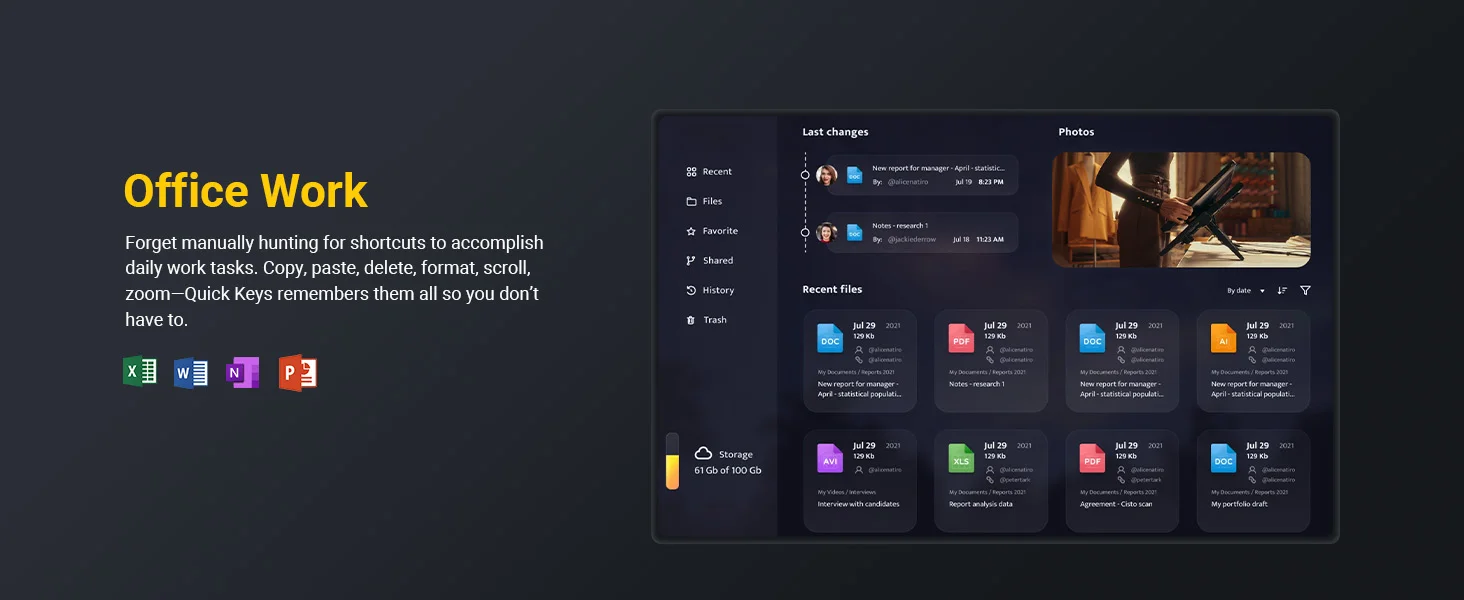
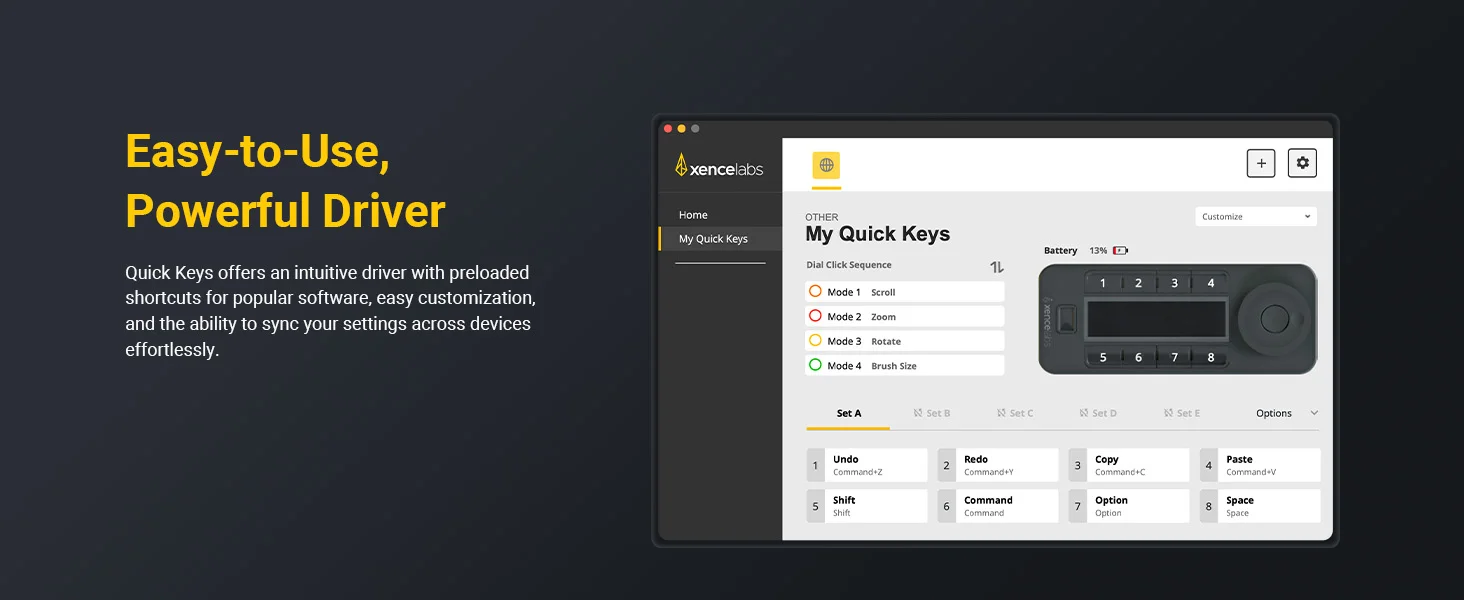
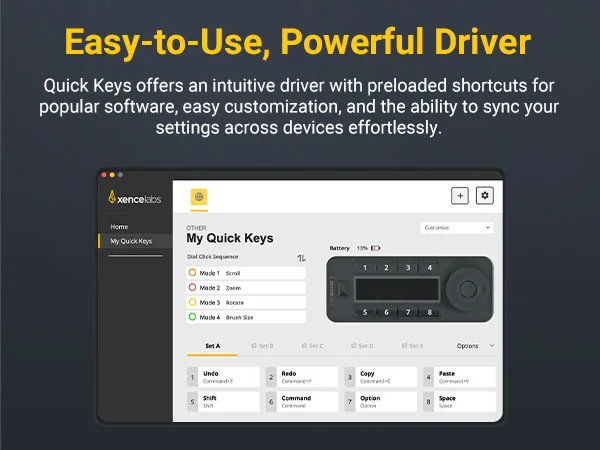
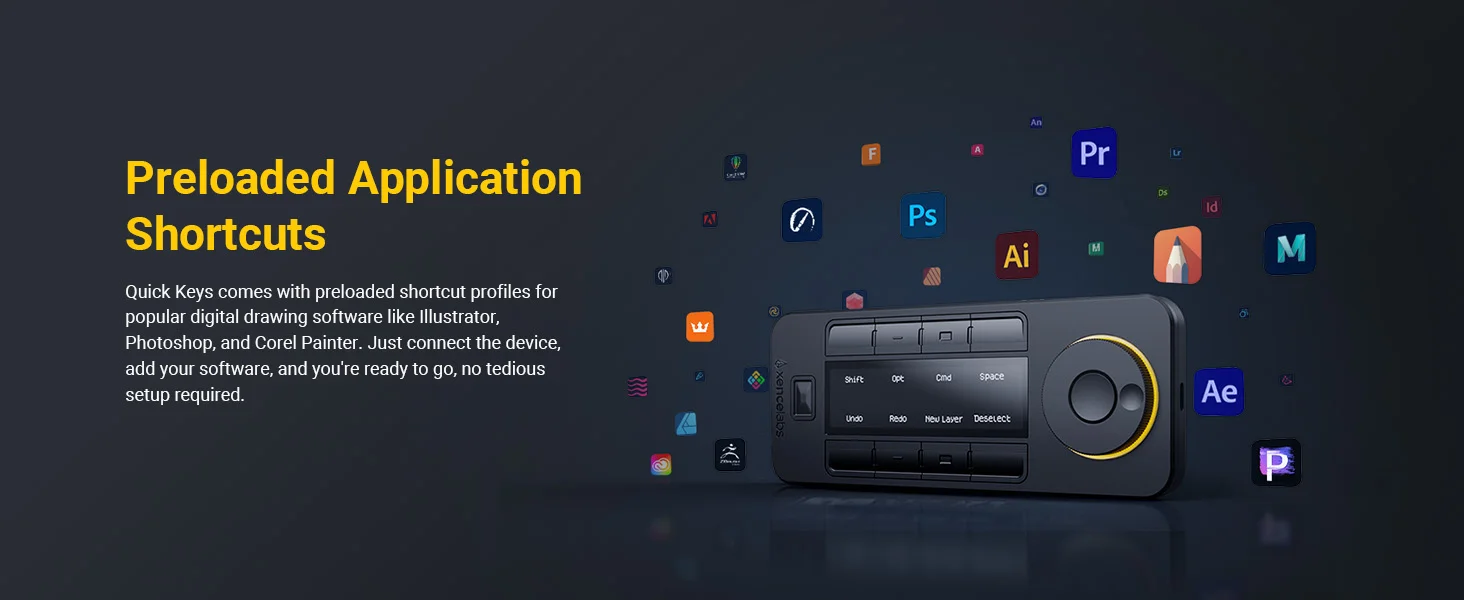

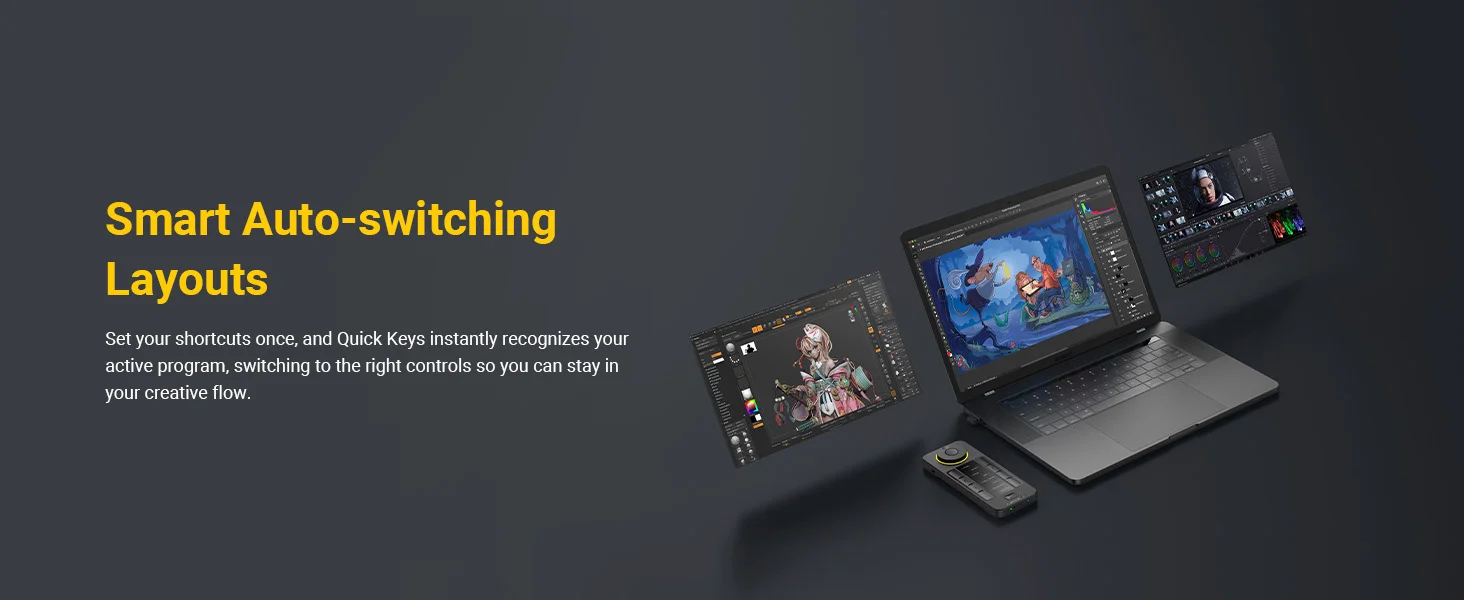
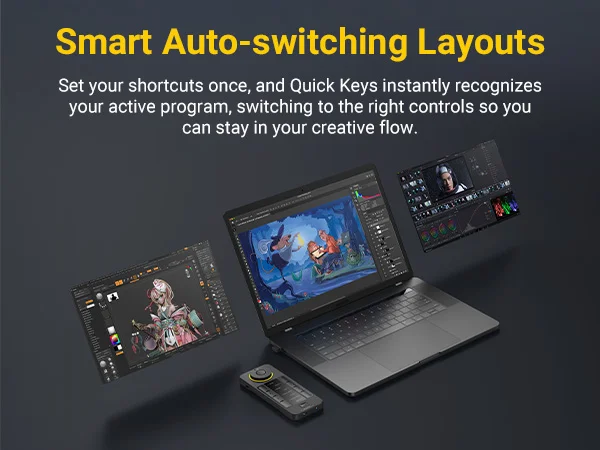
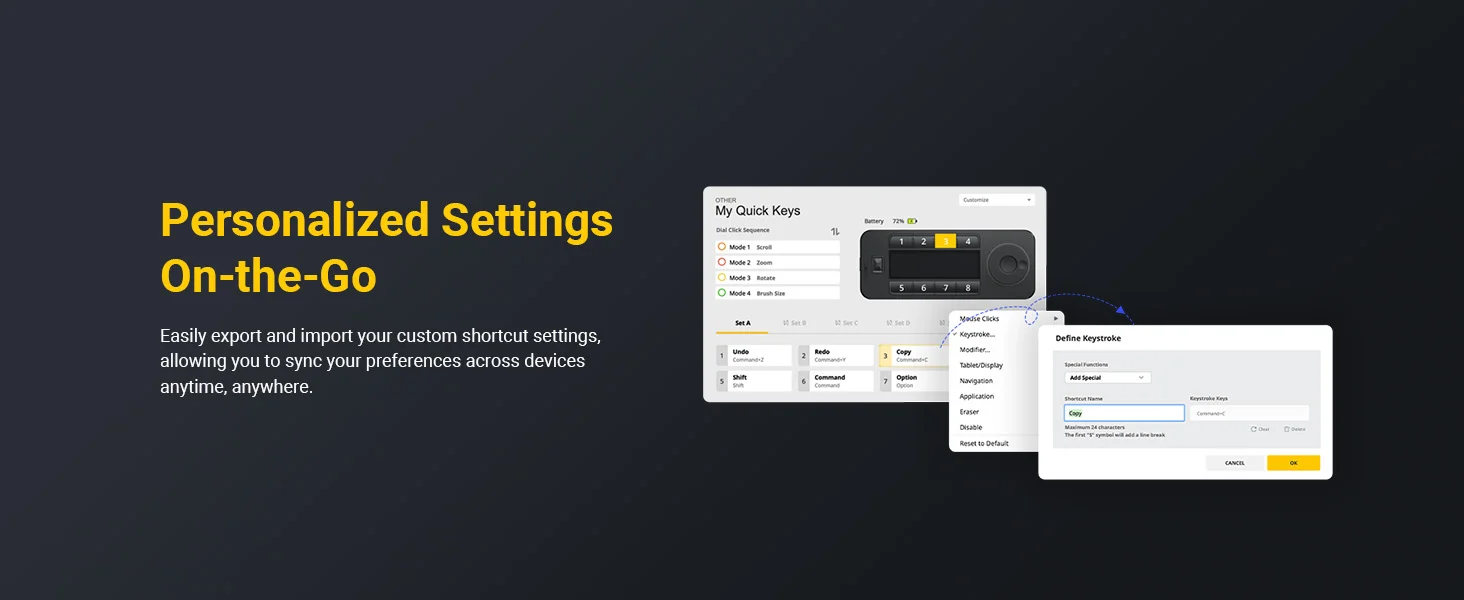
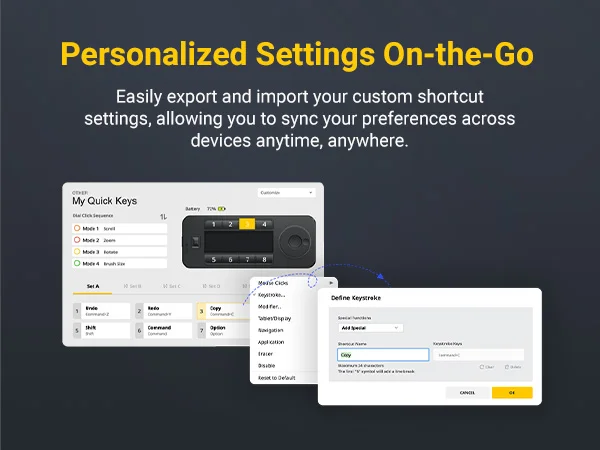
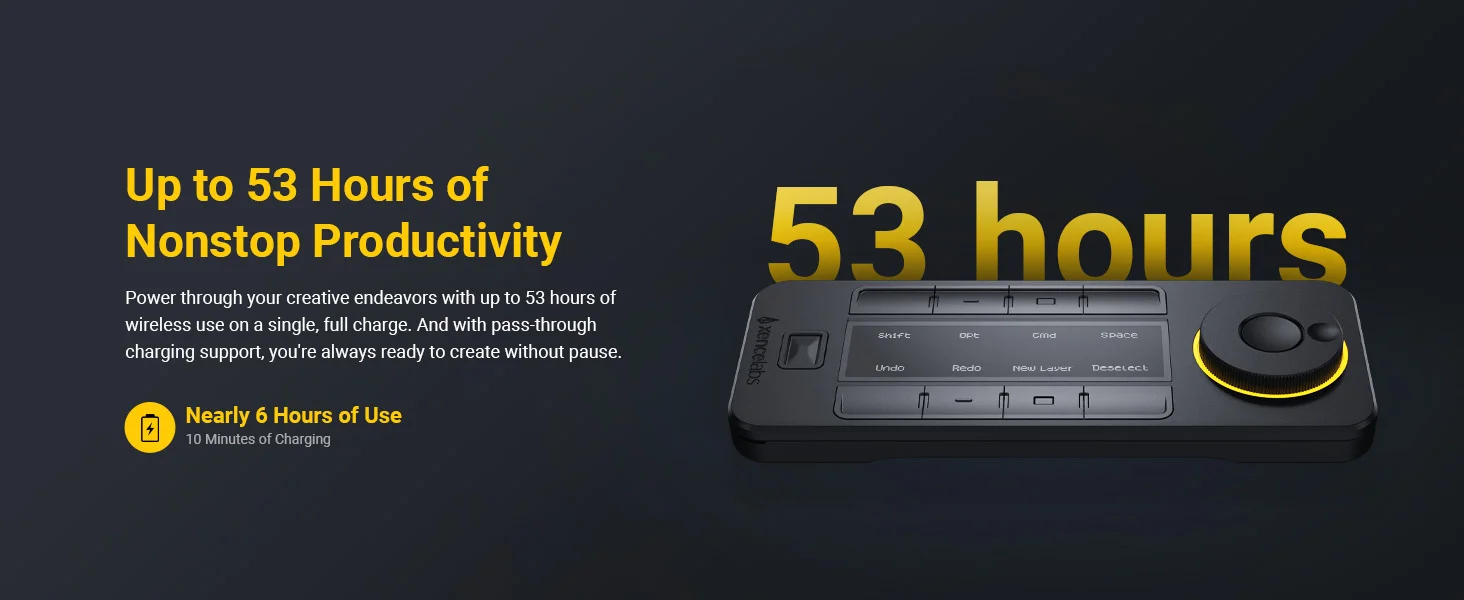

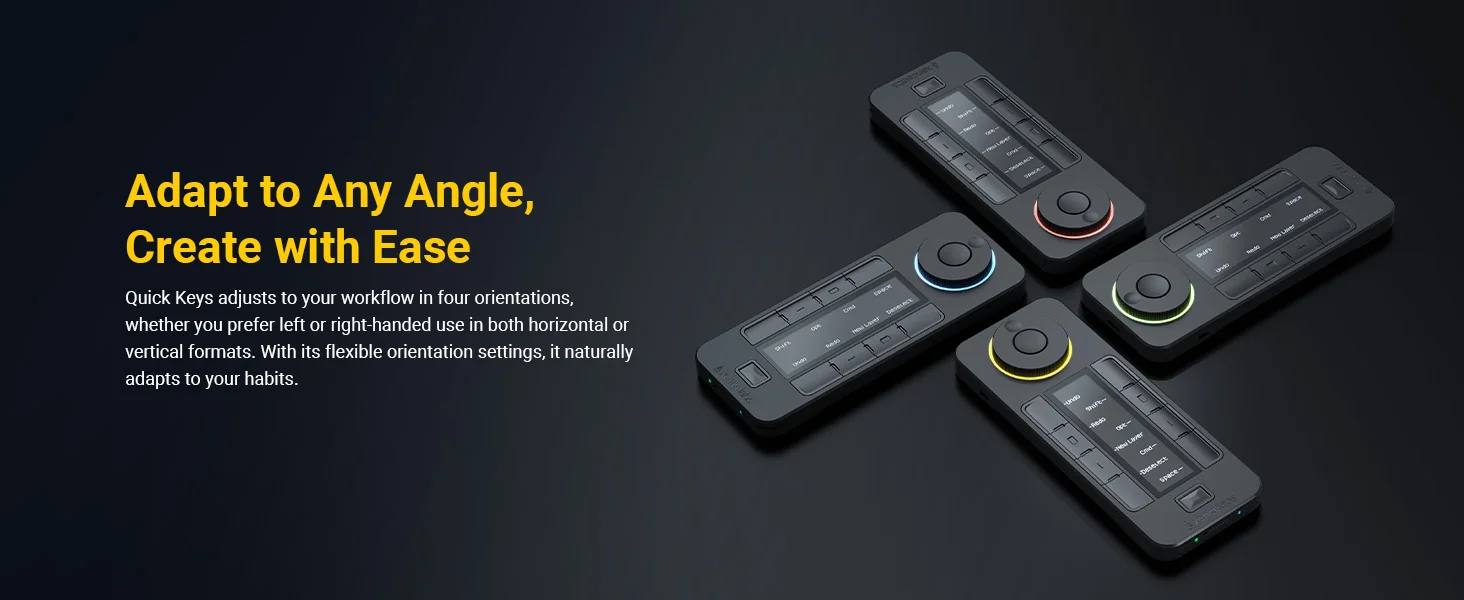
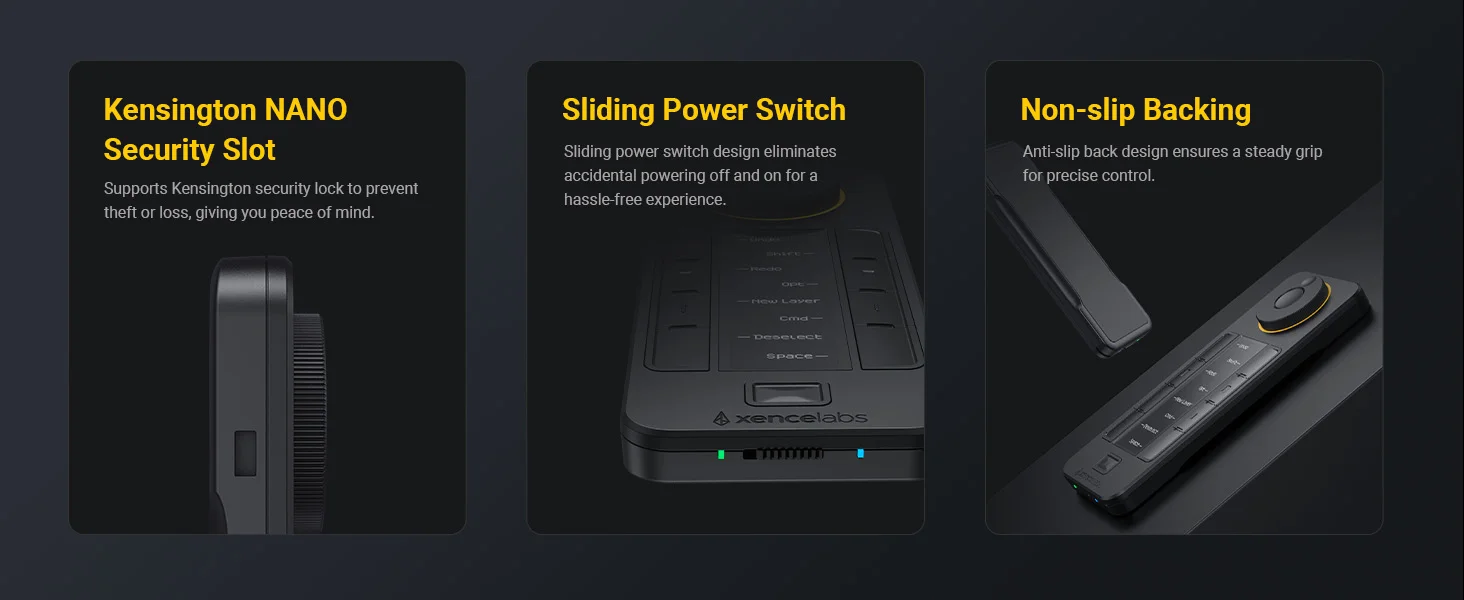
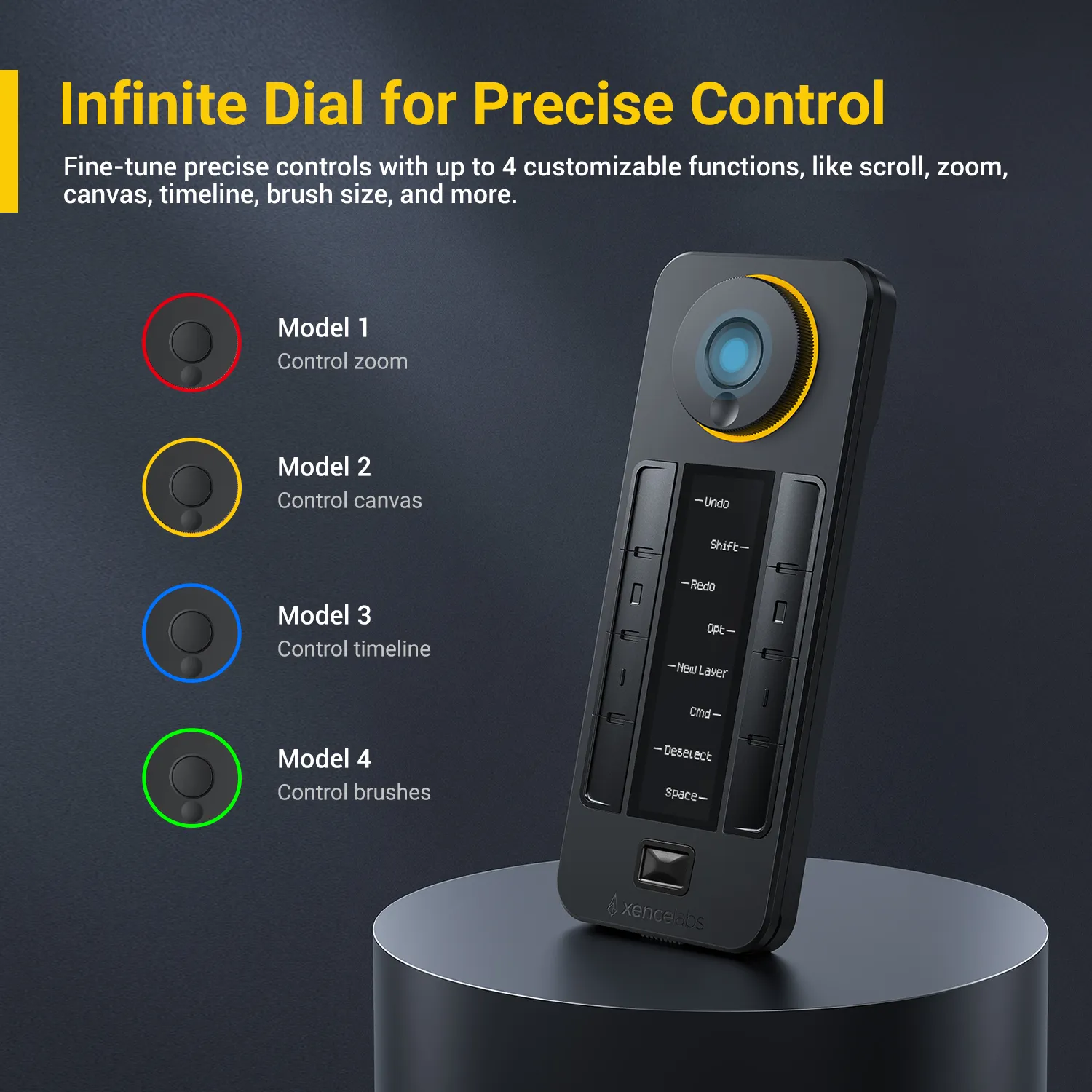
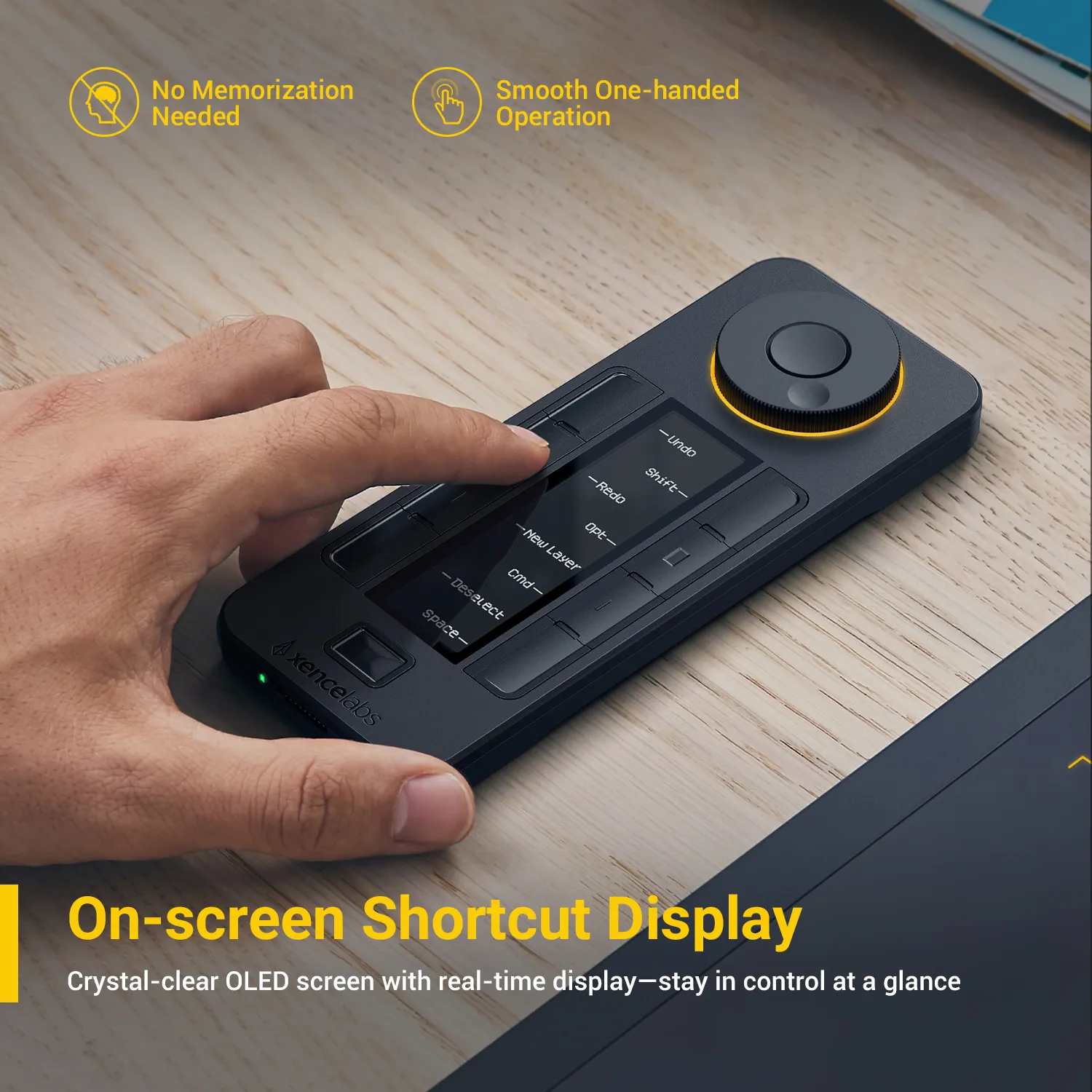
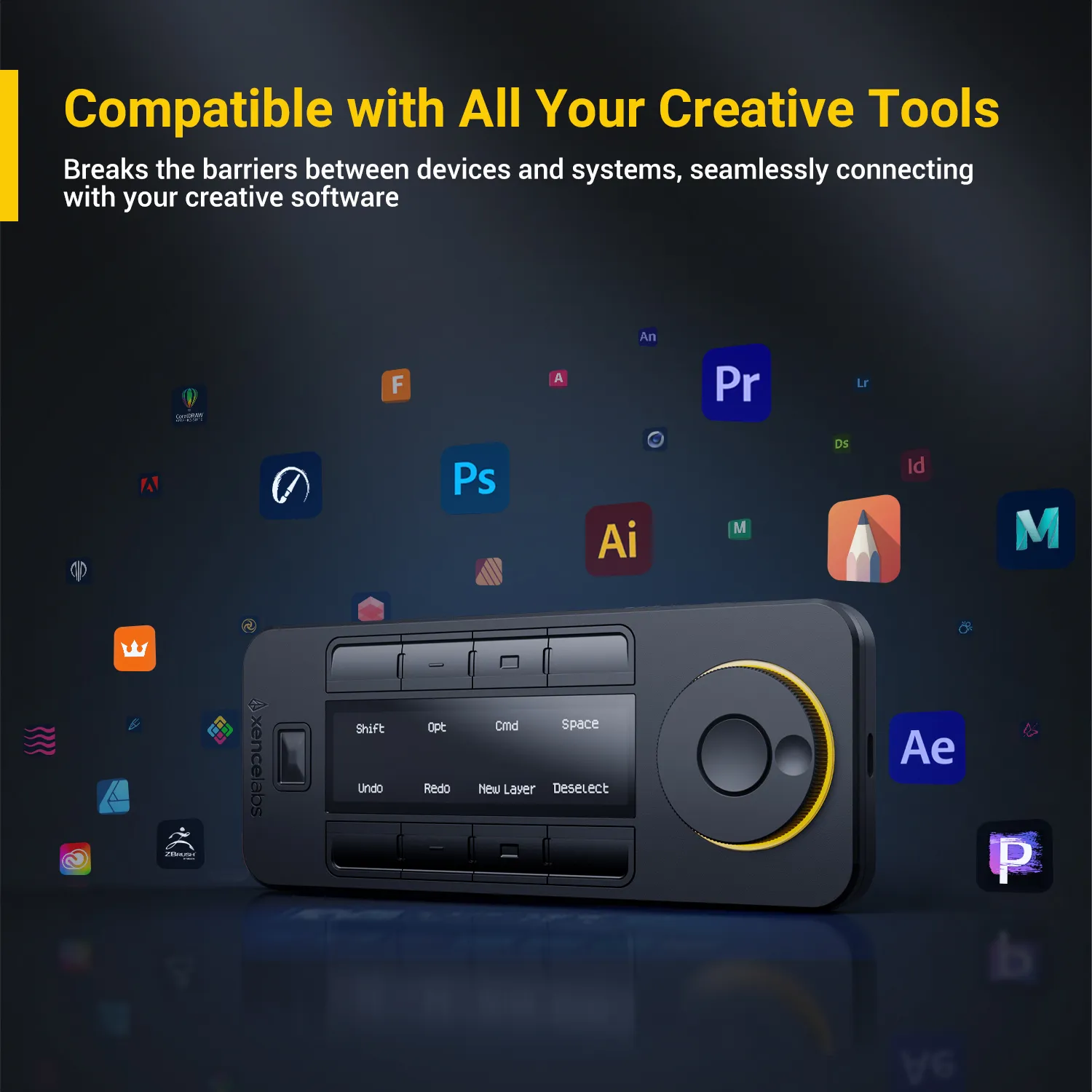
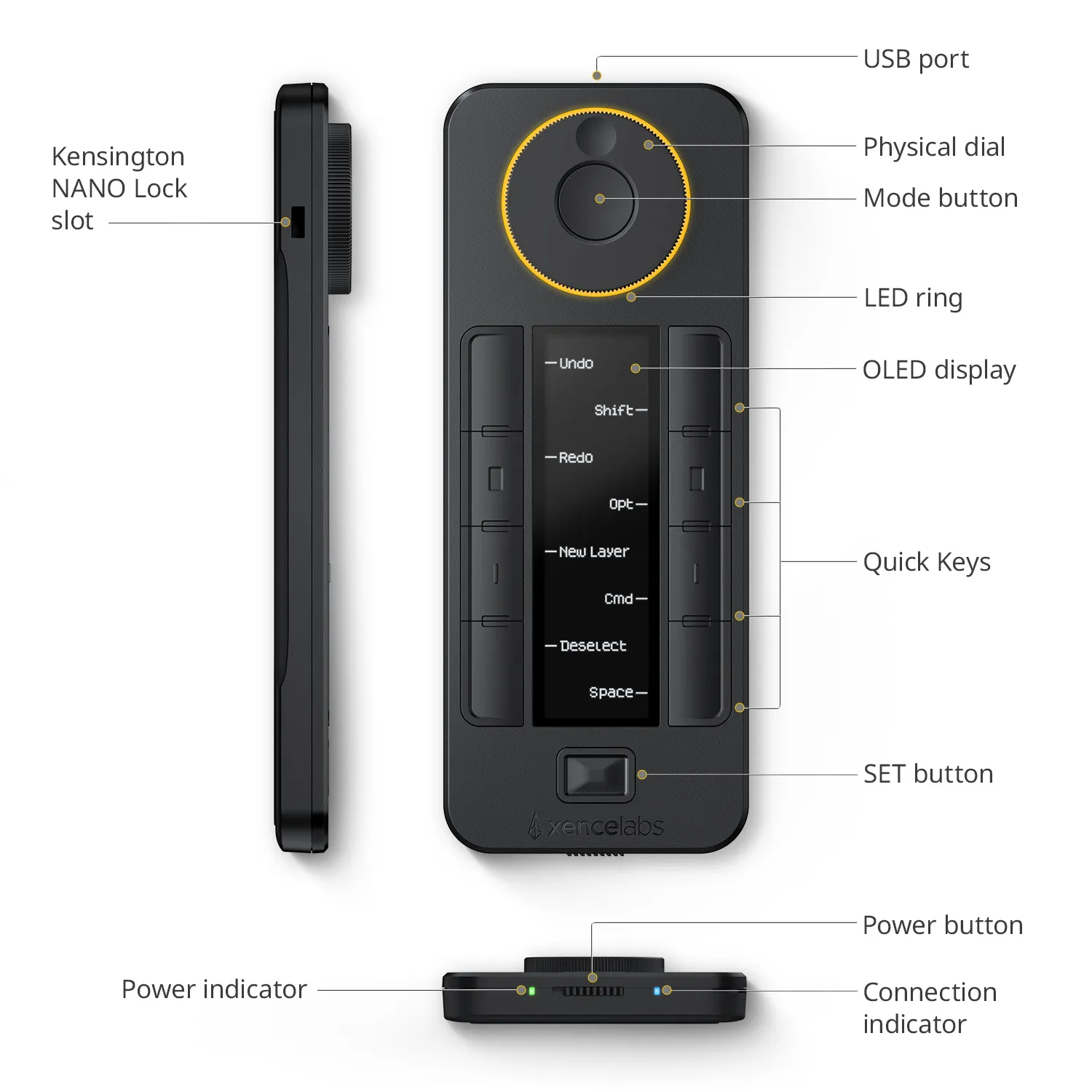
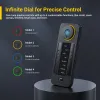
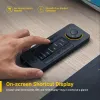
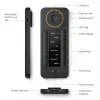
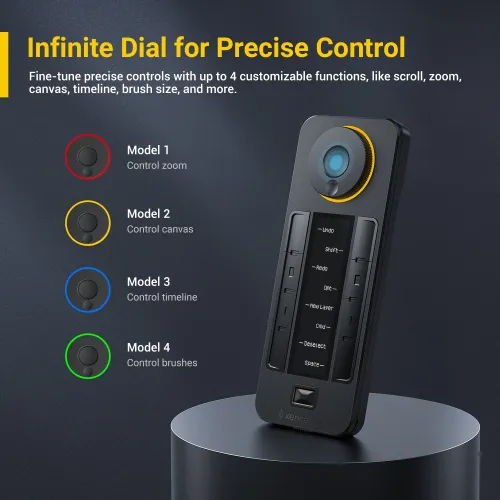
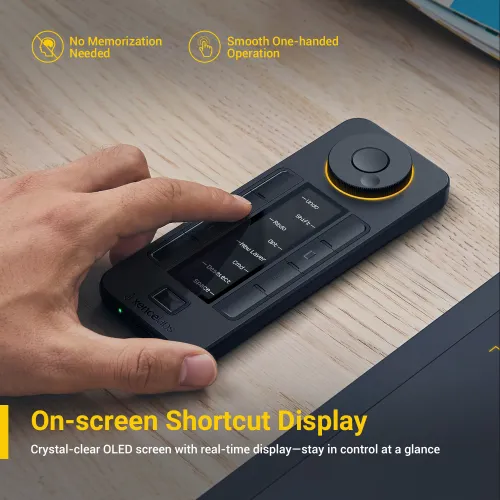
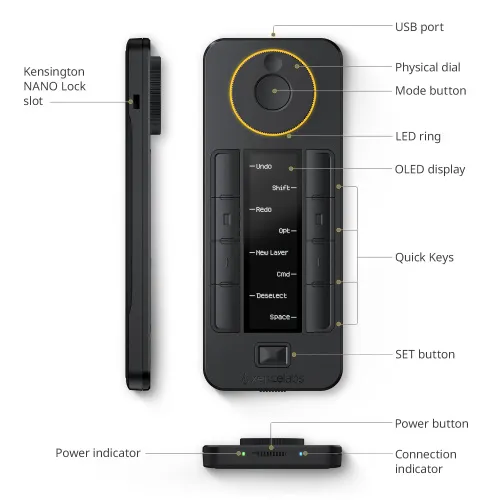
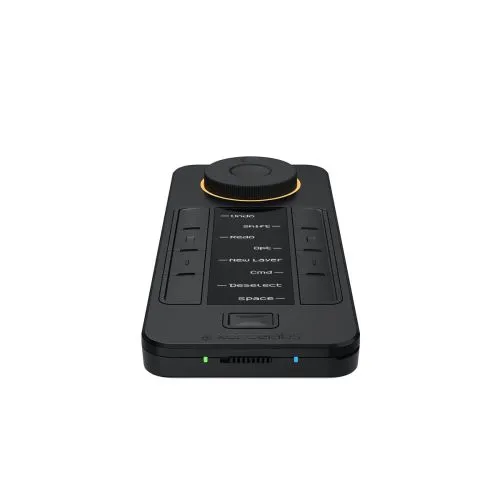
The programmable physical dial scrolls through up to 40 shortcuts per application with specific functions like zoom, brush size, layers, etc. You can also quickly switch between key groups within an application (like sketching, coloring, and editing) by keying the Quick Keys’s “Set” button. The Quick Keys’s OLED display makes it easy to remember which keys are assigned to which shortcut and the programmable color ring indicates which function you’re currently using. The adjustable sleep timer ensures your Quick Keys will remain on while you work.
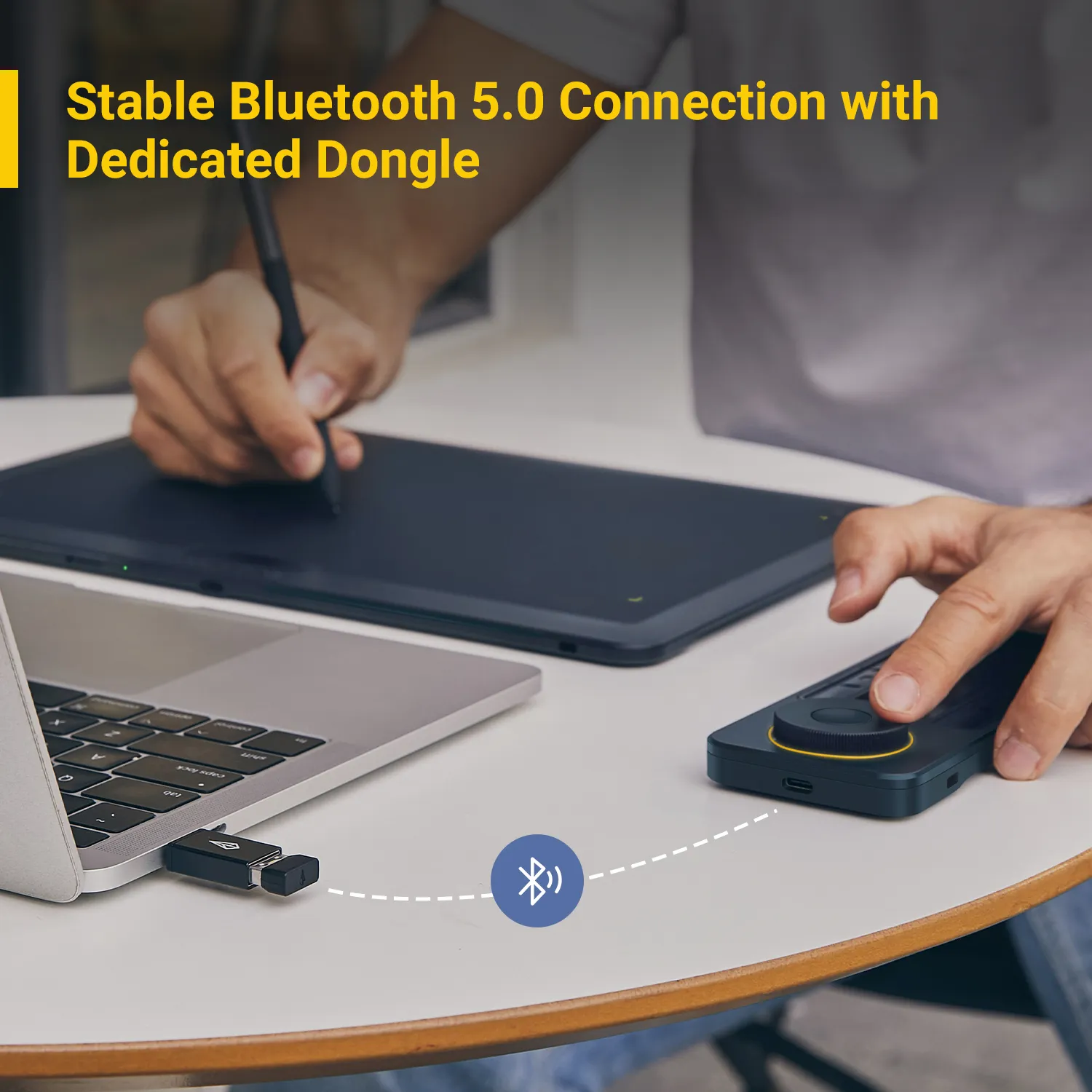
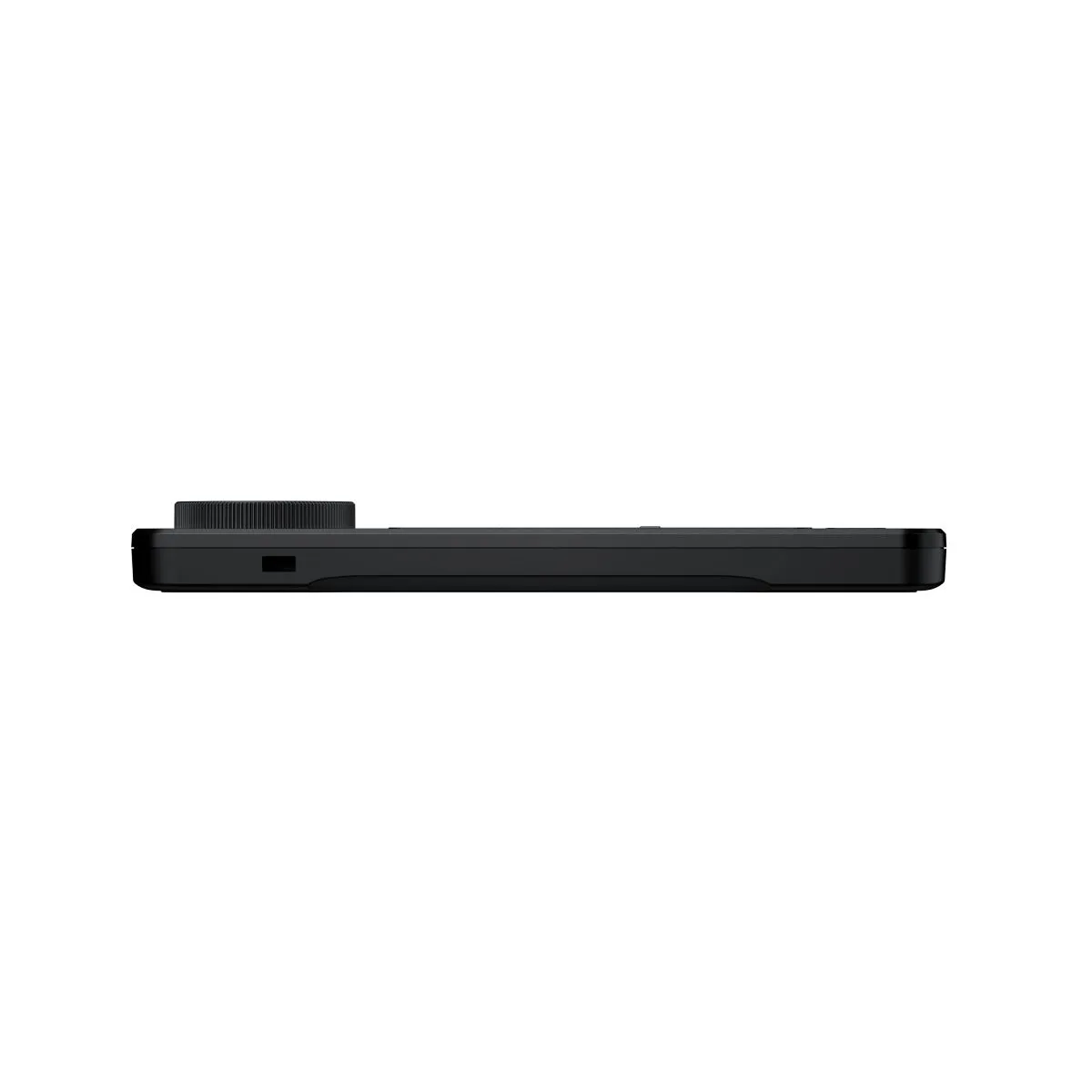
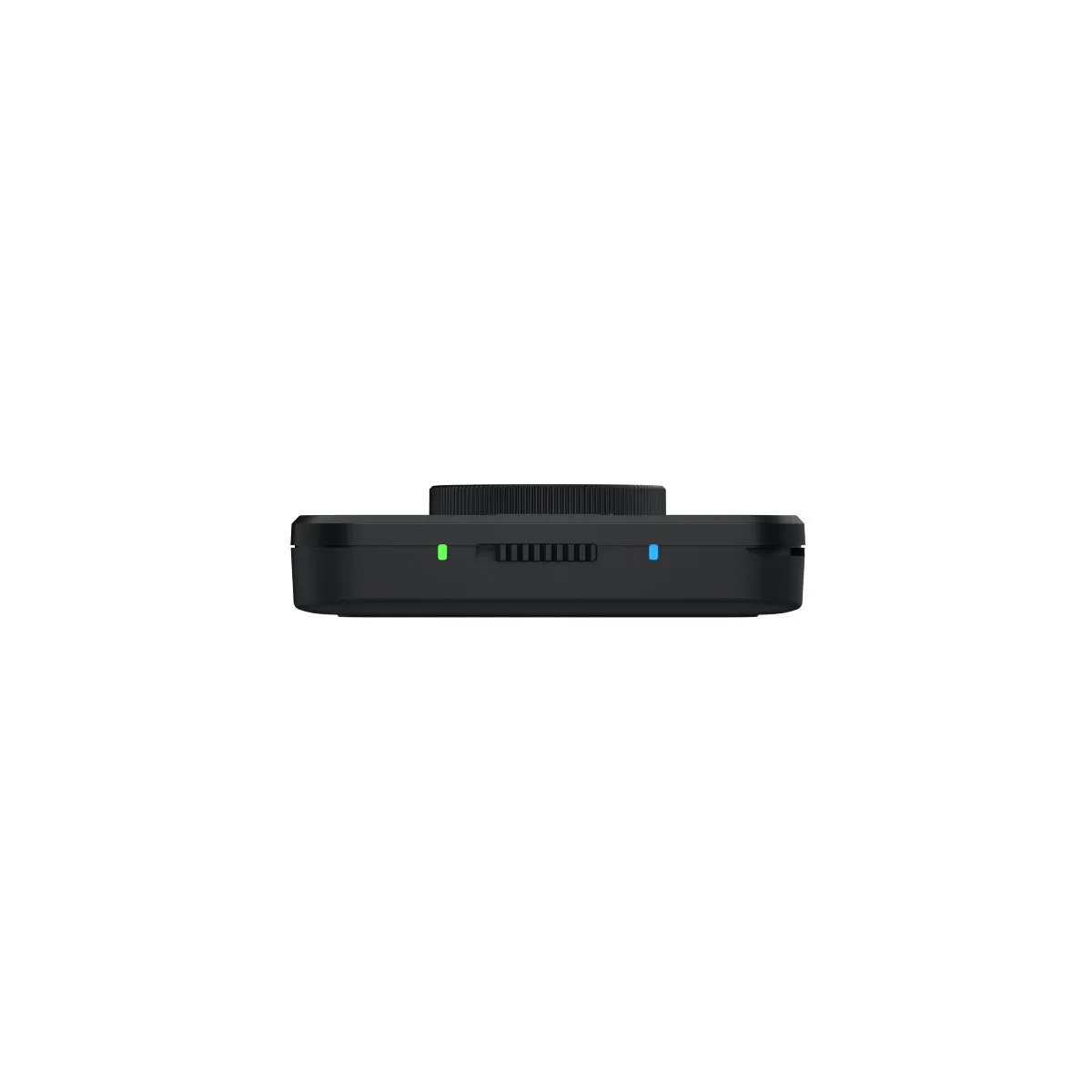
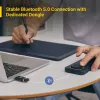
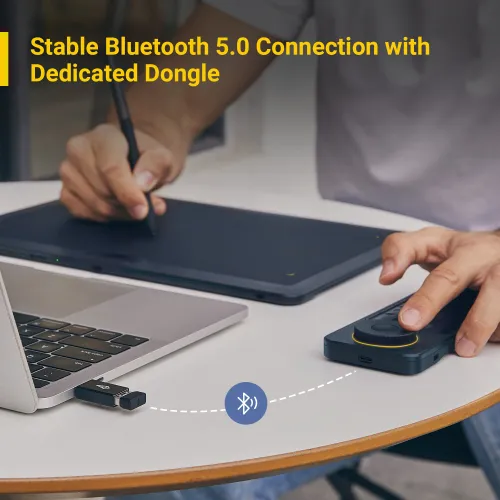
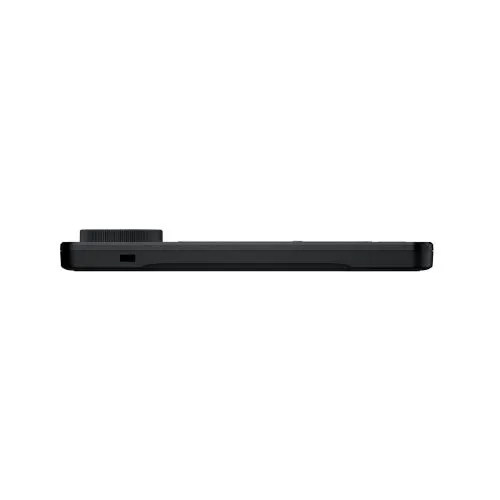
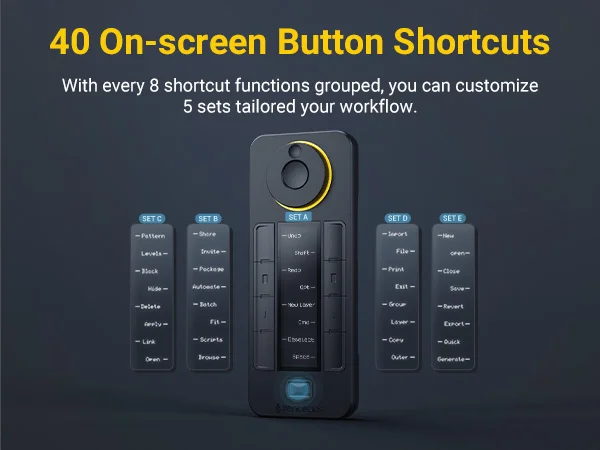
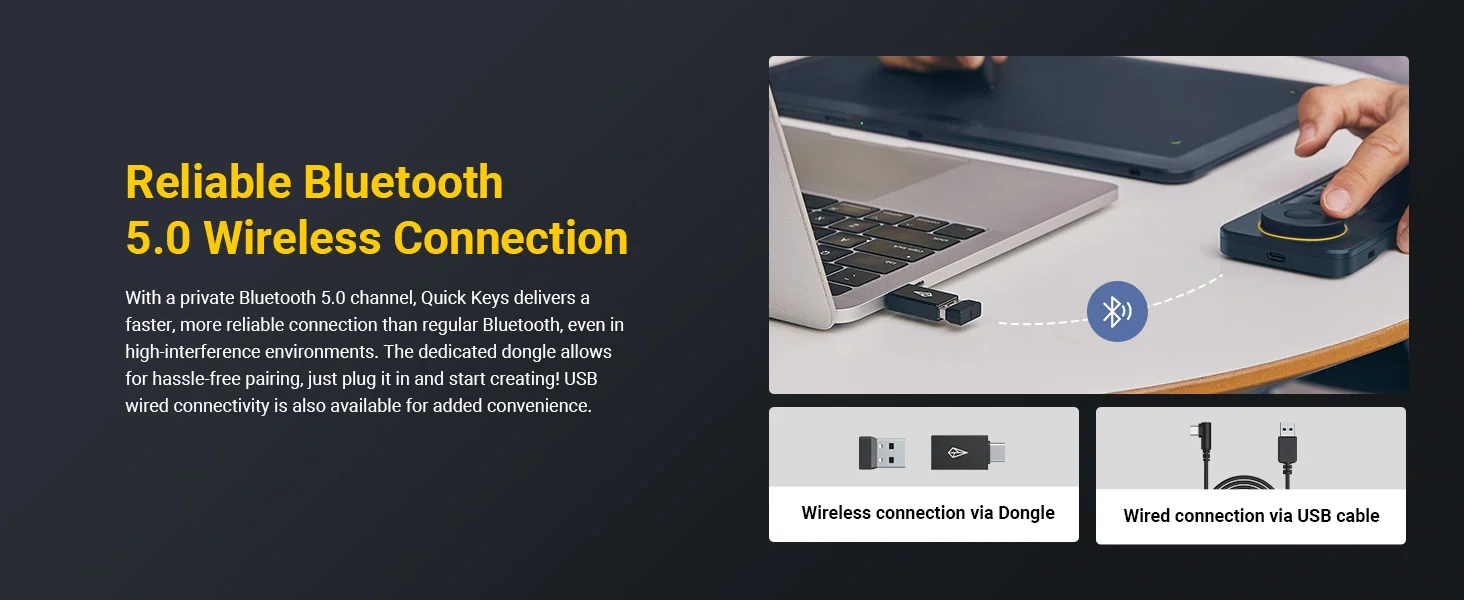
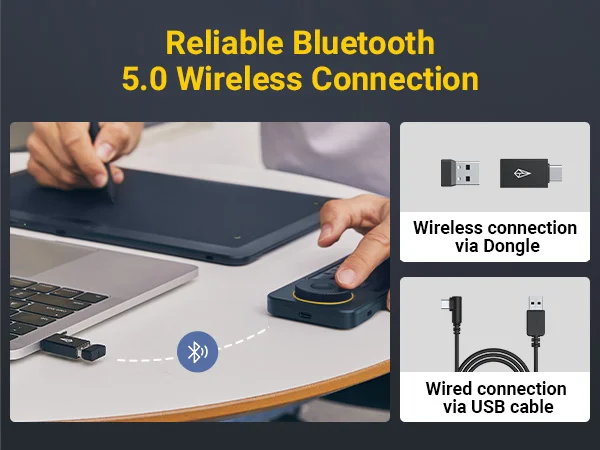
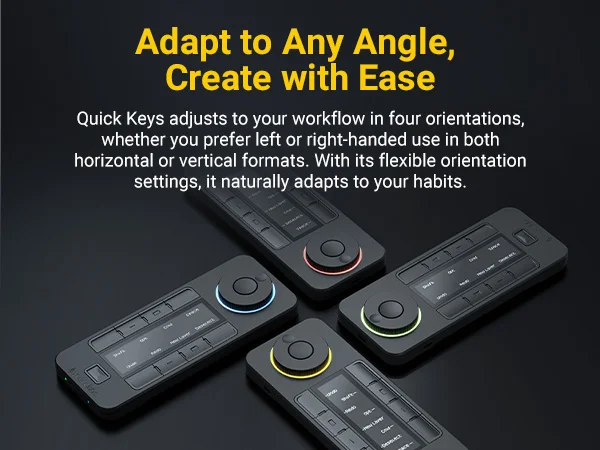
The Quick Keys was designed for comfort which the wireless connection allows by giving the artist freedom to position the controller in four different orientations to best fit your preferences.; Left-handedor right-handed, wireless or wired, with 5 sets of 8 keys, that allows up to 40 programmable functions per application, the Quick Keys will optimize your workflow.
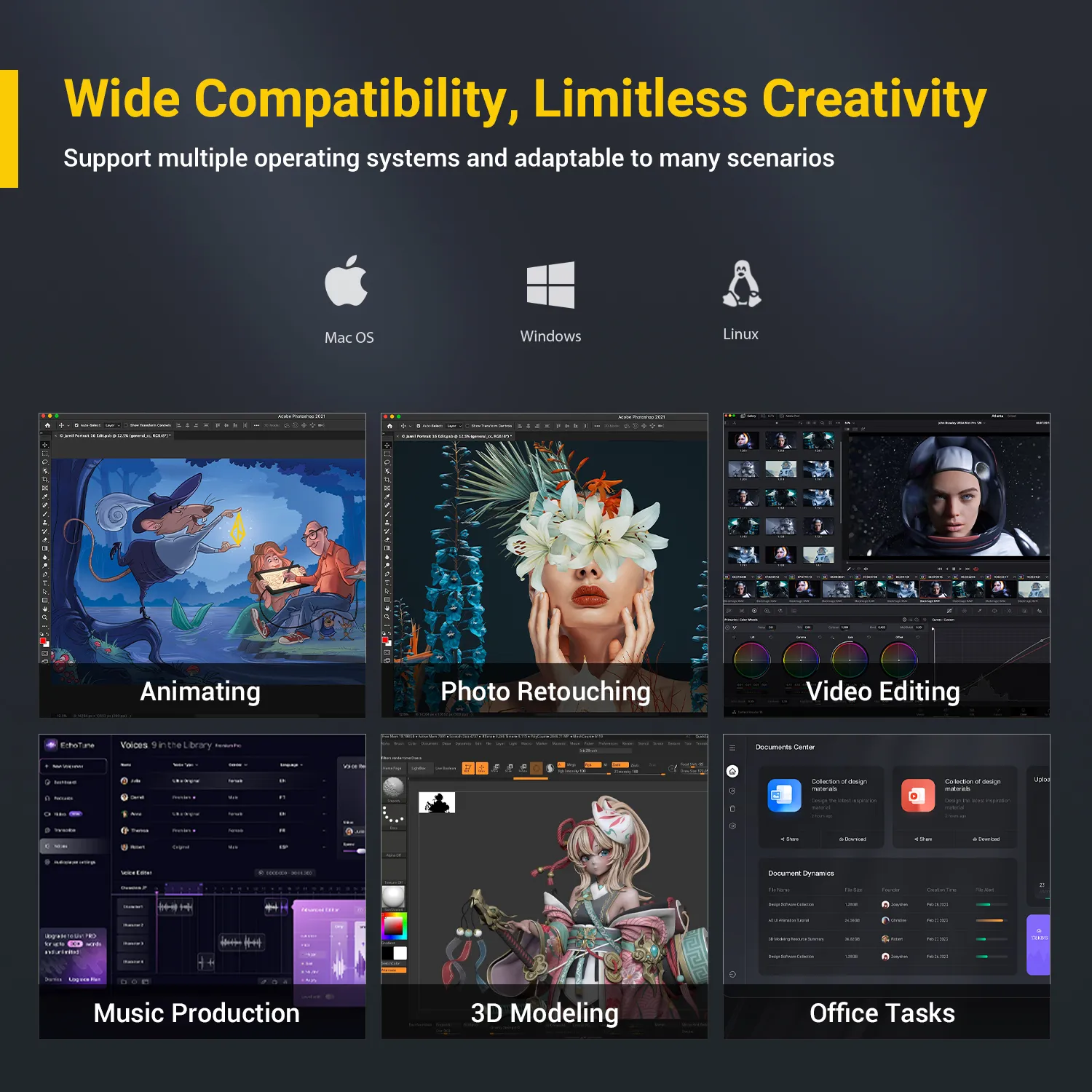
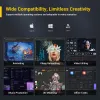
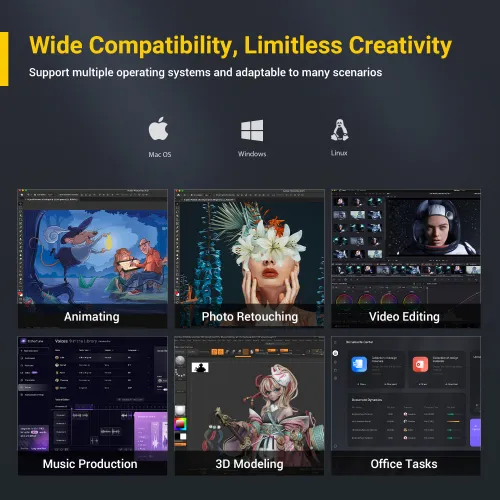
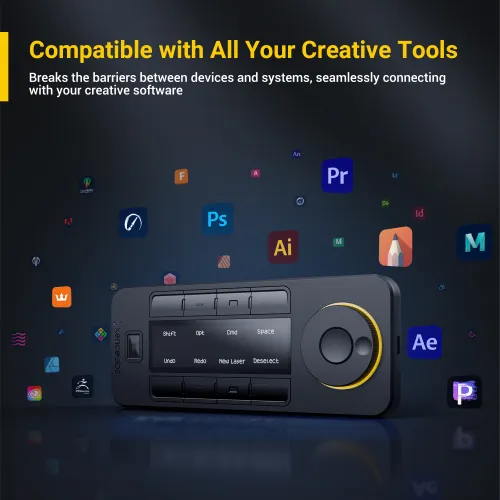
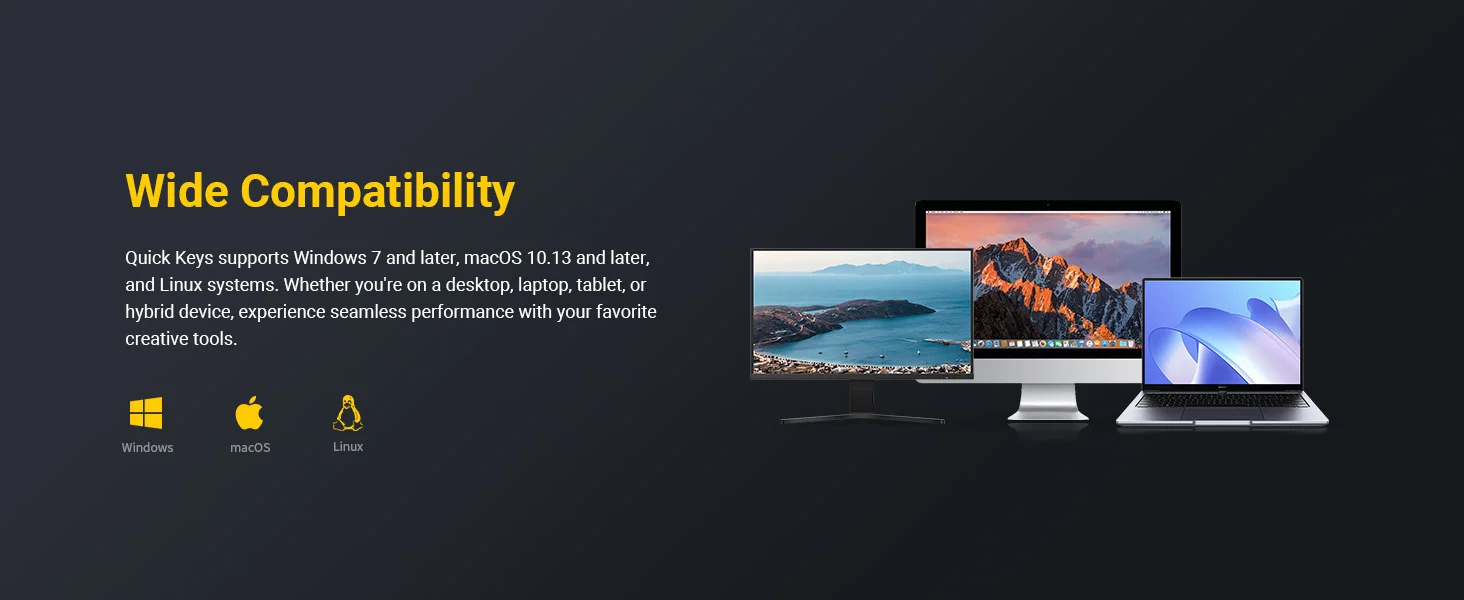
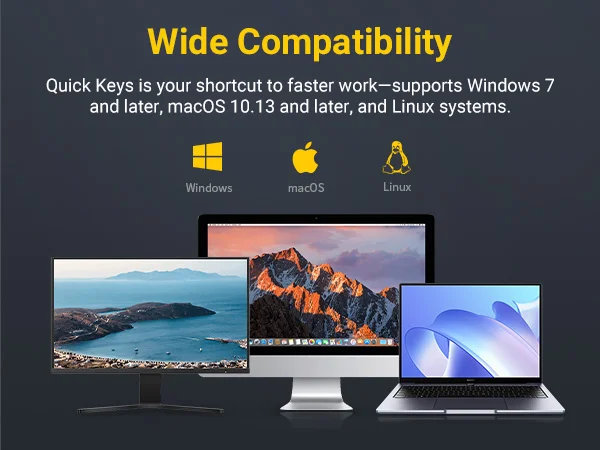
What is not compatible and not supported with the Quick Keys and Xencelabs driver: Raspberry PI (all versions), Android operating systems, iOS (Apple iPad, iPhone) operating systems, Stream Deck, Sony PlayStation, Windows Xbox.
Notes
Not supported on iOS or Android; cannot run on tablets such as iPads.
Does not support macro commands, script automation, third-party plugin integration, or multitasking automation.
 Không có đánh giá Tạm thời không có tư vấn nào